
Go from following tutorials
to building your own Houdini career.
Built for artists who want to use Houdini professionally.
Level Up teaches you how Houdini actually thinks - so you have the independence to:
○ Design your own shots and workflows from scratch
○ Complete full generalist projects independently
○ Freelance with the skills to deliver your own ideas
○ Build a foundation that makes every future Houdini skill easier

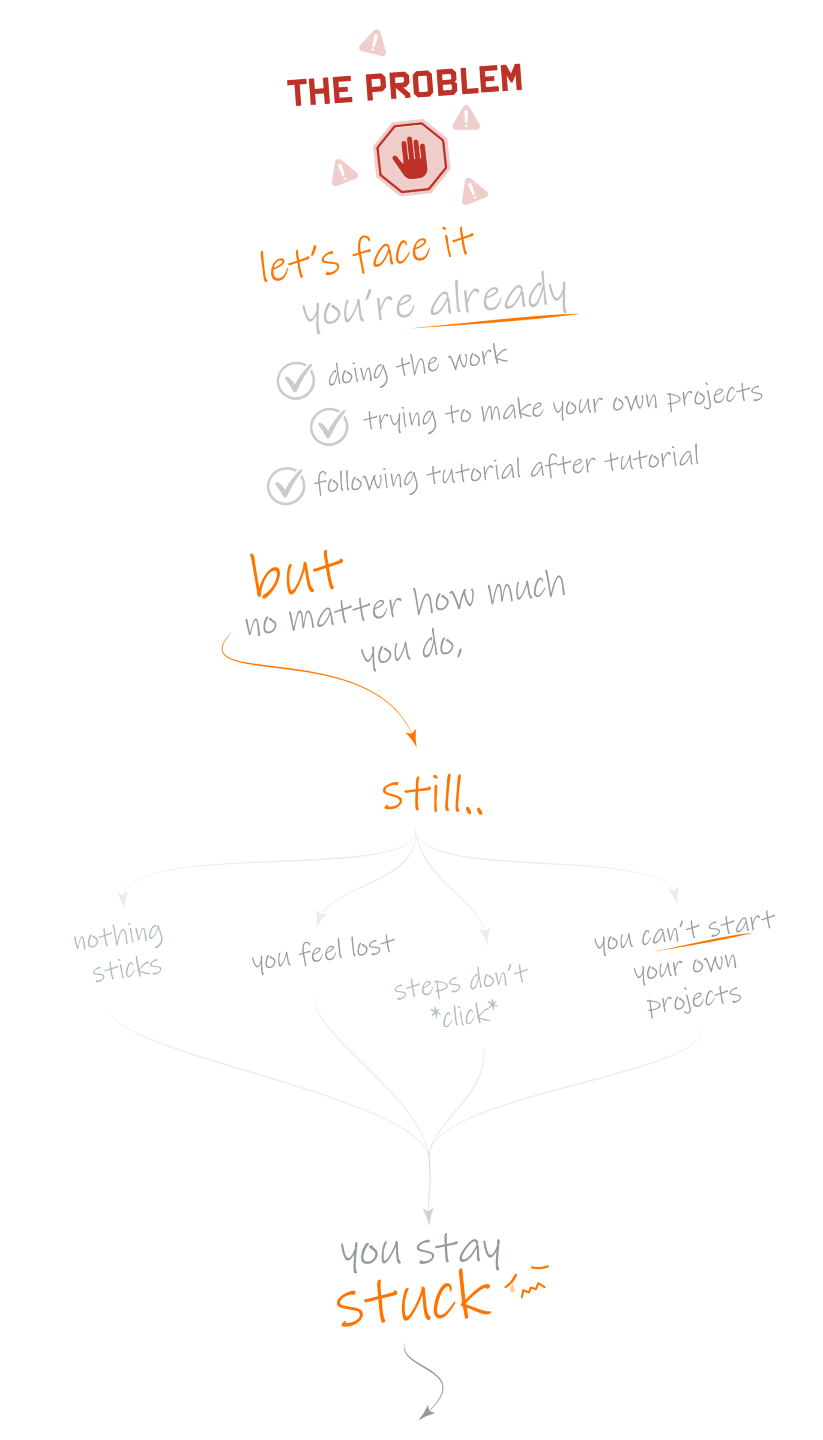
If you've been learning Houdini for a while and still feel stuck,
it's not your fault.
Most artists learning Houdini follow the same path.
They watch tutorials, follow along step by step, copy the nodes, and end with a working network.
But when they open a blank scene with their own ideas in mind, they're stuck.
This isn't a learning problem, it's a teaching problem.


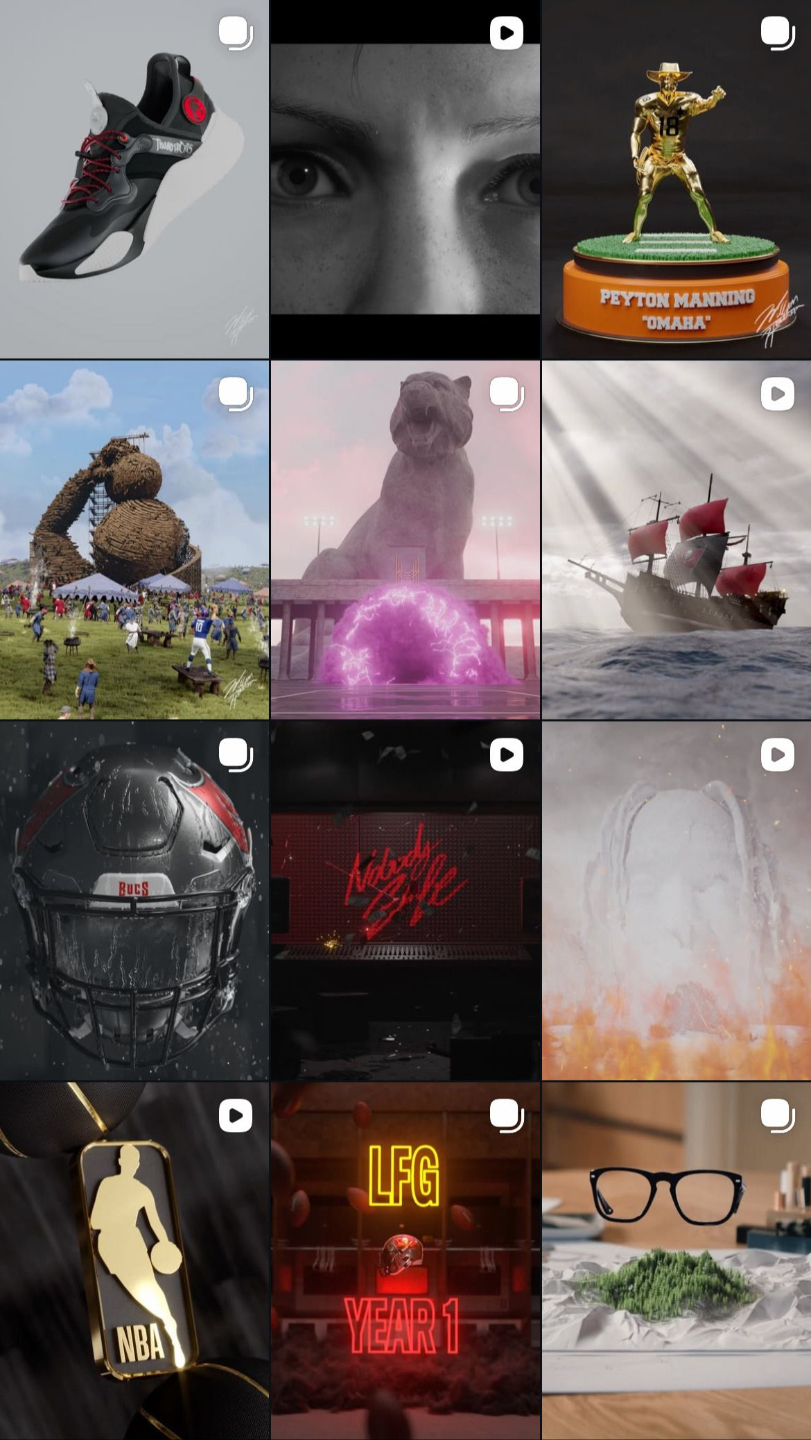
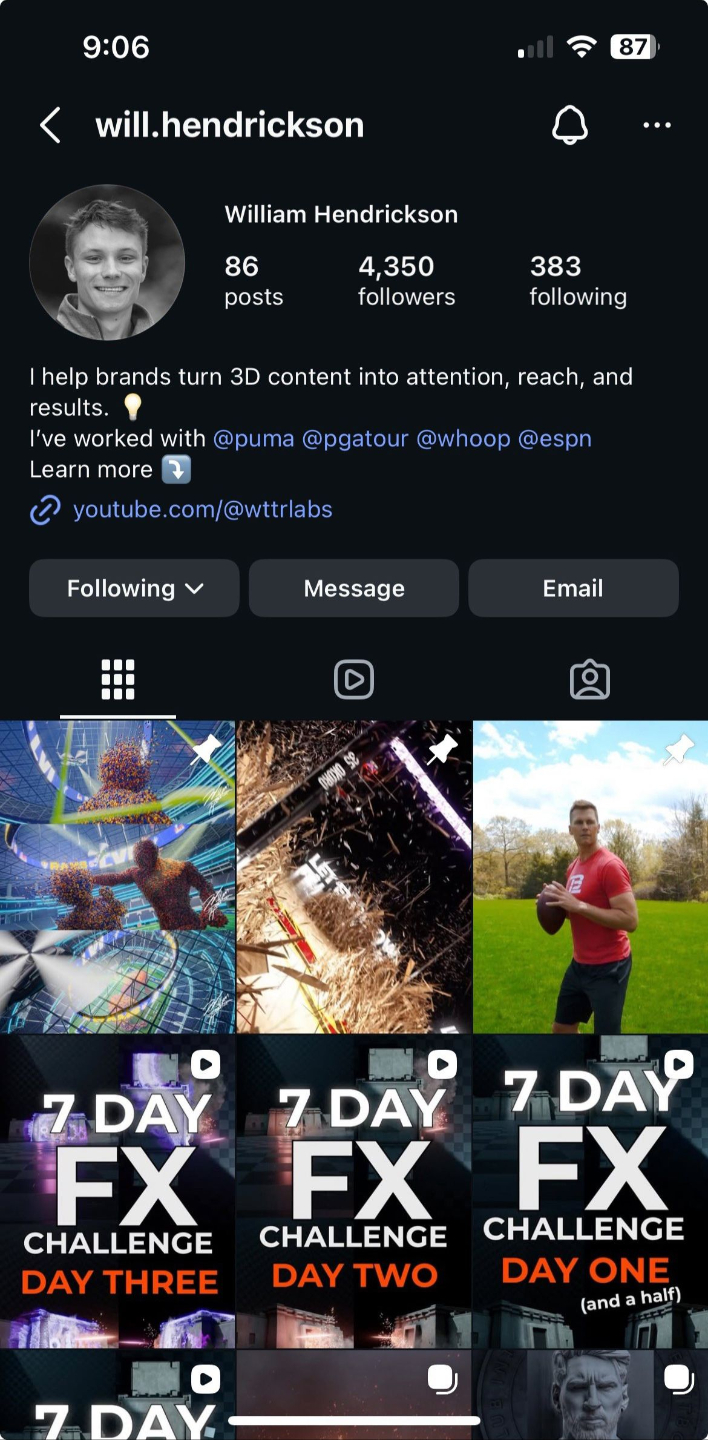
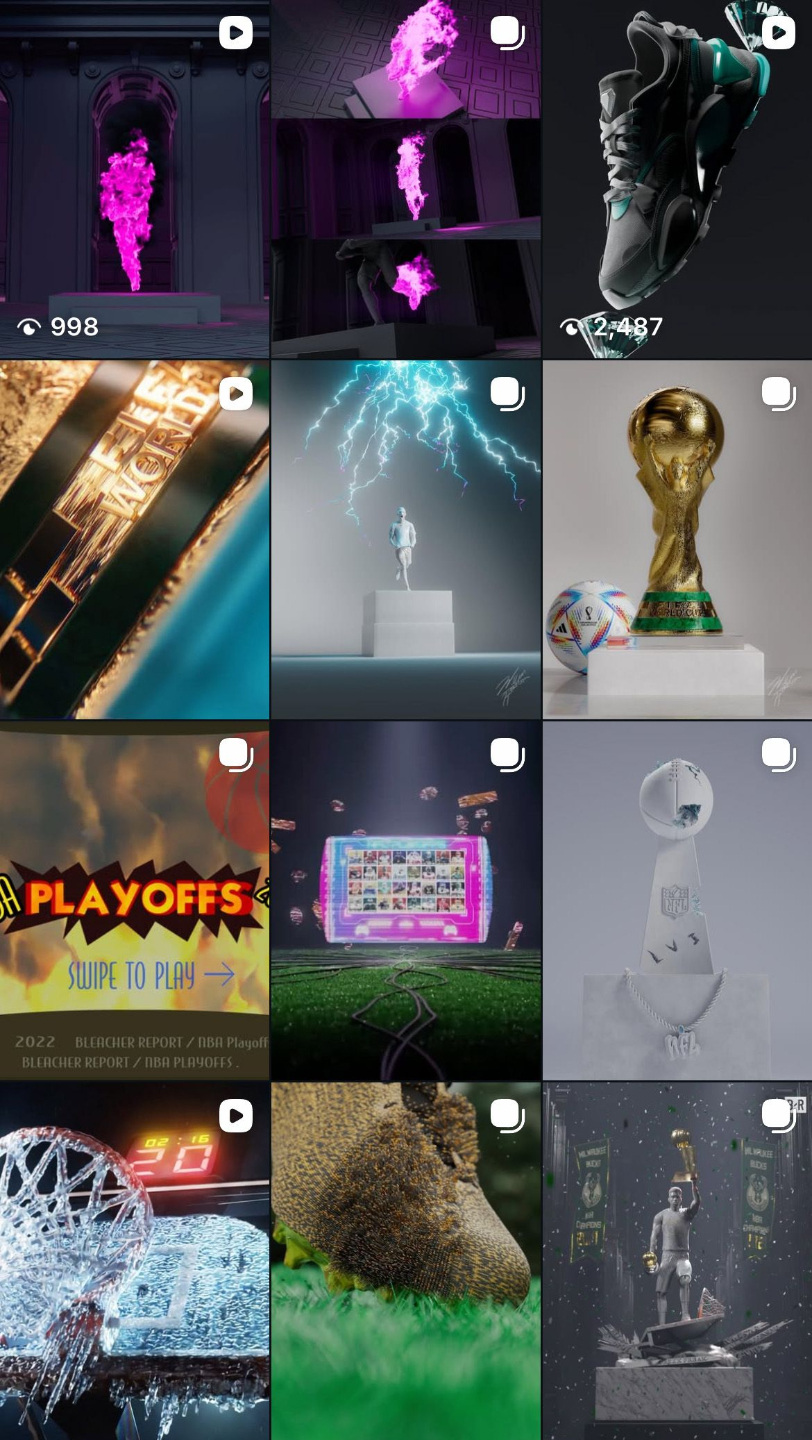
I'm Will Hendrickson, a full-time 3D artist and educator with 5+ years of Houdini experience working with clients like ESPN, The PGA Tour, Puma, and WHOOP.

(1 min 13 second read)
LEVEL UP: Houdini
a letter from me
When I first started learning Houdini I remember feeling completely lost.
Not lost in the way beginners usually feel lost, where everything is new and confusing and you just need more time. But lost in a specific, frustrating way. I could follow tutorials. I could make things work...once... on that project... with that step-by-step lesson.
But the moment I tried to do anything on my own, I'd hit a wall and couldn't bring my ideas to life.
I'd spend weeks, nights, and weekends watching tutorial after tutorial, trying to follow step-by-step, only to realize that my network looked nothing like the instructor's, and nothing ever clicked.
I'd start a project, get halfway through, get stuck, and abandon it. Then start over with a different tutorial. Then abandon that one too.
It took me years. Dozens of attempts. Hundreds of abandoned projects. Before I finally understood what Houdini was actually doing... and why.
Looking back, I now realized that every course, tutorial, and workshop I'd ever taken had taught me the same way.
Nodes first. Thinking last.
They showed me what to click.
But nobody ever taught me how to approach a problem in Houdini.
Nobody taught me how to think.
That missing piece - the reasoning, the intuition, the mental model behind what Houdini is actually doing - not having that is what kept me stuck for years. I wasn't stuck from a lack of effort. Not a lack of talent. I was just trying to learn Houdini with the wrong foundation.
This isn’t a workshop you’ll watch and forget.
It’s a system you’ll learn by doing, with real projects and support designed to help you finally understand how everything fits together.
I made this program so you don’t have to spend years figuring Houdini out the hard way like I did.
You don’t need another workshop.
You need a system that finally makes Houdini click.
- William Hendrickson
Founding Artist, WTTR Labs + WTTR Studios
The Thinking-First Approach™
Most programs teach Houdini buttons-first. I teach it differently.
Every other course starts with the UI, the nodes, and the shelf tools. Level Up starts one step earlier - with how to think, approach, and reason through Houdini even before a single node is placed.
By the end of the program, you won't just "know" more Houdini.
You'll understand it better than most people who’ve used it for years.
The Level Up Curriculum
Seven levels.
One complete transformation.
Each level unlocks a new layer of capability - building on the last. So by the time you are designing complex shots and simulations, you actually understand every decision you're making.
PHASE 01 - BUILD THE FOUNDATION
Level 1: Concept Foundations - How Houdini actually thinks
The mental model most courses skip. Core data types, how Houdini reads networks, and why everything behaves the way it does. We cover the core foundations that make up the information Houdini uses.
→ You unlock: the ability to reason about any setup
Level 2: Core Concepts - The language of Houdini
What Houdini is doing at its core as it reads through your network. The building blocks that make everything else possible.
→ You unlock: understanding what's actually happening in your network
PHASE 02 - APPLY THE THINKING
Level 3: Procedural Systems - Why Houdini is so powerful
Designing and organizing procedural components you can actually use in real projects, not just follow in someone else's.
→ You unlock: designing your own reusable systems
Level 4: Houdini Applied - Take your ideas from briefed to built
Applying everything to real project planning and learn how to implement it all in Houdini. You stop following and start making decisions yourself.
→ You unlock: The implementation skills to create your own shots
Level 5: Boss Battles - Real projects. Your own approach.
Build real-world projects, and complex shots - all tackled from scratch. Approach them independently or watch me (Will!) work through every stage, then try it yourself. (A free Boss Battle sample project is on YouTube)
→ You unlock: the confidence to deliver full shots on your own
PHASE 03 - GOING FURTHER
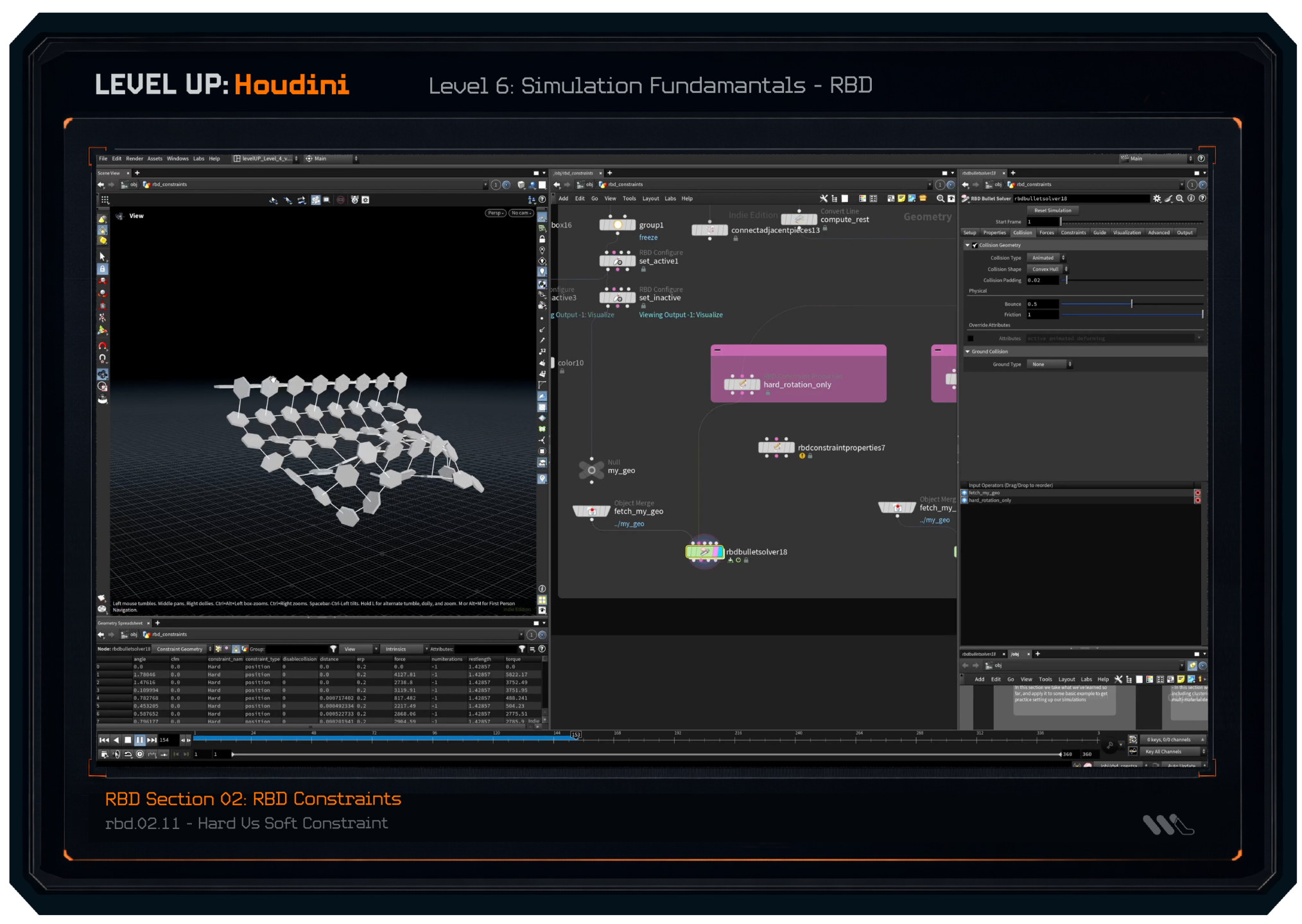
Level 6: Simulation Fundamentals - Pyro, RBD, and beyond
A full understanding of how simulations work in Houdini, taught the same way with Thinking first, buttons second. (A free RBD sample is on YouTube)
→ You unlock: full simulation workflows you actually understand
THE CINEMATIC PROJECT - (currently in production)
Level 7, A Houdini Cinematic - Plan it. Build it. Deliver it.
Level 7 is a full-scale cinematic Boss Battle, but taught through the lens of a real freelance workflow. You don't just make the shot. You plan it from brief, manage the pipeline, make the production decisions, and deliver it the way a professional studio would on a paying client project.
THE PROJECT. A full cinematic, scoped, planned, and delivered end-to-end
THE WORKFLOW. How to manage a large-scale Houdini project the way pro freelancers actually do
THE PIPELINE. Organizing, structuring, and delivering complex work without losing control
THE RESULT. A showcase-quality piece you planned and built yourself, 100% client ready
→ You unlock: the full freelance workflow, from first brief to final deliverable
BEYOND THE CURRICULUM
The Studio Squad™
Included with LEVEL UP: Houdini
From Houdini artist
to paid 3D freelancer. The freelance layer.
Many artists who learn Houdini struggle to make money from it, not because their work isn't good enough, but because nobody ever taught them the other half.
How to position themselves.
How to find and close clients.
How to price their work without underselling.
How to think like a freelance business, not just an artist for hire.
→ You unlock: the complete Houdini career - the technical skills to do the work, and the business skills to build an income from it.
339 lessons. 1 Transformation.
(Explore the individual lessons below, the outline is expandable)
LEVEL UP: Houdini
-
Level 0: Onboarding + Course Tutorial
9 lessons- Welcome
- Why This Course Was Made
- What The Course Covers
- What This Course Does Not Cover
- How the Course is Structured
- Suggested Ways To Get The Most Out Of The Course
- A Disclaimer On Complexity
- Your Final Transformation
- Kajabi Course Organization
-
Level 1: Concept Foundations
24 lesson- 1.0 - Level 1: INTRODUCTION
-
1.1 - 3D Fundamentals: What Is A Scene
- What Makes a Cube?
- From Cube to Sphere to Dinosaur
- What Make a Scene
- From Plain Objects to Colored Materials
- 3D Scenes, to 2D Image: How the Camera Works
-
1.2 - It's All Data: Thinking In Terms Of Information
- A 2D Example: Information In Tiers
- A 3D Scene: Our 3D Data
- More Scenes, More Data
-
1.3 - Types Of Scene Data: Where It All Fits In
- Data Recap: Keeping It Separate
- 3D Data: Building Our First Scene
- Data Categories: Where Our Scene Fits In
- Making Data Changes Easy
- Data Overlap: Common Exceptions
- Sparks, Explosions And Splashes
-
1.4 - Organizing the 3D Data
- The Two General Approaches
- Why It Matters: Approaches Applied
- A Mix of Both
-
1.5 - File Input / Output: Types Of Files
- The Common File Formats of Houdini
- Writing vs Reading
- A Common File Workflow
-
1.6 - Data / Information Types: Variables + Attributes
- Data Types
- Data Types Use Cases
- Points Or Vertices Or Polygons?
-
Level 2: Core Concepts
14 lesson- 2.0 - Level 2: INTRODUCTION
-
2.1 - Nodes, Networks, How Houdini Thinks
- Operating On Information
- What Is A "Node"
- What Is A Parameter
- Nodes Made Of Nodes
- Networks Of Nodes
- How Houdini Reads A Network
-
2.2 - Instructions vs Data - "The Recipe" vs "The Cake"
- The Recipe vs The Cake
- Saving Our Cake: Caching
- Instruction Sizes vs Data Sizes
- Choosing Our Cache Locations
-
2.3 - Goals vs Tasks vs Workflows
- Defining Our Big Scary Monster
- Framework Example: A Rope Bridge
- Framework Challenge: Your Turn Now
-
Level 3: Procedural Systems
11 lesson- 3.0 - Level 3: INTRODUCTION
-
3.1 - Workflow Dependencies
- Destructive vs Procedural Workflows
- One Goal, Infinite Workflows
- What Makes A Workflow Dependent
- Challenges and Benefits of Dependencies
- A Practical Procedural Example
- Dependencies WE Determine
-
3.2 - Procedural Workflow Demonstrated
- Building A Building Generator
- What Makes Up A Building
-
3.3 - Workflow Wizadry: Expanding to Modularity
- From Building To Street to City
- Big Goals to Small Goals: Why We Do It
-
Level 4: Houdini Applied
83 lesson- 4.0 - Level 4: INTRODUCTION
-
4.01 - Opening and Navigating Houdini
- Opening Houdini, Modifying the UI
- Navigating Our Contexts
- Adding Nodes, Removing Nodes
-
4.02 - Introduction to Contexts: How Our Data Fits In
- Contexts We'll Use
- Moving Data: How It Fits In
- Organizing Our Data Types
- A Sample Workflow
-
4.03 - Our First Context: SOPS / Geometry / Attributes
- Creating Our First Data
- Cube vs Sphere vs Dinosaur
- Modifying The Data
- Saving And Loading The Data
- VEX Intro
- VOPS Intro
-
4.04 - Parameters And Subnetworks: "HDAs" Introduced
- Parameters Introduced
- Linking And Adjusting Parameters
- HDAs Parameters and Custom Nodes
-
4.05 - Our Second Context: Stage / Solaris / Layout
- USD Introduction
- Primitive, Organization, and Our Scene Graph Tree
- The Basics Of A Scene
-
4.06 - Camera Setup And Basics
- Creating Our Camera
- Camera Parameters
- Camera Animation
-
4.07 - Lighting & Rendering Setup And Basics
- Recap Of Rendering
- Intro To Lighting
- Karma Render Settings
- Rendering Our First Image
- Depth Of Field
- Motion Blur
-
4.08 - Intro To Materials
- Creating A Basic Material
- Material Properties and Values
- UVs Introduction
- More Complex Materials: Textures
- More Complex Materials: Noises
- More Complex Materials: Attributes
- Material Management
-
4.09 - Intro To Lighting
- Point Light And Sphere Light
- Area / Rect Light
- Dome Light
- Spot Light
- Multiple Lighting Setups
- Emissive Materials
- Lighting Theory
-
4.10 - Common Concepts
- Working With Curves - "curveu" Attribute Explored
- Working With Curves - Rendering Curves
- Instancing Workflows Pt. 1 - Scattering Points
- Instancing Workflows Pt. 2 - Instancing To Points
-
4.11 - Heightfields: Introduction
- Project Files - Heightfield Lessons
- Example Volcano Project - Project Files
- Heightfield Section Overview
- Intro To Heightfields
- Intro To Heightfields - Pt 2
- Heightfield Noise Intro
- Heightfield Distort By Noise
- Heightfield Masks - Painting Masks
- Heightfield Masks - Mask By Object
- Heightfield Masks - Modifying Masks
- Heightfield Masks - Mask By Features
- Heightfield Masks - Merging Masks
- Heightfield Mask Expand - Height Layer
- Heightfield Pattern Node
- Heightfield Combine Layers
- Heightfield Slump
- Heightfield Layer + Layering - Example 01
- Heightfield Layer + Layering - Example 02
- Heightfield Layer + Layering - Example 03
- Heightfield Erode (intro)
-
4.12 - Environment Full Workflow
- Project Files - Heightfield Environment Workflow
- Section Intro - (Heightfield Environment Workflow)
- Volcano Overview - (Heightfield Environment Workflow)
- Environment From Scratch - Chapter 01: Part 01 - Planning
- Environment From Scratch - Chapter 01: Part 02 - Base Shape
- Environment From Scratch - Chapter 01: Part 03 - Volcano Detailing
- Environment From Scratch - Chapter 01: Part 04 - Canyon Detailing (part 1)
- Environment From Scratch - Chapter 01: Part 04 - Canyon Detailing (part 2)
- Environment From Scratch - Chapter 01: Part 05 - Preview Visualize Volcano
- Environment From Scratch - Chapter 01: Part 06 - Preview Visualize Canyon
- Environment From Scratch - Chapter 01: Part 07 - Final Heightfield Prep
- Environment From Scratch - Chapter 02: Part 01 - Chapter 02 Intro
- Environment From Scratch - Chapter 02: Part 02 - Heightfield Mask Cleanup
- Environment From Scratch - Chapter 02: Part 03 - Landscape Geo Clipping And Cutting
- Environment From Scratch - Chapter 02: Part 04 - Geometry Attribute Preps
- Environment From Scratch - Chapter 02: Part 05 - COPS Layer Exports
-
Level 5: BOSS BATTLES - Workflows Applied
108 lesson- 5.0 - Level 5: INTRODUCTION
-
BOSS BATTLE - Studio Scene
- Project Files: Studio Scene
- Part 01 - Project Brief
- Part 02 - Framework Breakdown [CHEAT CODES]
- Part 03 - Houdini Organization [CHEAT CODES]
- Part 04 - Our Full Project [Houdini Implementation CHEAT CODES]
-
BOSS BATTLE - Abstract Motion Design
- Project Files: Abstract Motion Design
- Completed Project - Preview
- Part 01: Project Brief
- Part 02: Framework Breakdown
- Part 03: Houdini Organization
- Part 04.01 - Scene Modeling - [Houdini Implementation: CHEAT CODES]
- Part 04.02 - Solaris Layout Prep - [Houdini Implementation: CHEAT CODES]
- Part 04.03 - Scene Lighting - [Houdini Implementation: CHEAT CODES]
- Part 04.04 - Materials - [Houdini Implementation: CHEAT CODES]
- Part 04.05 - Lighting Continued - [Houdini Implementation: CHEAT CODES]
- Part 04.06 - Animation - [Houdini Implementation: CHEAT CODES]
- Part 04.07 - Rendering - [Houdini Implementation: CHEAT CODES]
- Part 04.08 - Animation Final Touches - [Houdini Implementation: CHEAT CODES]
- Part 04.09 - Final Render Settings - [Houdini Implementation: CHEAT CODES]
- Part 04.10 - Compositing - [Houdini Implementation: CHEAT CODES]
- Part 04.11 - Wrap Up and Recap - [Houdini Implementation: CHEAT CODES]
-
BOSS BATTLE - Procedural Plants
- Project Files: Procedural Plants
- Completed Project - Preview
- Part 01 - Project Brief
- Part 02 - Framework Breakdown [CHEAT CODES]
- Part 03 - Houdini Organization [CHEAT CODES]
- Part 04 - Our Backdrop Scene - [Houdini Implementation: CHEAT CODES]
- Part 04 - Our Plant Patch Tool - [Houdini Implementation: CHEAT CODES]
- Part 04 - Short Grass (modeling) - [Houdini Implementation: CHEAT CODES]
- Part 04 - Tall Grass (modeling) - [Houdini Implementation: CHEAT CODES]
- Part 04 - Clover (modeling) - [Houdini Implementation: CHEAT CODES]
- Part 04 - Yellow Flower (modeling) - [Houdini Implementation: CHEAT CODES]
- Part 04 - Big Purple Flower (modeling) - [Houdini Implementation: CHEAT CODES]
- Part 04 - White Flower (modeling) - [Houdini Implementation: CHEAT CODES]
- Part 04 - Short Grass (materials) - [Houdini Implementation: CHEAT CODES]
- Part 04 - Tall Grass (materials) - [Houdini Implementation: CHEAT CODES]
- Part 04 - Yellow / Pink Flower (materials) - [Houdini Implementation: CHEAT CODES]
- Part 04 - Clover (materials) - [Houdini Implementation: CHEAT CODES]
- Part 04 - White Flower (materials) - [Houdini Implementation: CHEAT CODES]
- Part 04 - Big Purple Flower (materials) - [Houdini Implementation: CHEAT CODES]
- Part 04 - Grass Patch Scene (layout) - [Houdini Implementation: CHEAT CODES]
- Part 04 - Batch Rendering (rendering) - [Houdini Implementation: CHEAT CODES]
- Part 04 - Render Exporting (to videos) - [Houdini Implementation: CHEAT CODES]
- Part 04 - Bonus Camera Angle - [Houdini Implementation: CHEAT CODES]
-
BOSS BATTLE - Procedural Crystals
- Project Files: Procedural Crystals
- Completed Project - Preview Trailer
- Part 01: Project Brief
- Part 02: Framework Breakdown [CHEAT CODES]
- Part 03 - Houdini Organization [CHEAT CODES]
- Part 04.01 - Studio Setup - [Houdini Implementation: CHEAT CODES]
- Part 04.02 - Crystal Modeling - [Houdini Implementation: CHEAT CODES]
- Part 04.03 - Crystal Instancing Prep - [Houdini Implementation: CHEAT CODES]
- Part 04.04 - Geometry Prep For Solaris - [Houdini Implementation: CHEAT CODES]
- Part 04.05 - Rock Materials - [Houdini Implementation: CHEAT CODES]
- Part 04.06 - Crystal Materials - [Houdini Implementation: CHEAT CODES]
- Part 04.07 - Assorted Look Dev Part 01 - [Houdini Implementation: CHEAT CODES]
- Part 04.08 - Assorted Look Dev Part 02 - [Houdini Implementation: CHEAT CODES]
-
BOSS BATTLE - Desert Environment Scene
- Project Files: Desert Environment
- Completed Project - Preview Trailer
- Part 01 - Project Brief
- Part 02 - Framework Breakdown [CHEAT CODES]
- Part 03 - Houdini Organization [CHEAT CODES]
- Part 04.01 - Studio Environment - [Houdini Implementation: CHEAT CODES]
- Part 04.02- First Grass Patch - [Houdini Implementation: CHEAT CODES]
- Part 04.03 - Grass Variations (modeling) - [Houdini Implementation: CHEAT CODES]
- Part 04.04 - Grass To Solaris (layout)- [Houdini Implementation: CHEAT CODES]
- Part 04.05 - Rocks (modeling) - [Houdini Implementation: CHEAT CODES]
- Part 04.06 - Sticks (modeling) - [Houdini Implementation: CHEAT CODES]
- Part 04.07 - Rocks / Sticks To Solaris (layout) - [Houdini Implementation: CHEAT CODES]
- Part 04.08 - Grass Shading (materials) - [Houdini Implementation: CHEAT CODES]
- Part 04.09 - Rocks Shading (materials) - [Houdini Implementation: CHEAT CODES]
- Part 04.10 - Ground Sand Shading (materials) - [Houdini Implementation: CHEAT CODES]
- Part 04.11 - Environment Starting Sand Dune Tool (VOPS) - [Houdini Implementation: CHEAT CODES]
- Part 04.12 - Dune Tool Cleanup (VOPS / HDAs) - [Houdini Implementation: CHEAT CODES]
- Part 04.13 - Sand Dune Showcase (VOPS) - [Houdini Implementation: CHEAT CODES]
- Part 04.14 - Sand Dune Tool Used (VOPS) - [Houdini Implementation: CHEAT CODES]
- Part 04.15 - Sand Dune Shading (materials) - [Houdini Implementation: CHEAT CODES]
- Part 04.16 - Sand Dune Mesh Detailing - [Houdini Implementation: CHEAT CODES]
- Part 04.17 - Scene Lighting - [Houdini Implementation: CHEAT CODES]
- Part 04.18 - Scattering Prep (culling by camera) - [Houdini Implementation: CHEAT CODES]
- Part 04.19 - Prop Scattering (basic) - [Houdini Implementation: CHEAT CODES]
- Part 04.20 - Prop Instancing (layout) - [Houdini Implementation: CHEAT CODES]
- Part 04.21 - Prop Scattering (advanced) - [Houdini Implementation: CHEAT CODES]
- Part 04.22 - Prop Material Updates (materials) - [Houdini Implementation: CHEAT CODES]
- Part 04.23 - Sand Material Updates (materials) - [Houdini Implementation: CHEAT CODES]
- Part 04.24 - Rendering Setup - [Houdini Implementation: CHEAT CODES]
- Part 04.25 - Camera Animation - [Houdini Implementation: CHEAT CODES]
- Part 04.26 - Compositing 01: Reference Approach - [Houdini Implementation: CHEAT CODES]
- Part 04.27 - Compositing 02: Depth + Crypto Pass - [Houdini Implementation: CHEAT CODES]
- Part 04.28 - Compositing 03: Nightime - [Houdini Implementation: CHEAT CODES]
- Part 04.29 - Compositing 04: Mars SciFi- [Houdini Implementation: CHEAT CODES]
- Part 04.30 - Final Composite / Project Wrapup - [Houdini Implementation: CHEAT CODES]
-
BOSS BATTLE - SixNFive Inspired Landscape
- Boss Battle Project Files
- Updated Boss Battle Format - Intro
- Stage 00: The Client
- Stage 01: The Director
- Stage 02: The Pipeline Manager
- Intro [Stage 03: The Engineer]
- Landscape Adjustement [Stage 03: The Engineer]
- Culling by Camera [Stage 03: The Engineer]
- Grass Patch Recap [Stage 03: The Engineer]
- Point Coloring Approach 01 [Stage 03: The Engineer]
- Instance Attributes Prep [Stage 03: The Engineer]
- Point Coloring Approach 02 [Stage 03: The Engineer]
- Solaris Lookdev Part 01 [Stage 03: The Engineer]
- Solaris Lookdev Part 02 [Stage 03 - The Engineer]
- Solaris Lookdev Part 03 [Stage 03 - The Engineer]
-
Level 6: Simulation Fundamentals - RBD
40 lessons-
RBD Section 01: RBD Fundamentals
- rbd.01.01 - Project Files - RBD Fundamentals
- rbd.01.02 - Overview - RBD Fundamentals
- rbd.01.03 - Introduction - RBD Fundamentals
- rbd.01.04 - "name" Attribute & Packed Geo - Example 01
- rbd.01.05 - "name" Attribute & Packed Geo - Example 02
- rbd.01.06 - "name" Attribute & Packed Geo - Example 03
- rbd.01.07 - "name" Attribute & Packed Geo - Example 04
- rbd.01.08 - "name" Attribute & Packed Geo - Example 05
- rbd.01.09 - "active" Attribute - Example 01
- rbd.01.10 - "active" Attribute - Example 02
- rbd.01.11 - "active" Attribute - Example 03
- rbd.01.12 - "animated" Attribute - Example 01
- rbd.01.13 - "deforming" Attribute - Example 02
- rbd.01.14 - "deforming" Attribute - Example 03
- rbd.01.15 - Collision Shapes - Example 01
- rbd.01.16 - Collision Shapes - Example 02
- rbd.01.17 - Collision Shapes - Example 03
- rbd.01.18 - Collision Shapes - Example 04
- rbd.01.19 - Collision Shapes - Example 05
- rbd.01.20 - Collision Shapes - Example 06
- rbd.01.21 - Collision Shapes - Example 07
- rbd.01.22 - Section Recap + Review
-
RBD Section 02: RBD Constraints
- rbd.02.01 - Project Files - RBD Constraints
- rbd.02.02 - Intro - RBD Constraints
- rbd.02.03 - What We'll Learn - RBD Constraints
- rbd.02.04 - A Basic Constraint - Part 01
- rbd.02.05 - A Basic Constraint - Part 02
- rbd.02.06 - Constraints on Packed VS Unpacked Geo
- rbd.02.07 - Hard Constraint - Example 01
- rbd.02.08 - Hard Constraint - Example 02
- rbd.02.09 - Hard Constraint - Example 03
- rbd.02.10 - Hard Constraint - Example 04
- rbd.02.11 - Hard Vs Soft Constraint
- rbd.02.12 - Constraints Example - A Simple Bridge
- rbd.02.13 - Constraints Example - More Complex Bridge
- rbd.02.14 - Constraints To Animated RBD - Example 01
- rbd.02.15 - Constraints To Animated RBD - Example 02
- rbd.02.16 - Constraints To Animated RBD - Example 03
- rbd.02.17 - Constraints To Animated RBD - Example 04
- rbd.02.18 - Constraints Recap
-
-
Level 6: Simulation Fundamentals - Pyro
47 lessons-
Pyro Section 01: Pyro Fundamentals
- pyro.01.01 - Project Files - Pyro Fundamentals
- pyro.01.02 - Intro - Pyro Fundamentals
- pyro.01.03 - Quick Tip: Scene View Lights
- pyro.01.04 - What We'll Cover - Pyro Fundamentals
- pyro.01.05 - Preparing Source Volumes
- pyro.01.06 - Our First Sim + Pyro Solver Introduction
- pyro.01.07 - Changing Source Volumes
- pyro.01.08 - Stopping A Source
- pyro.01.09 - Velocities
- pyro.01.10 - Looping Sourcing
- pyro.01.11 - Simulation Forces
- pyro.01.12 - Divergence Field
- pyro.01.13 - Control Fields
- pyro.01.14 - Custom Fields
- pyro.01.15 - Collision Introduction
- pyro.01.16 - Collision: Fractional Frames & Simulation Substeps
- pyro.01.17 - Colored Smoke (Cd field)
- pyro.01.18 - Secondary Simulations
- pyro.01.19 - Section Recap & Review
-
Pyro Section 02: Fire
- pyro.02.01 - Project Files - Fire
- pyro.02.02 - Intro - Fire
- pyro.02.03 - What We'll Cover - Fire
- pyro.02.04 - Temperature Field Intro
- pyro.02.05 - Flame Field Intro
- pyro.02.06 - Simple Fire Intro (no smoke)
- pyro.02.07 - Simple Fire Intro (with smoke)
- pyro.02.08 - Basic Fire Setup
- pyro.02.09 - Fire From Scratch
- pyro.02.10 - Secondary Sims Example 01
- pyro.02.11 - Secondary Sims Example 02
- pyro.02.12 - Secondary Smoke Sim From Scratch
- pyro.02.13 - Section Recap & Review
-
Pyro Section 03: Explosions
- pyro.03.01 - Project Files - Explosions
- pyro.03.02 - Intro - Explosions
- pyro.03.03 - What We'll Cover - Explosions
- pyro.03.04 - Our First Explosion
- pyro.03.05 - Explosion Improvement
- pyro.03.06 - Pyro Bake Volume
- pyro.03.07 - Sourcing Multiple Explosions (Approach 01)
- pyro.03.08 - Sourcing Multiple Explosions (Approach 02)
- pyro.03.09 - Shockwave Example
- pyro.03.10 - Explosion From Scratch: Main Explosion
- pyro.03.11 - Explosion From Scratch: Shockwave
- pyro.03.12 - Explosion From Scratch: Timing Changes
- pyro.03.13 - Explosion From Scratch: Custom Collision Object
- pyro.03.14 - Explosion From Scratch: Final Result
- pyro.03.15 - Section Recap & Review
-
-
Level 7: BOSS BATTLES - Simulations Applied
5 lessons-
LEVEL INTRO
- LEVEL ANNOUNCEMENT BOARD
- Level Introduction + Announcements
- Level Guides + Frameworks
-
The Node Navigator Blueprint™ [how it works]
- Blueprint Introduction
-
LEVEL 7: A Houdini Cinematic
- LEVEL 7: Studio Squad: Phase 2 Step 04 - Story Ideation
-
-
The Grand Arena
14 lessons-
Introduction - How This Level Works
- The Grand Arena: *Important Notice*
- The Grand Arena - Introduction
- The Grand Arena - Project Timeline
- The Grand Arena - Submission for Review (Optional)
- The Grand Arena - 1-On-1 Mentorship (Project Support)
- My Promise To You
-
The Grand Arena: Your Project
- Introduction
- Step 01: Choose Your Battle
- Step 02: Apply Your Framework
- Step 03: Organize Your Approach
- Step 04: Houdini Implementation
- Step 05: Self Review
- Step 06: Submission For Review (Optional)
- A Final Note
-
-
BONUS Level
8 lesson- Level Overview
-
Bonus Compositing
- Bonus Compositing - Section Introduction
- Houdini Scene Intro + File Downloads
- Houdini Scene Node by Node Overview - Bonus Compositing
- Houdini COPS Compositing
- Adobe After Effects Compositing
- Nuke Compositing (in progress)
-
Bonus Project Files - 7 Day FX Challenge
- 7DFX - Project Files
-
The Studio Squad™
18 lesson- Curriculum Intro
-
Phase 1 - Freelance + Client Foundations
- Phase 1: Downloads + Files
- Phase 1: Intro
- Phase 1: Lesson 01 - Freelance Identity
- Phase 1: Lesson 02 - Freelance Niche
- Phase 1: Lesson 03 - Your Positioning Statement
- Phase 1: Lesson 04 - Rates and Pricing
- Phase 1: Lesson 05 - Your Client Inbound Script
- Phase 1: Lesson 06 - Review + Next Steps
-
Phase 2 - Pre-Production
- Phase 2: Downloads + Files
- Phase 2: Intro
- Phase 2: Prerequisites
- Phase 2: Outline
- Phase 2: Step 00 - The Project Context
- Phase 2: Step 01 - The Initial Idea
- Phase 2: Step 02 - The Project Outcome
- Phase 2: Step 03 - The Delivery Mechanism
- Phase 2: Step 04 & 05 - Visual and Story Ideation
From the basics of Houdini, to full environments and simulation workflows.
We learn it all.
In fact there's quite a bit covered in the
78 hours 38 minutes and 29 seconds
that we get to spend together ;)
LEVEL 1: Concept Foundations
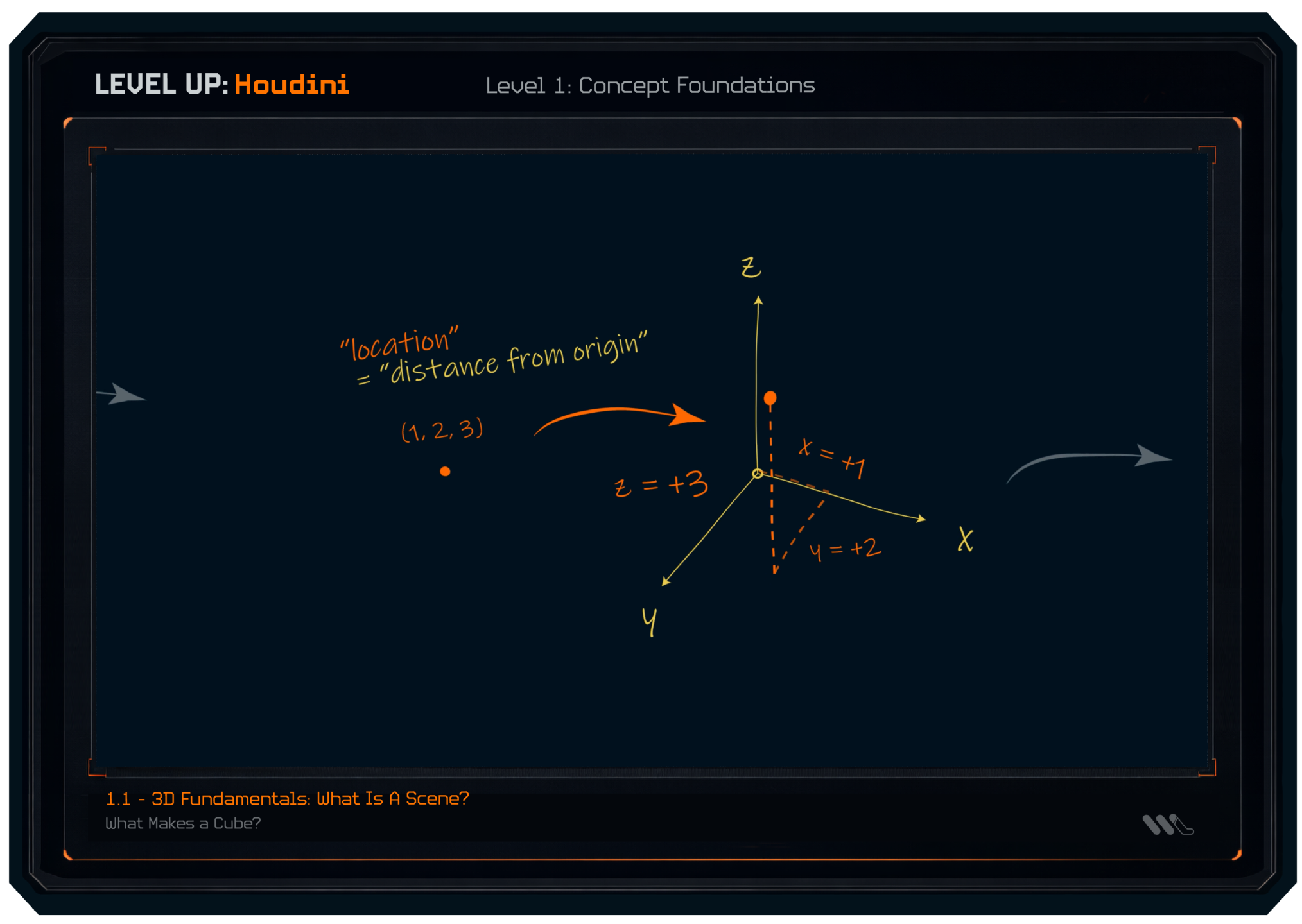
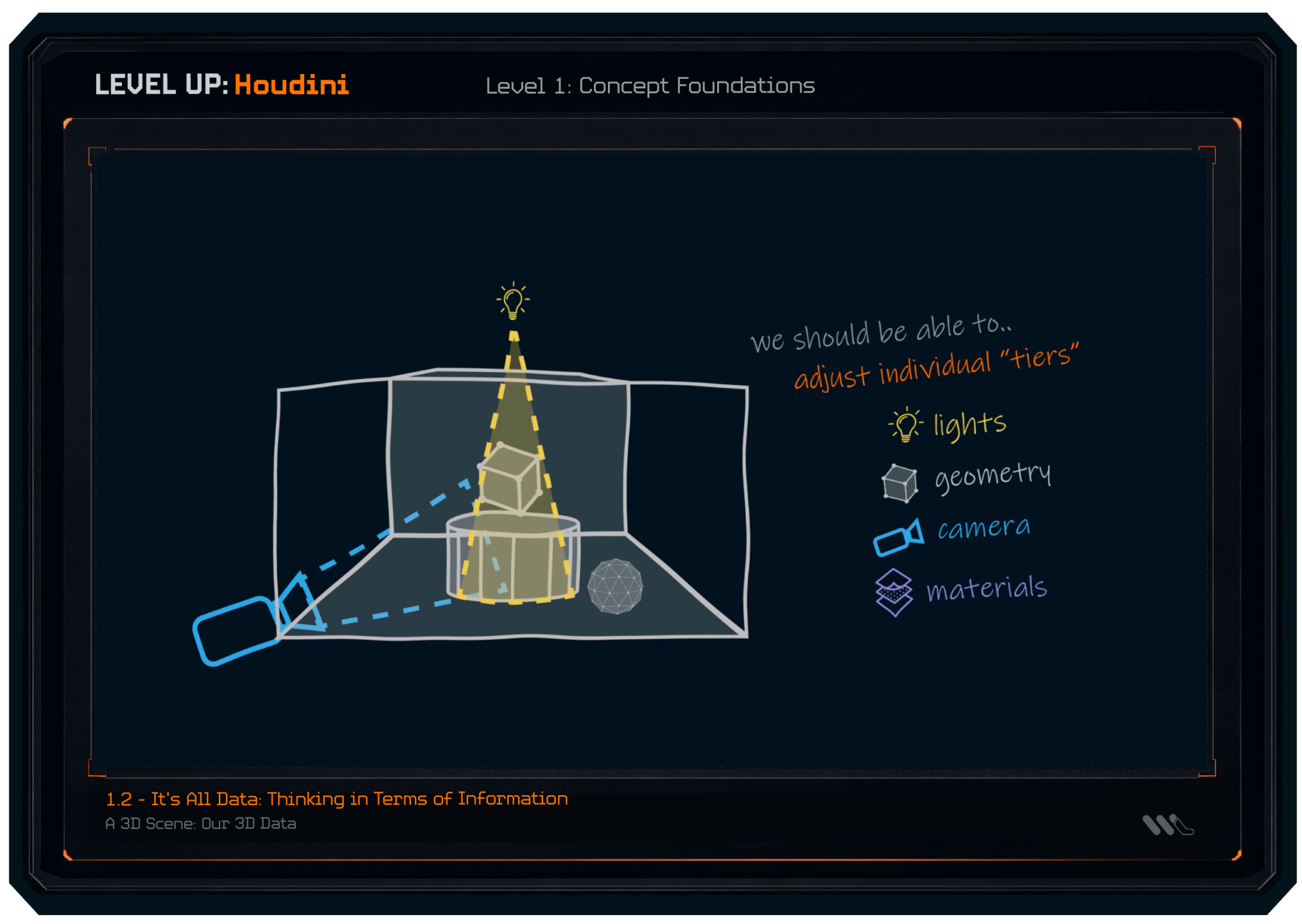
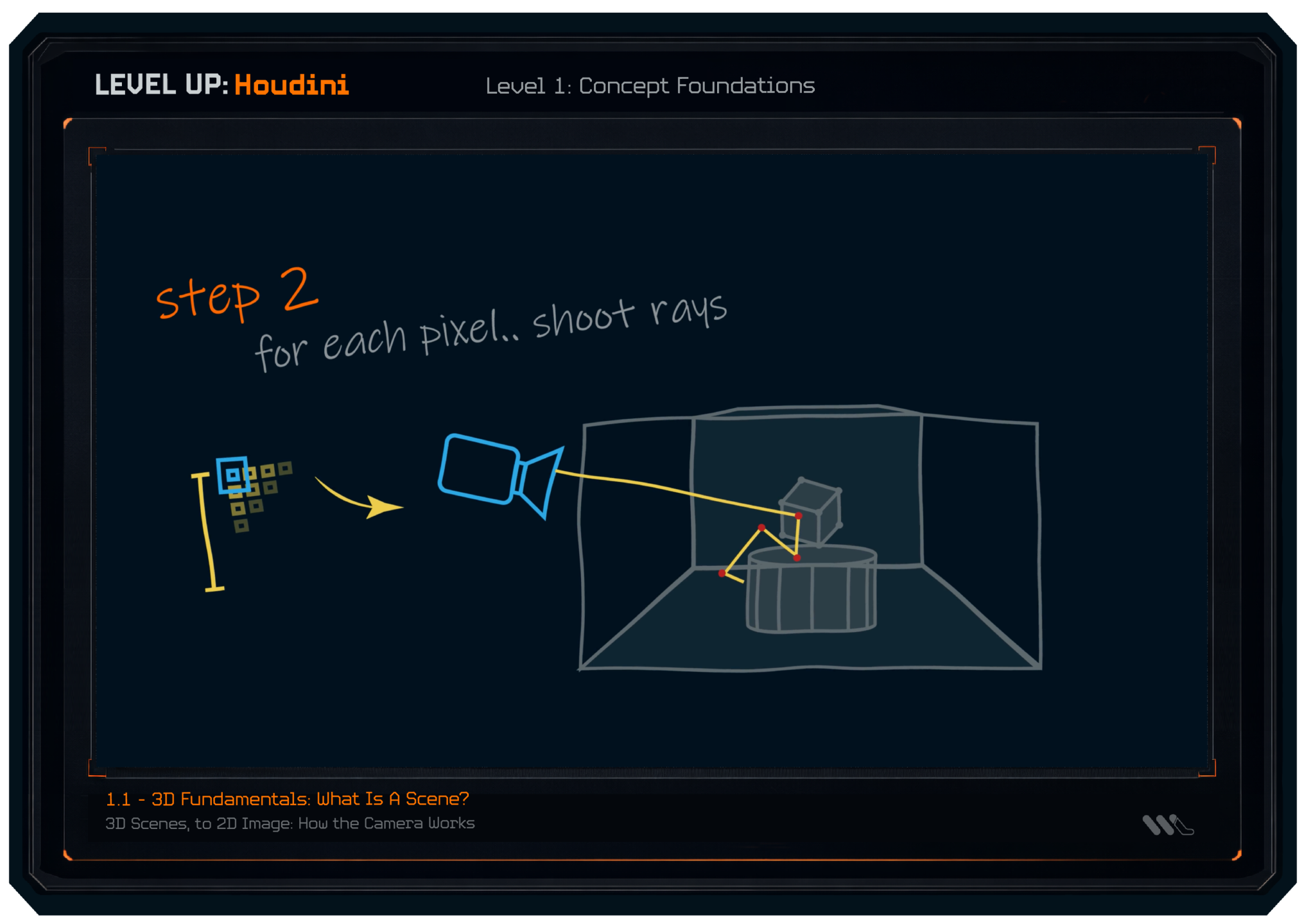
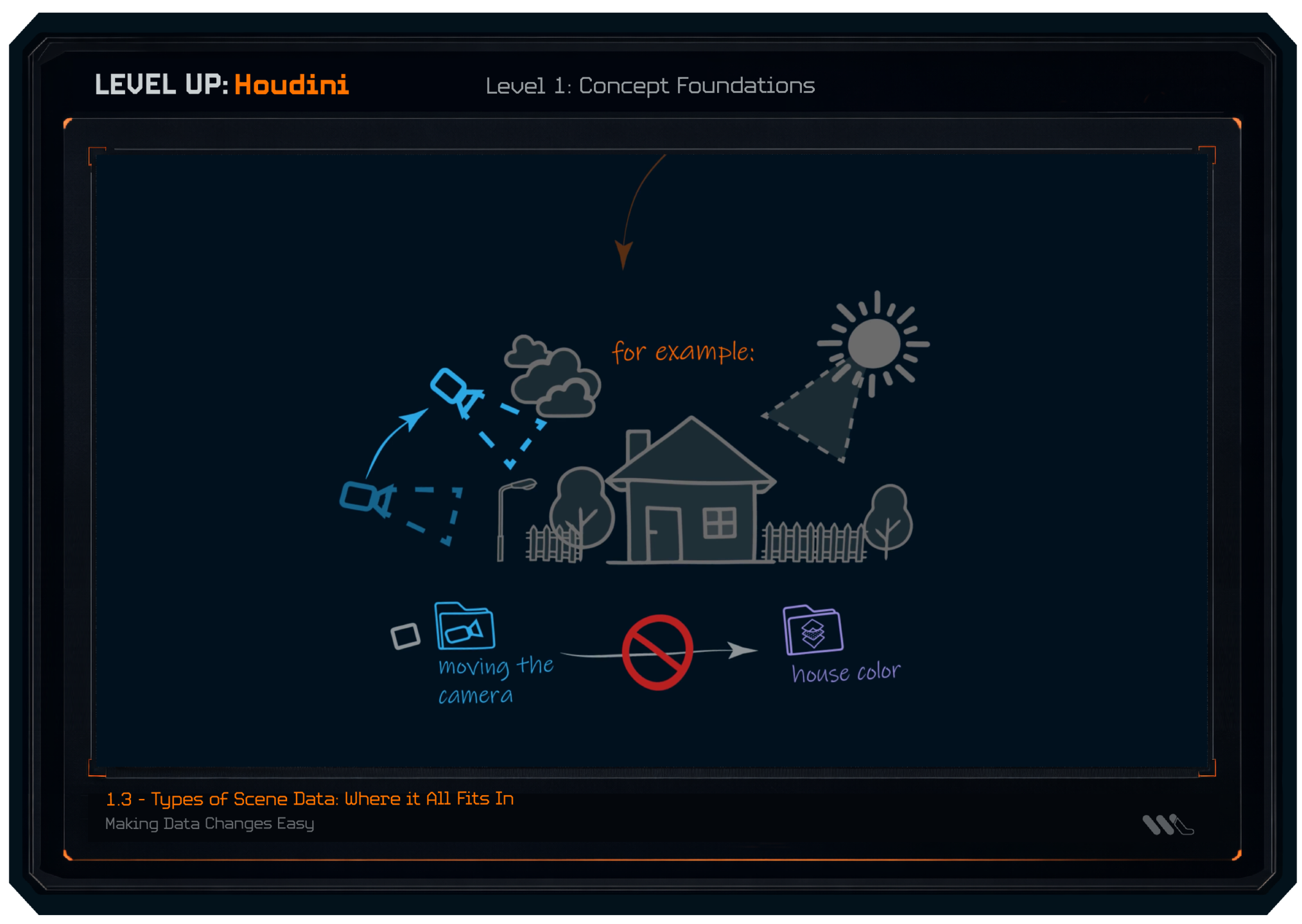
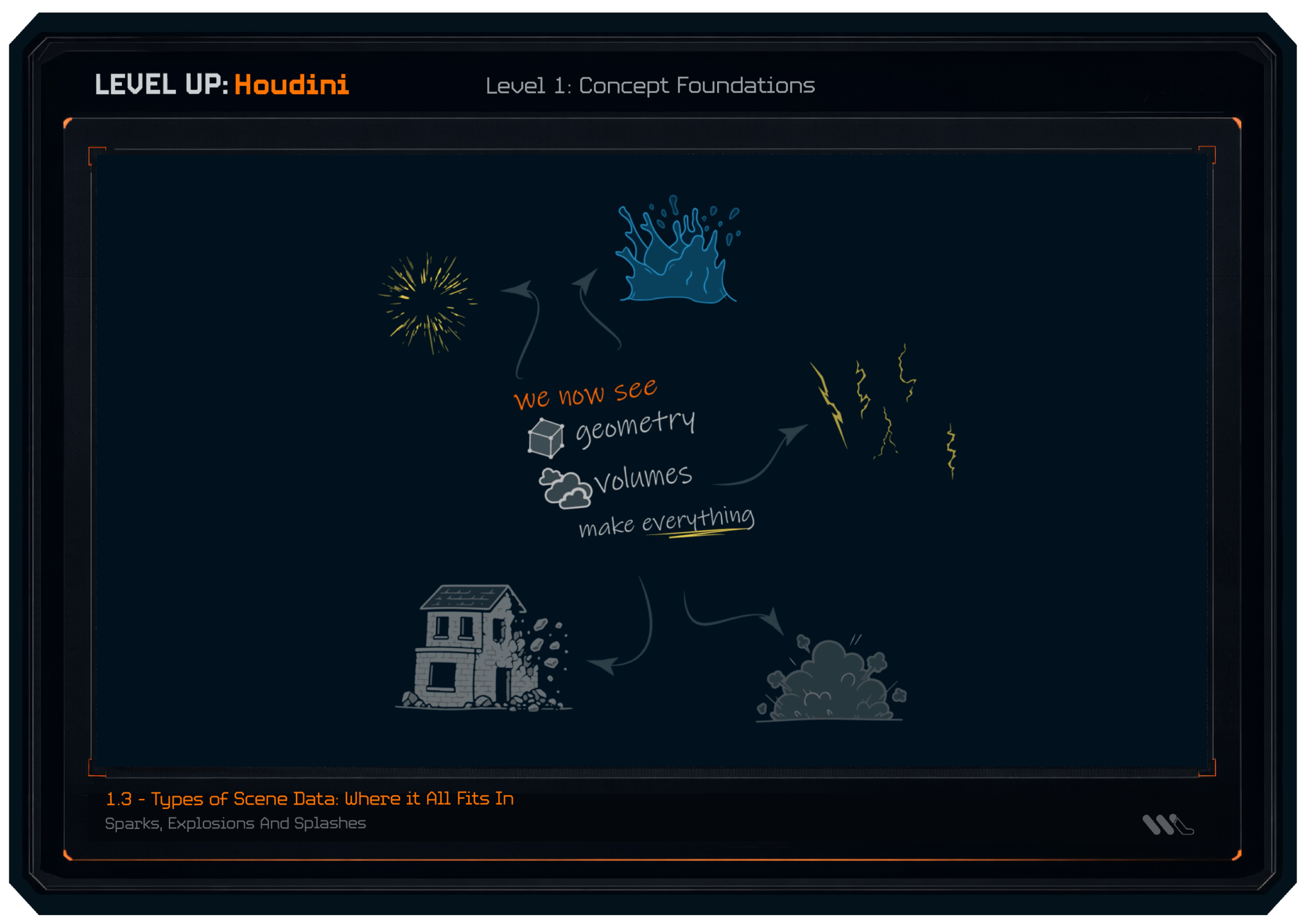
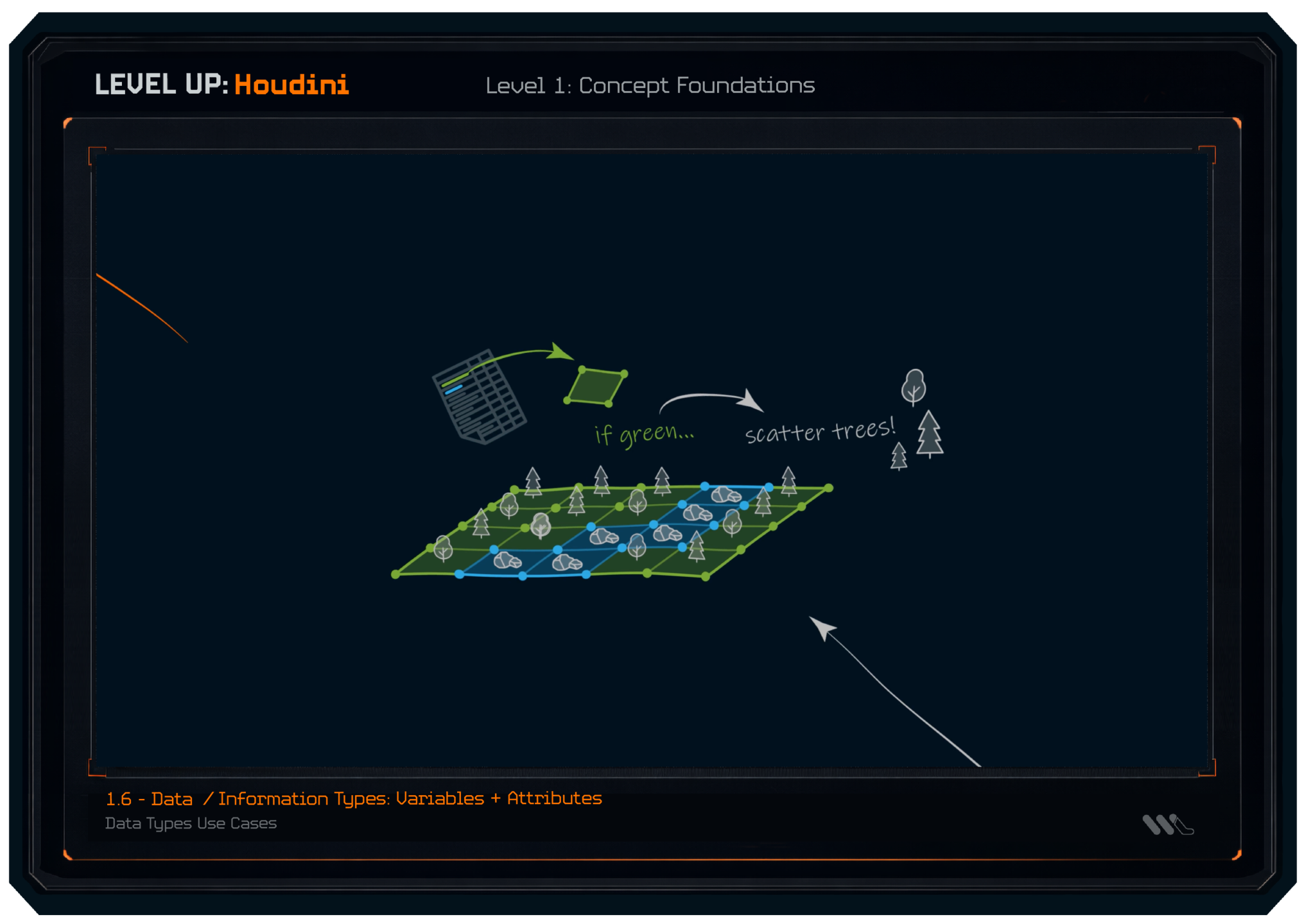
We start from the basics, introducing everything from the ground up.
We cover the core foundations and data that make up the information Houdini operates on.
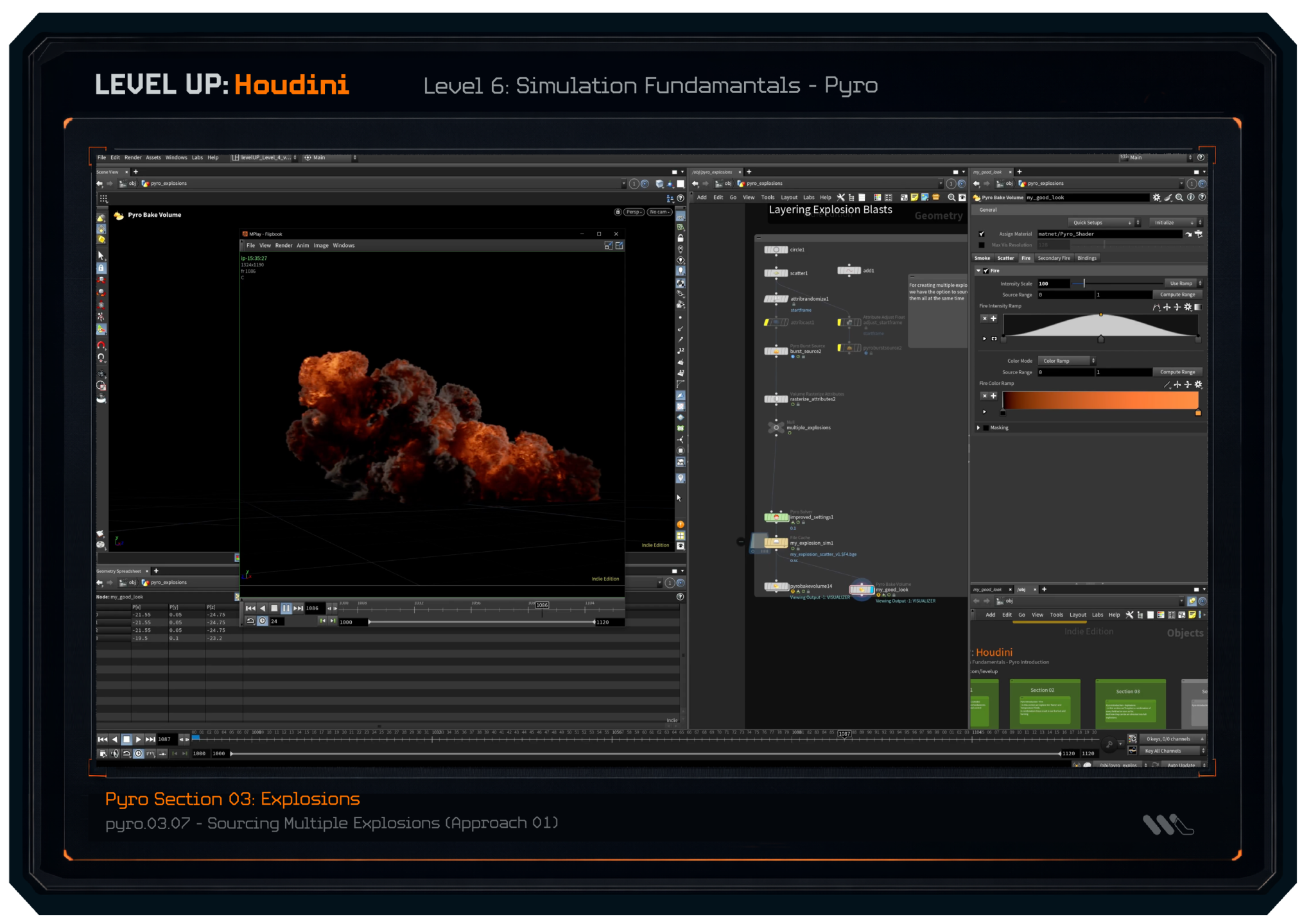
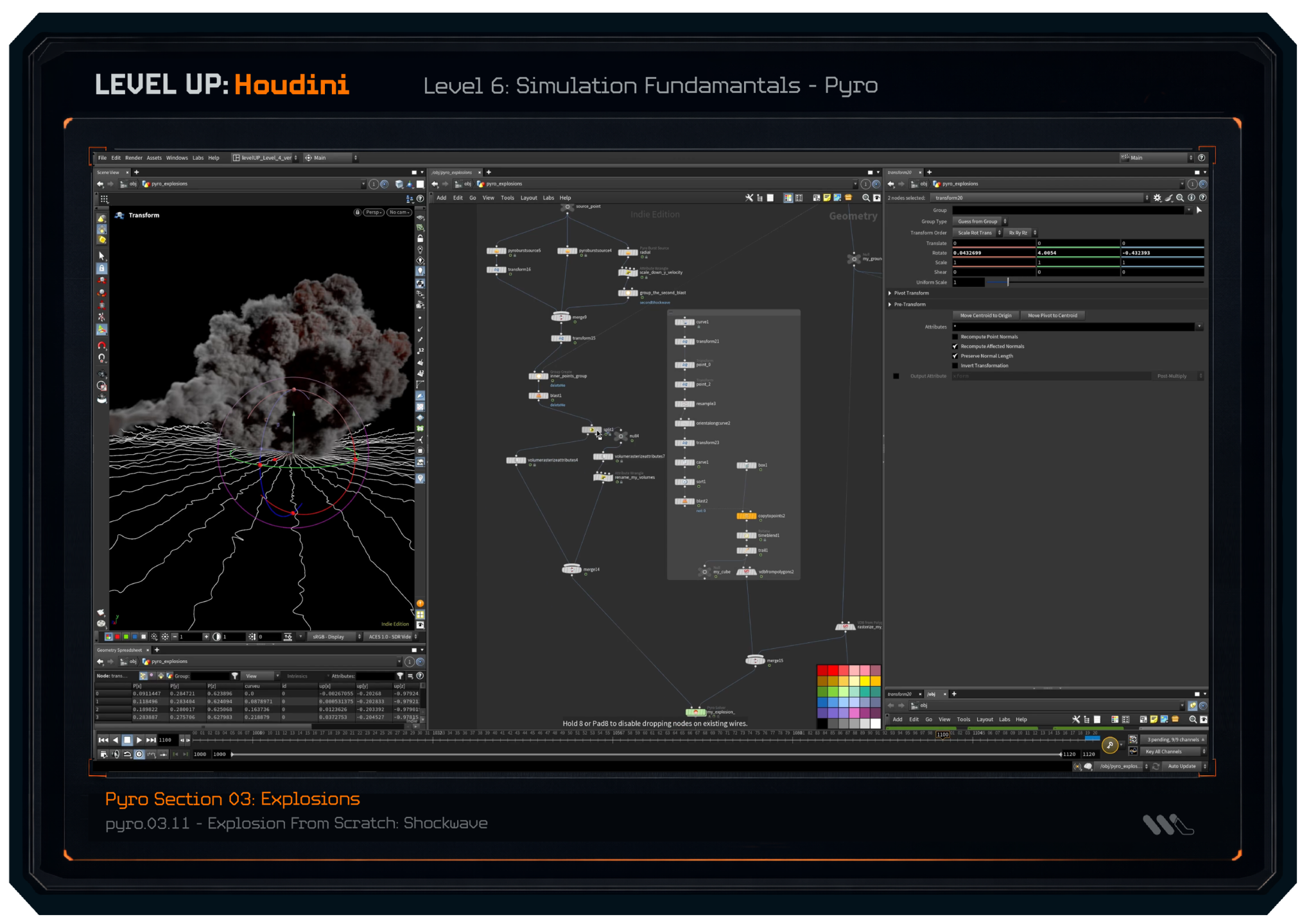
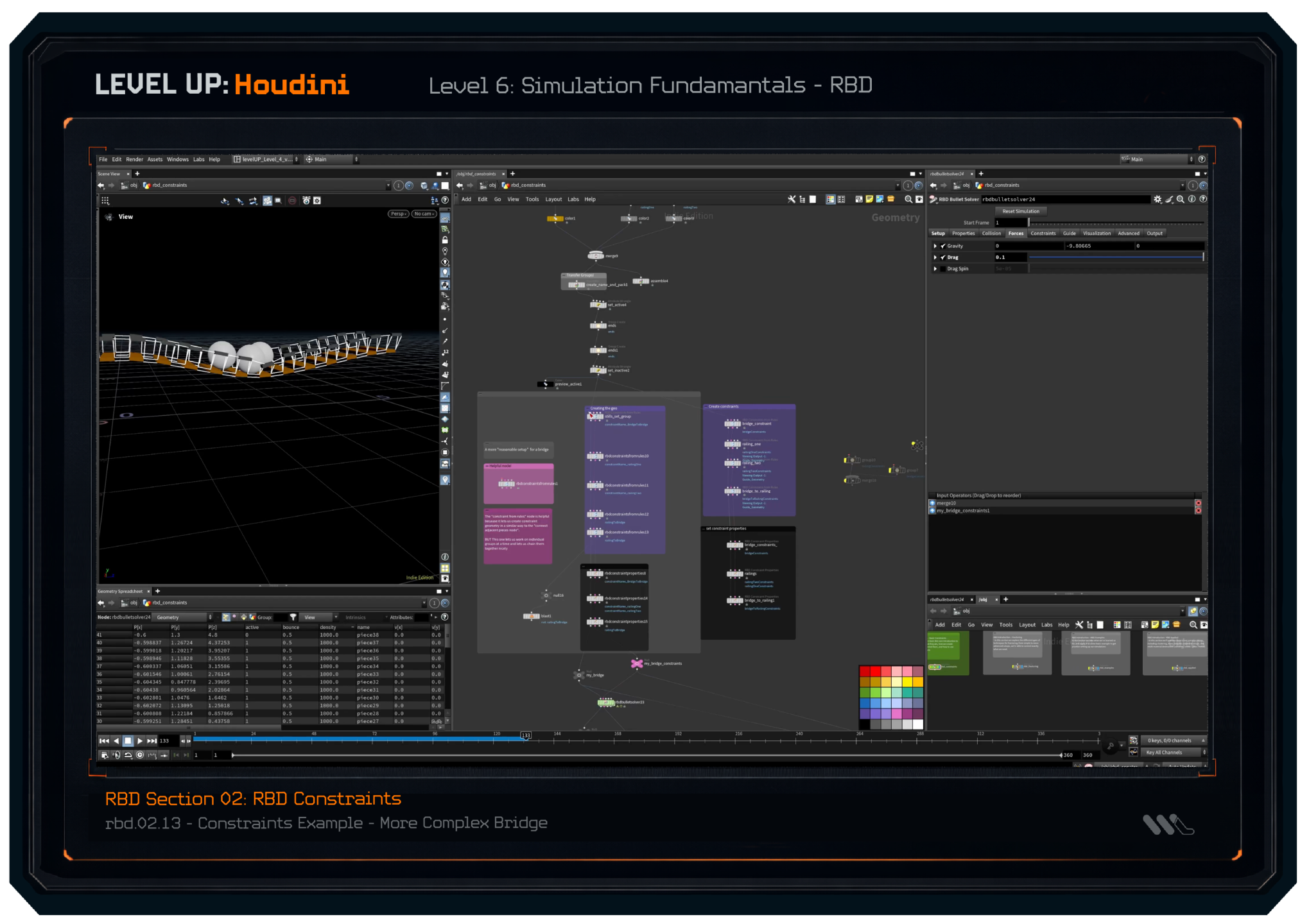
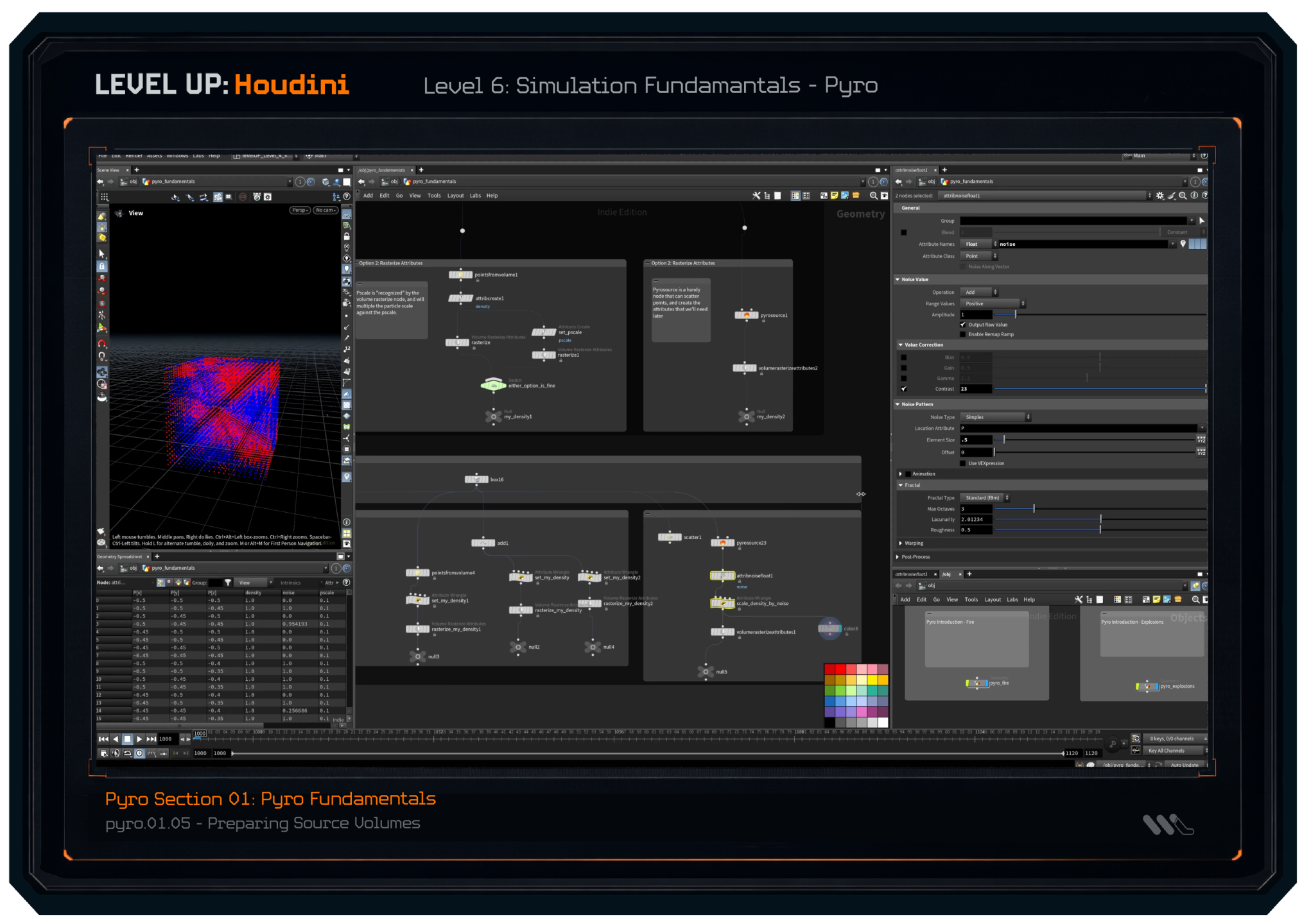
(a few lesson screenshots featured below)
LEVEL 2: Core Concepts
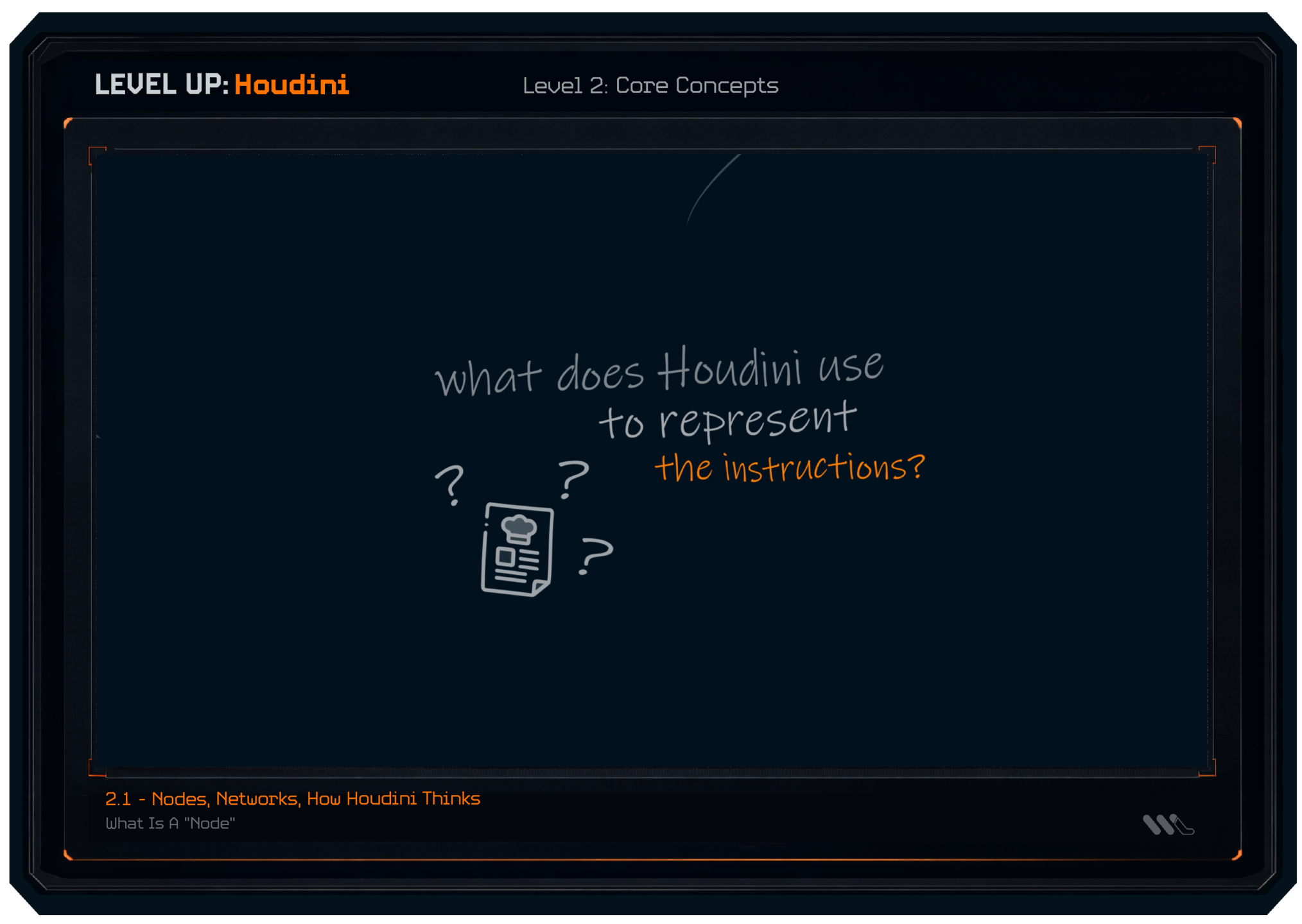
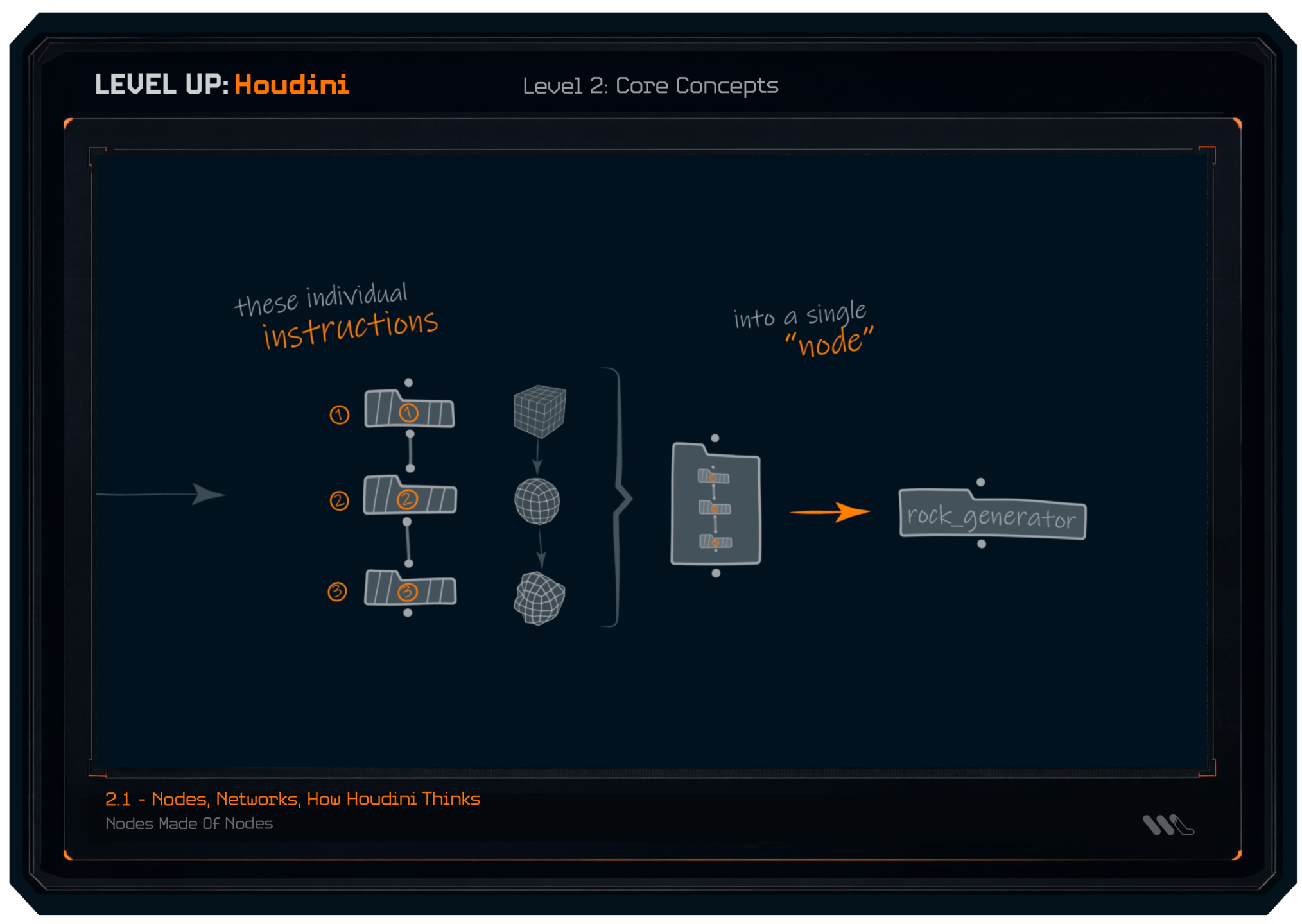
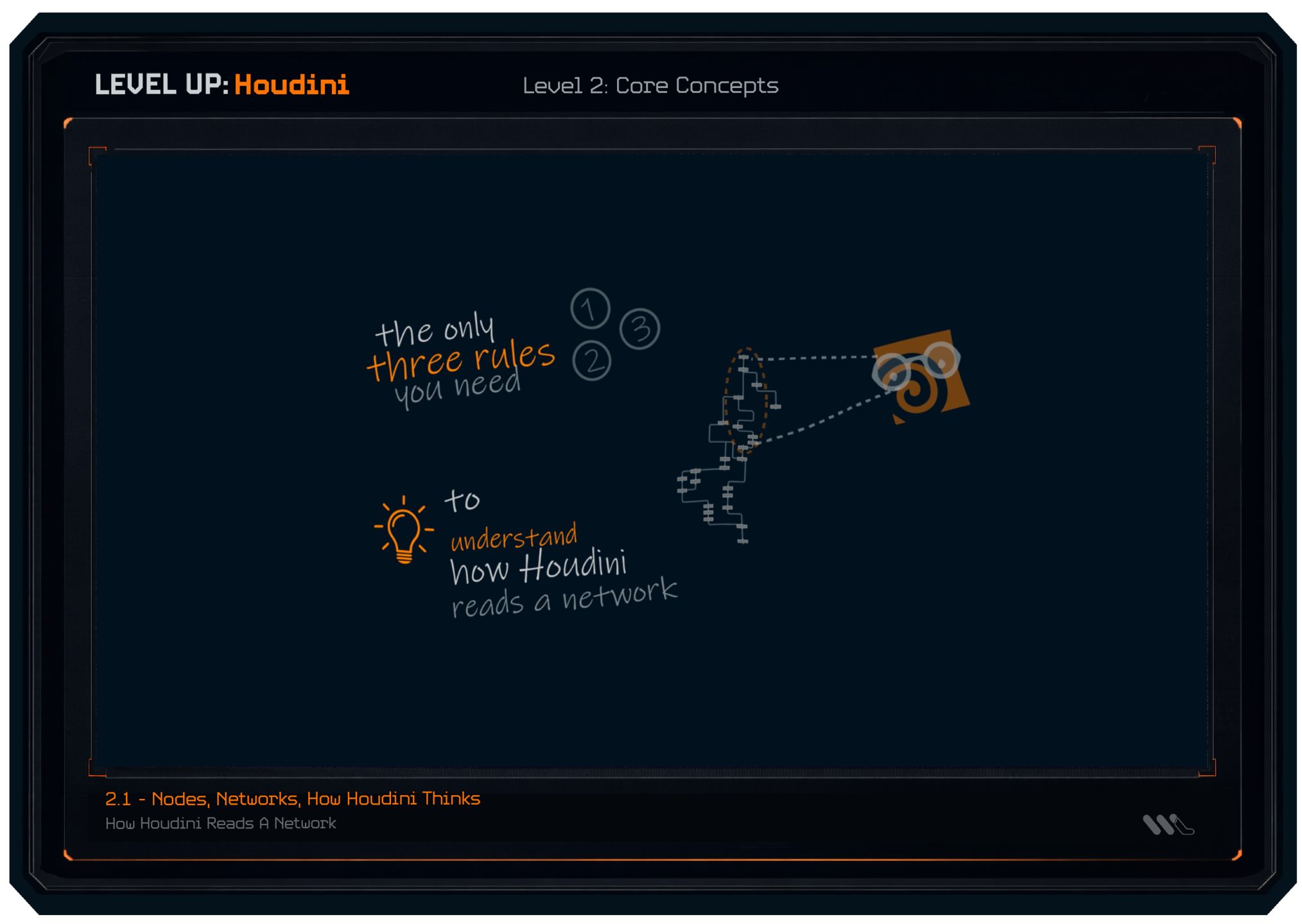
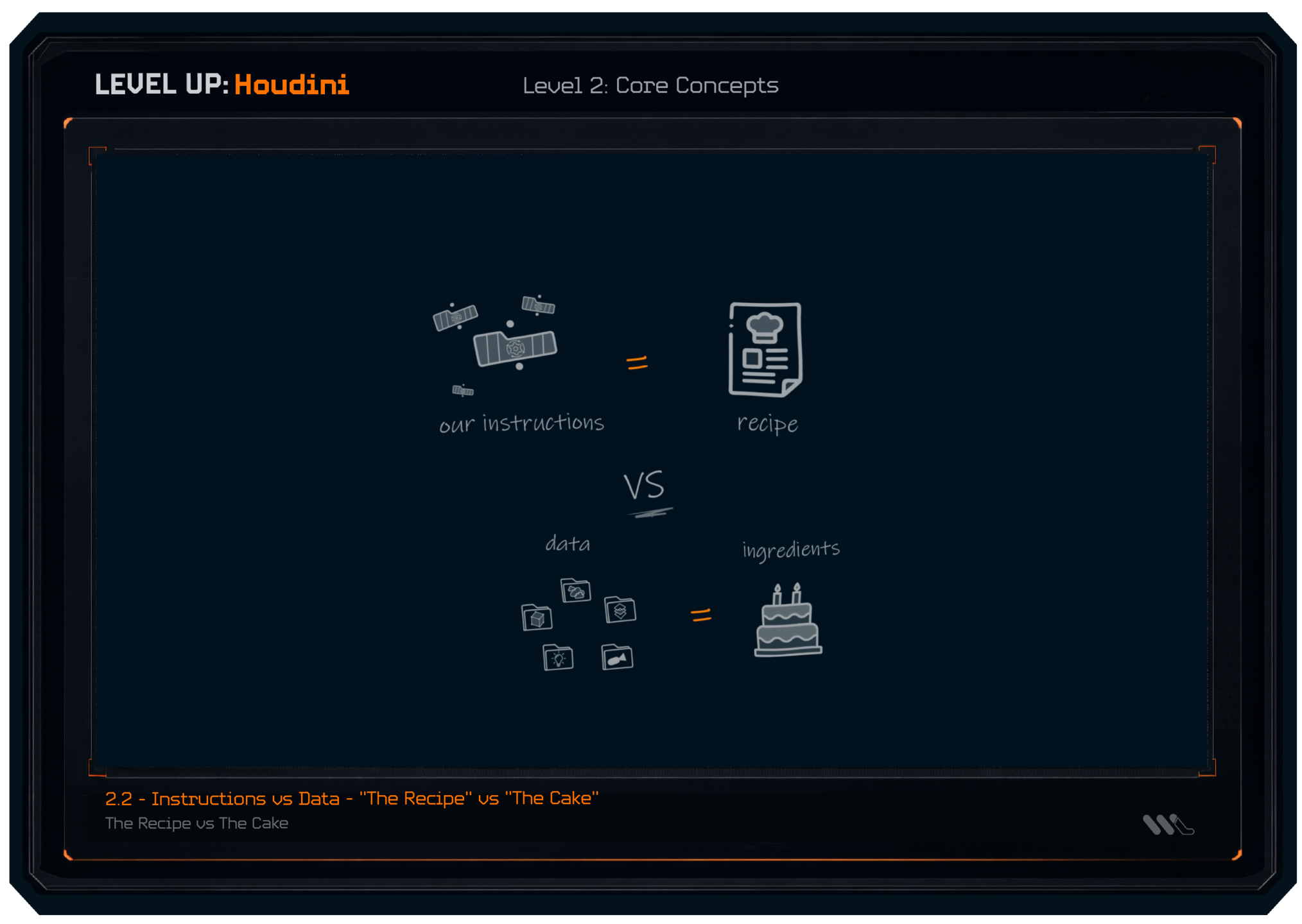
We continue where we left off in Level 1, and start building up our knowledge of the "language of Houdini". We understand what Houdini does at a core level, and what is happening as Houdini reads through our network and setups.
(a few lesson screenshots featured below)
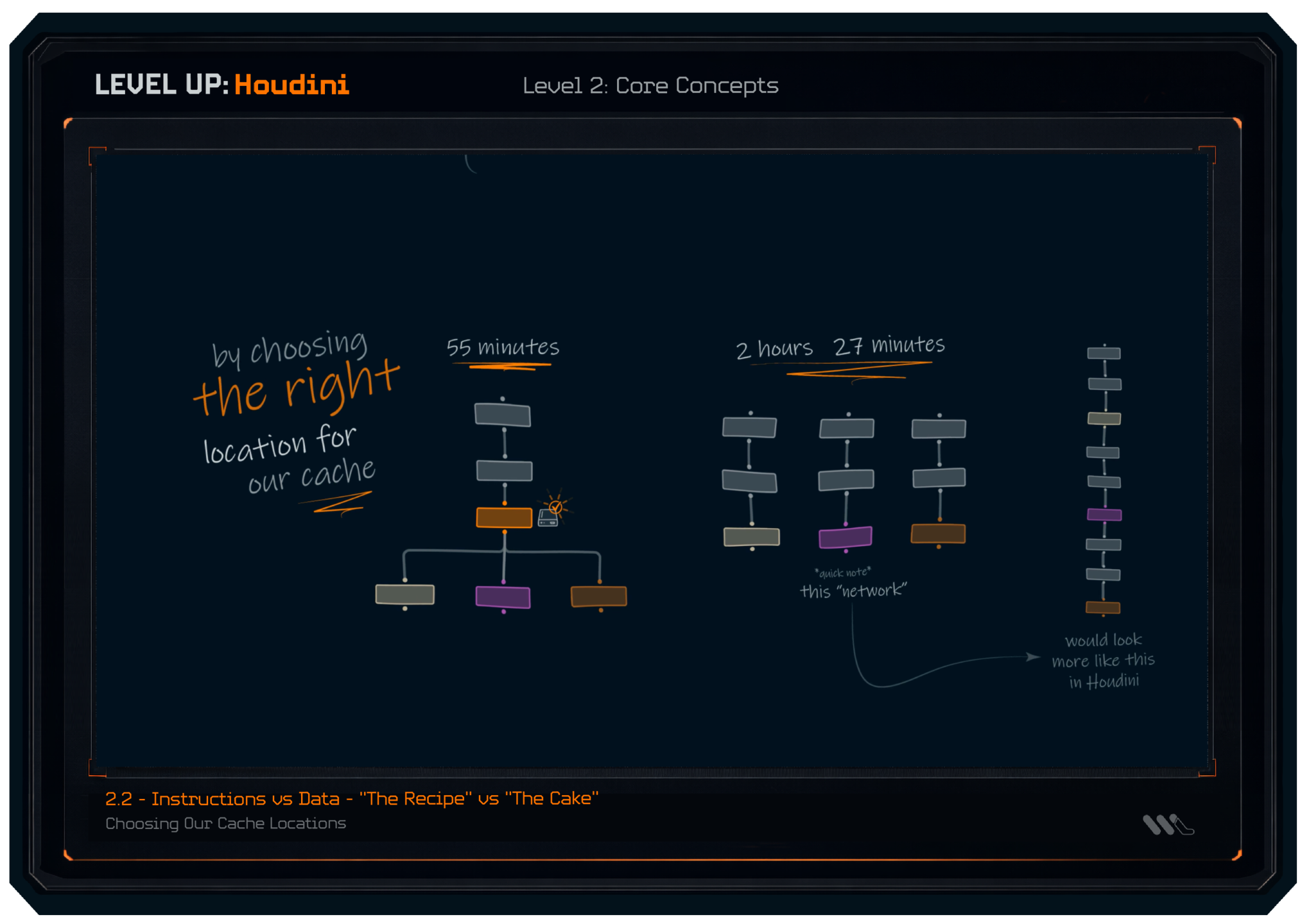
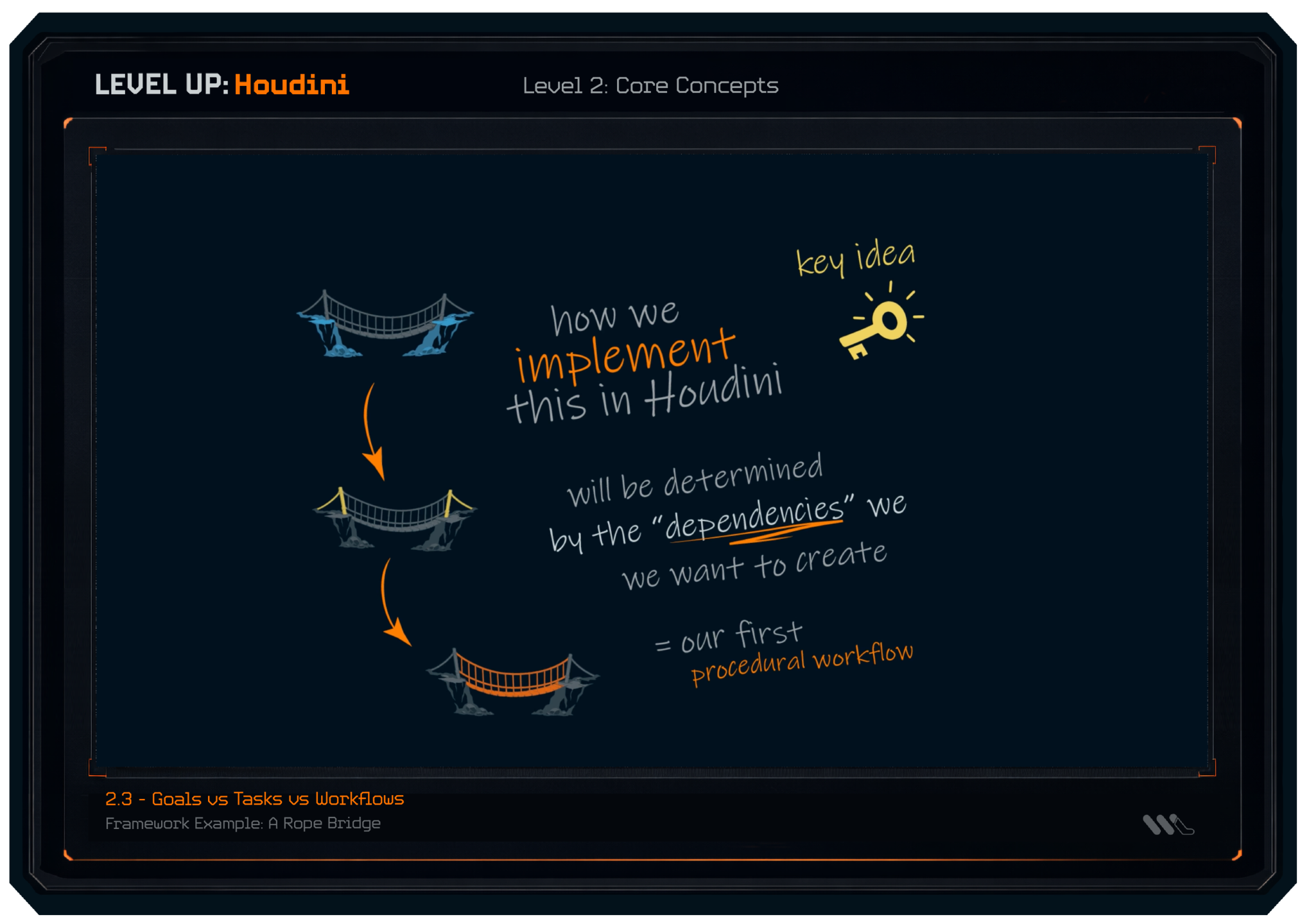
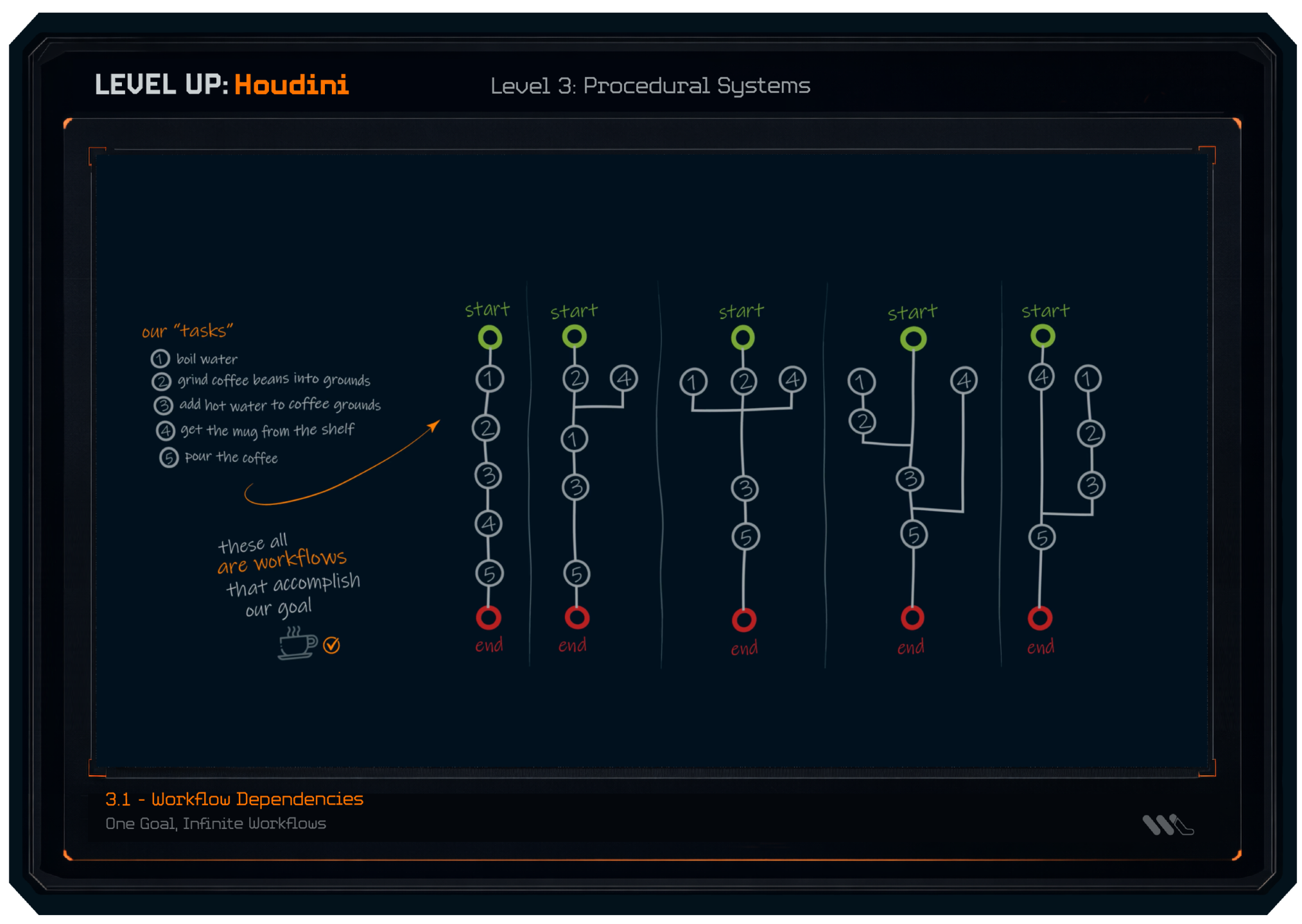
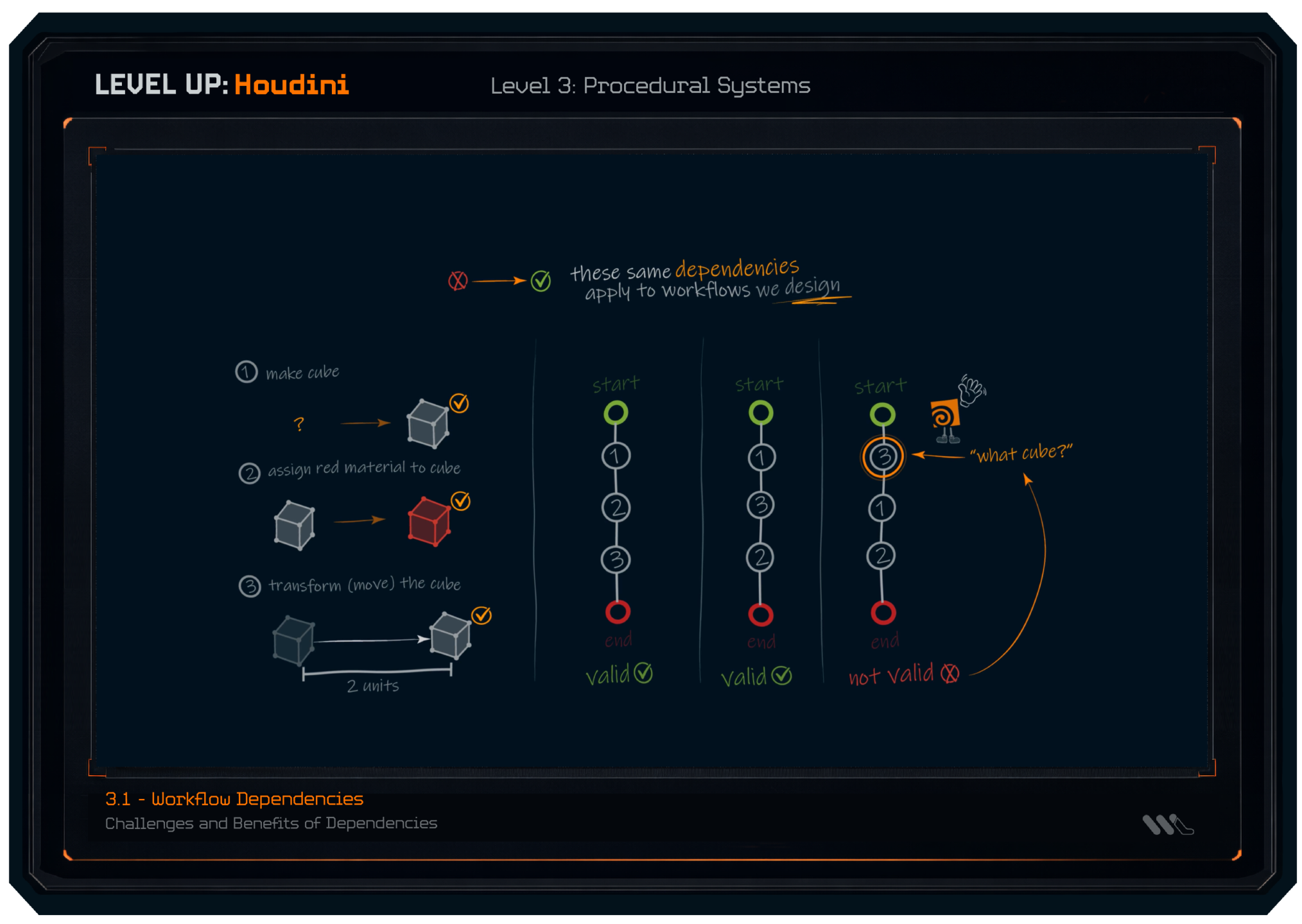
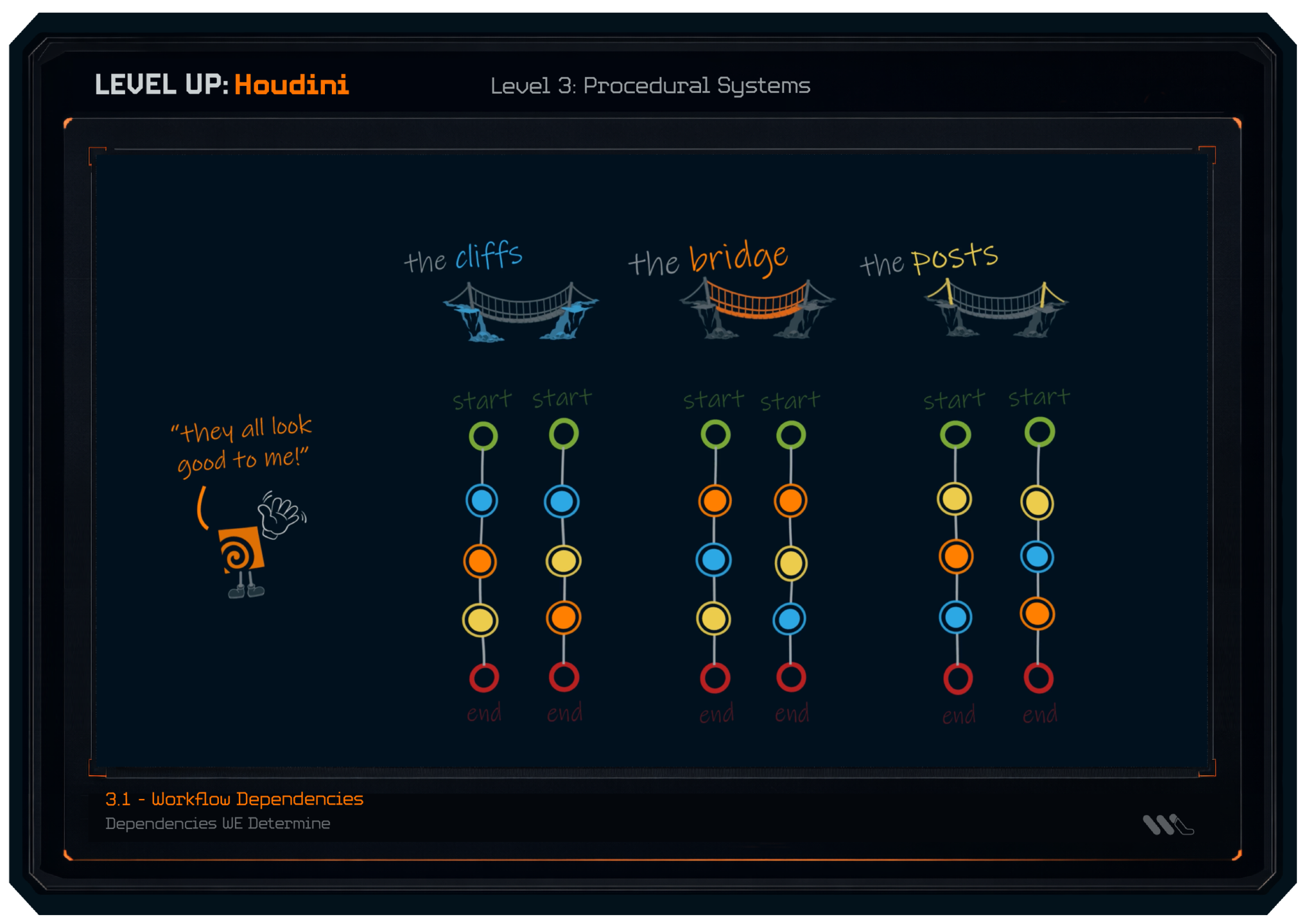
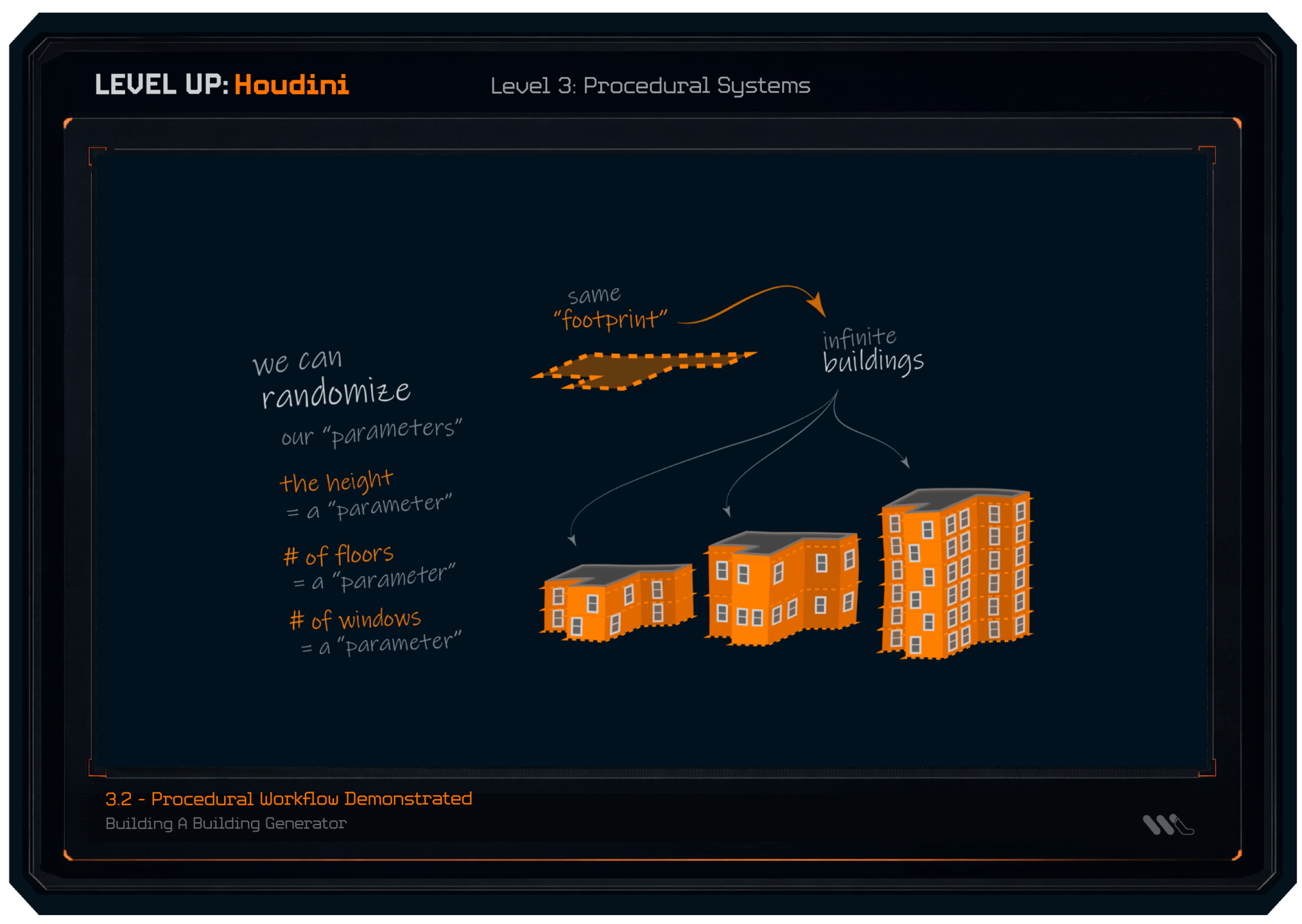
LEVEL 3: Procedural Systems
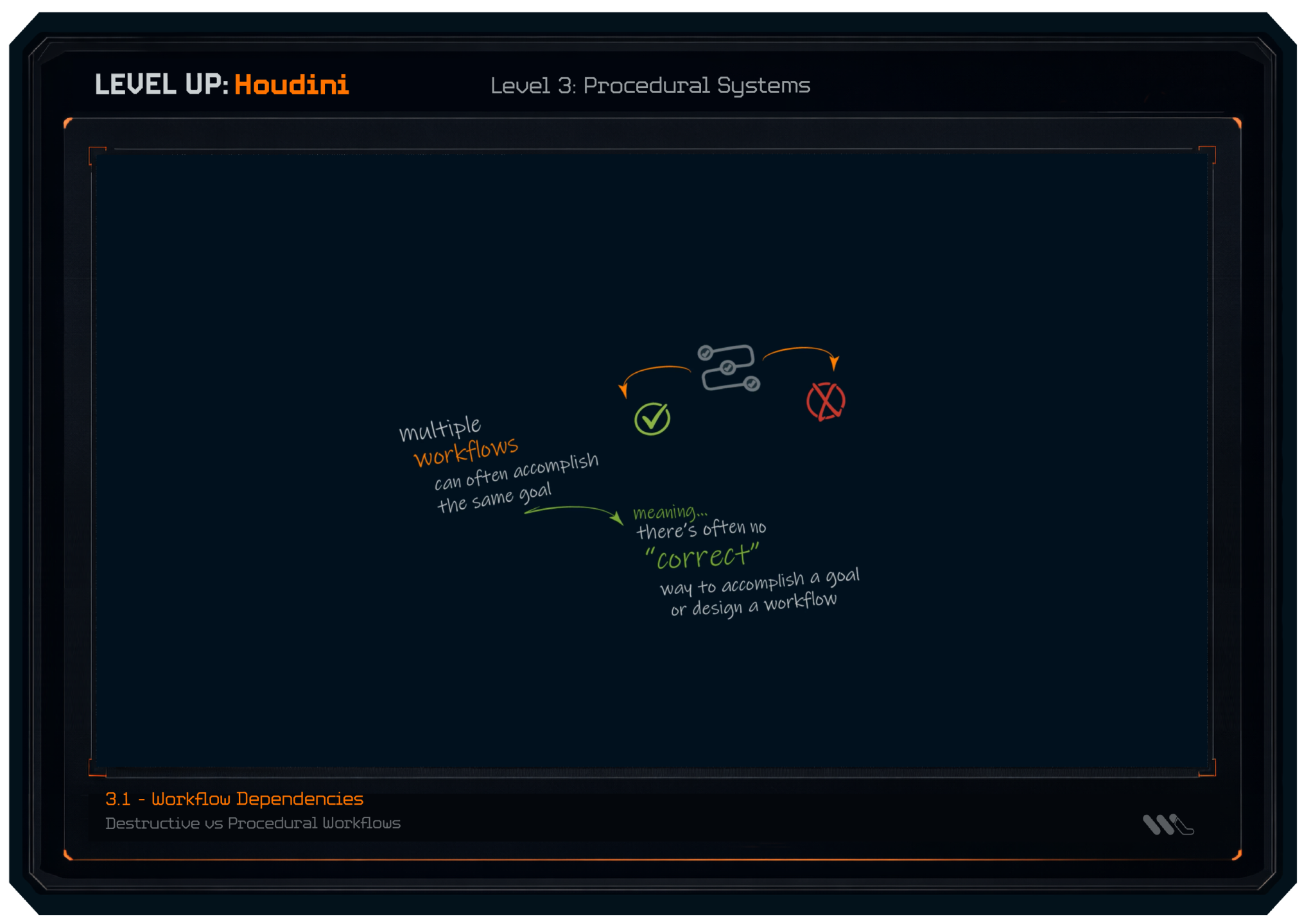
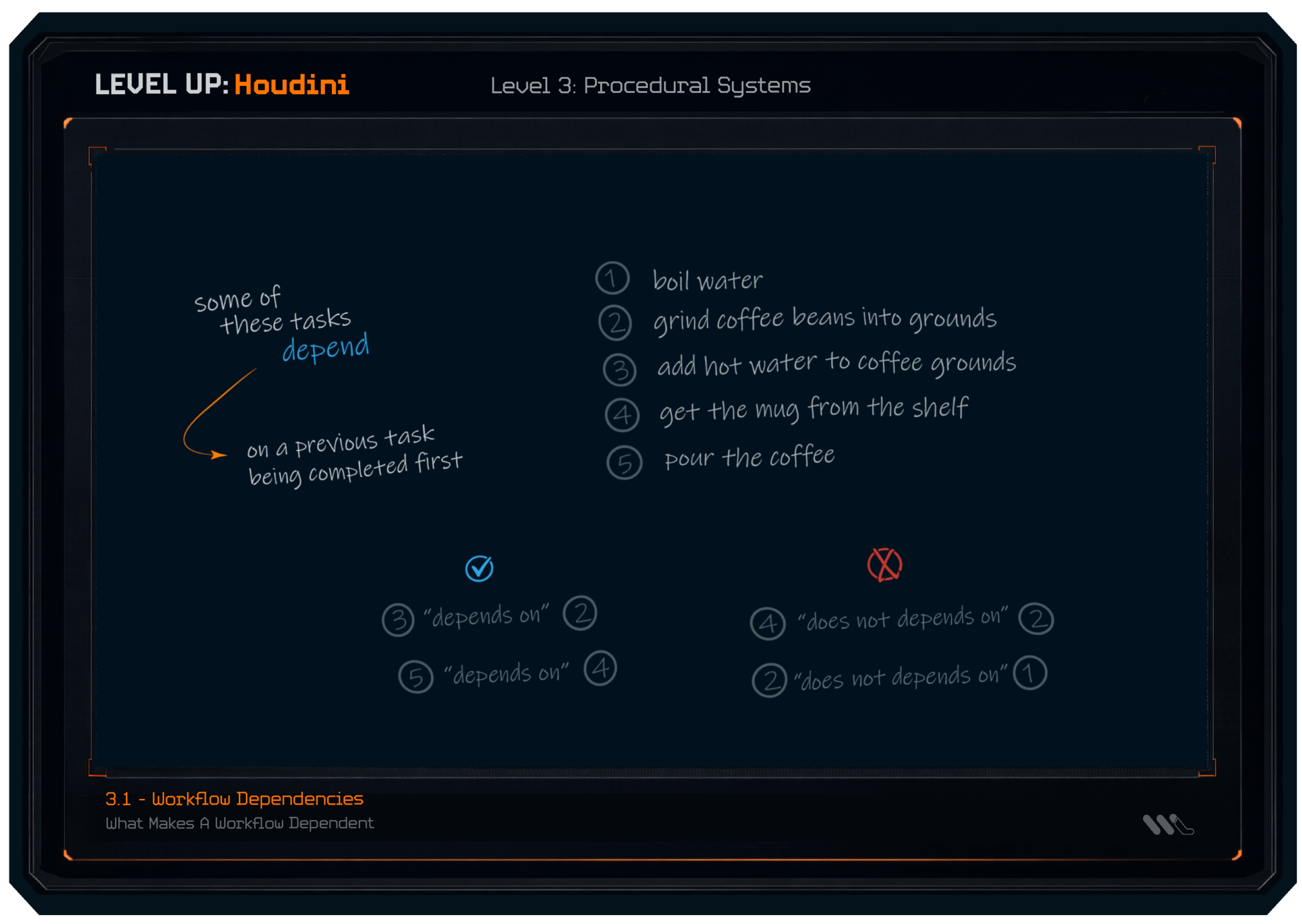
We start to connect the dots of why Houdini is so powerful, we see how to design and organize key procedural components that can be used in our projects.
(a few lesson screenshots featured below)
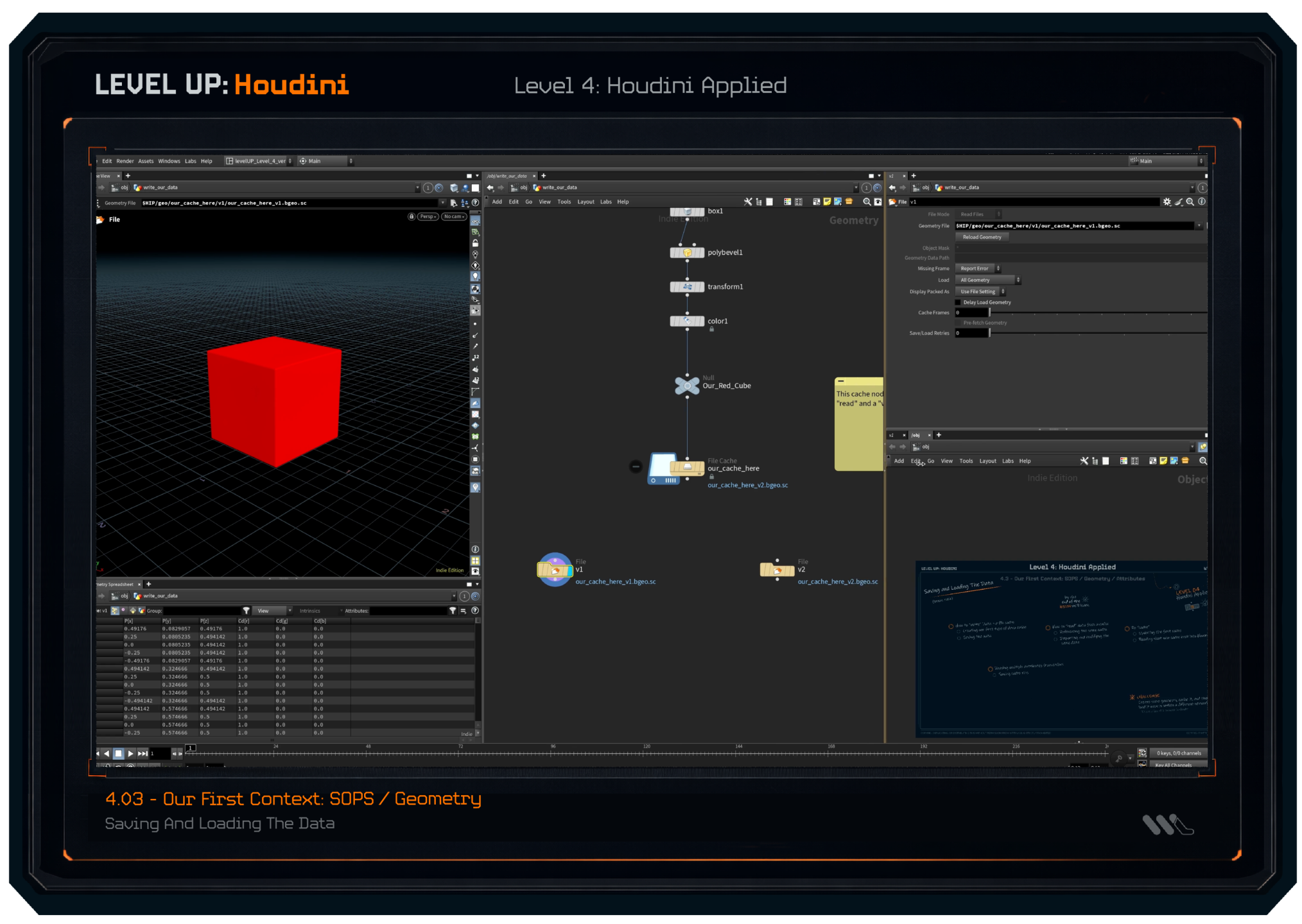
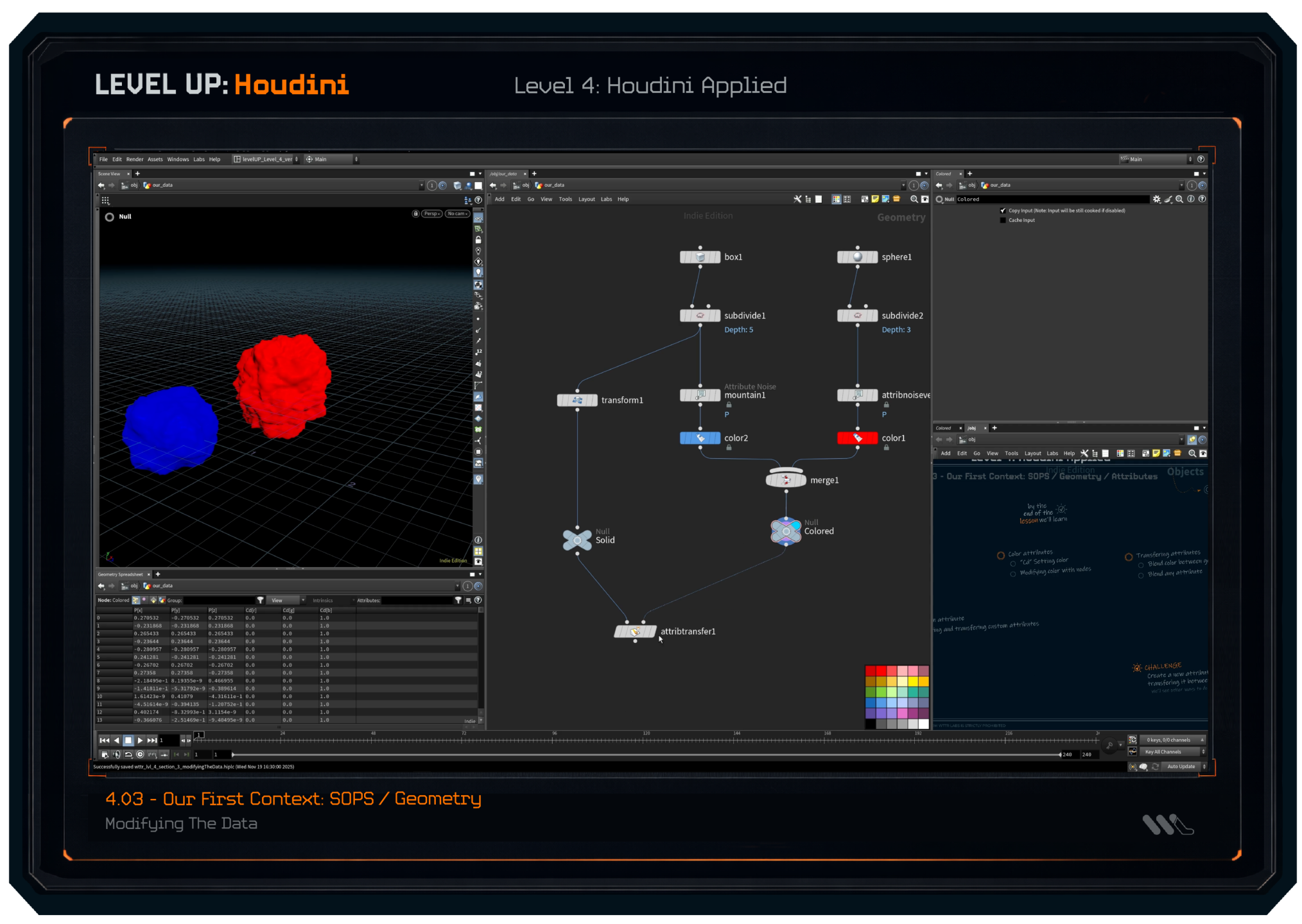
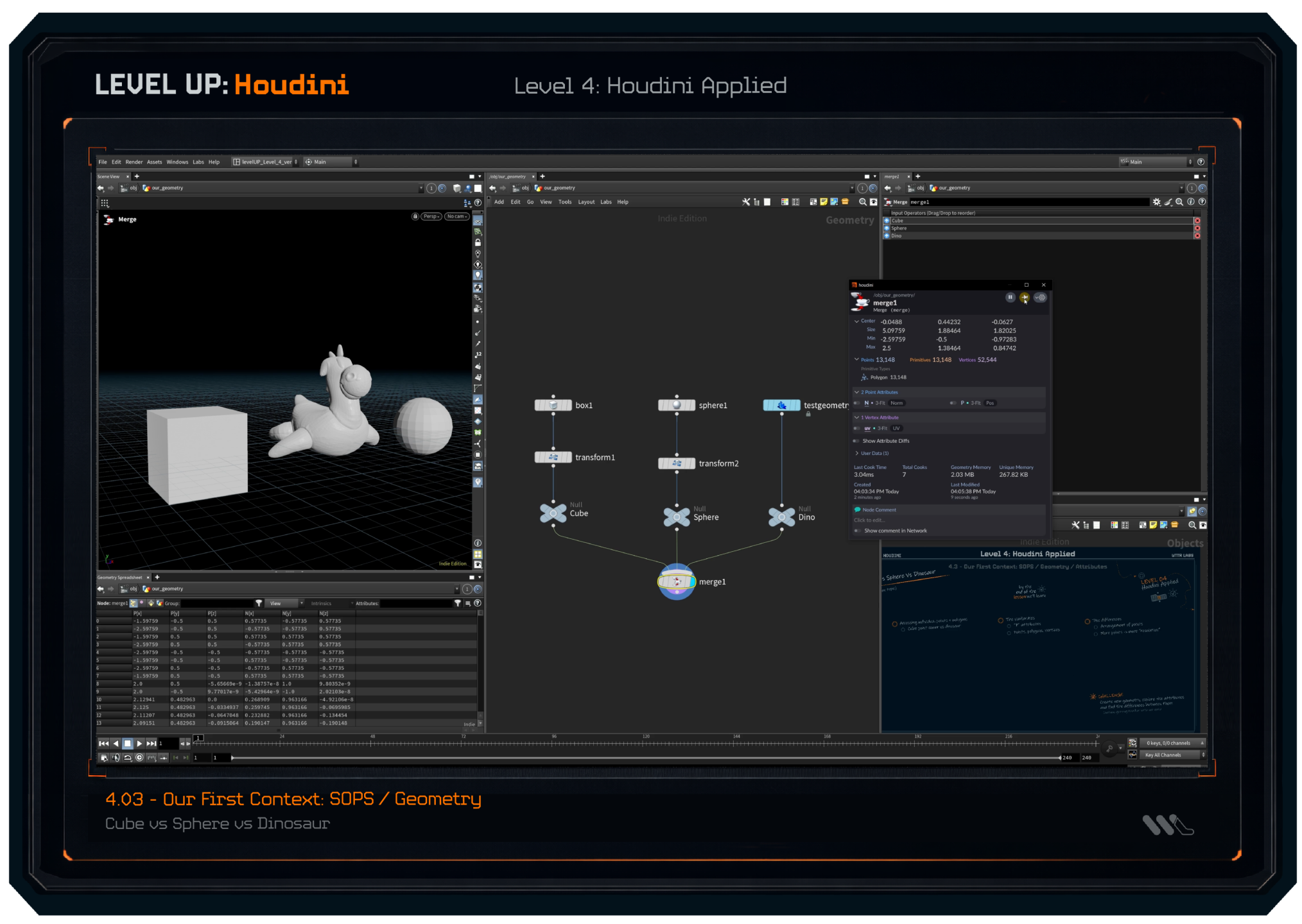
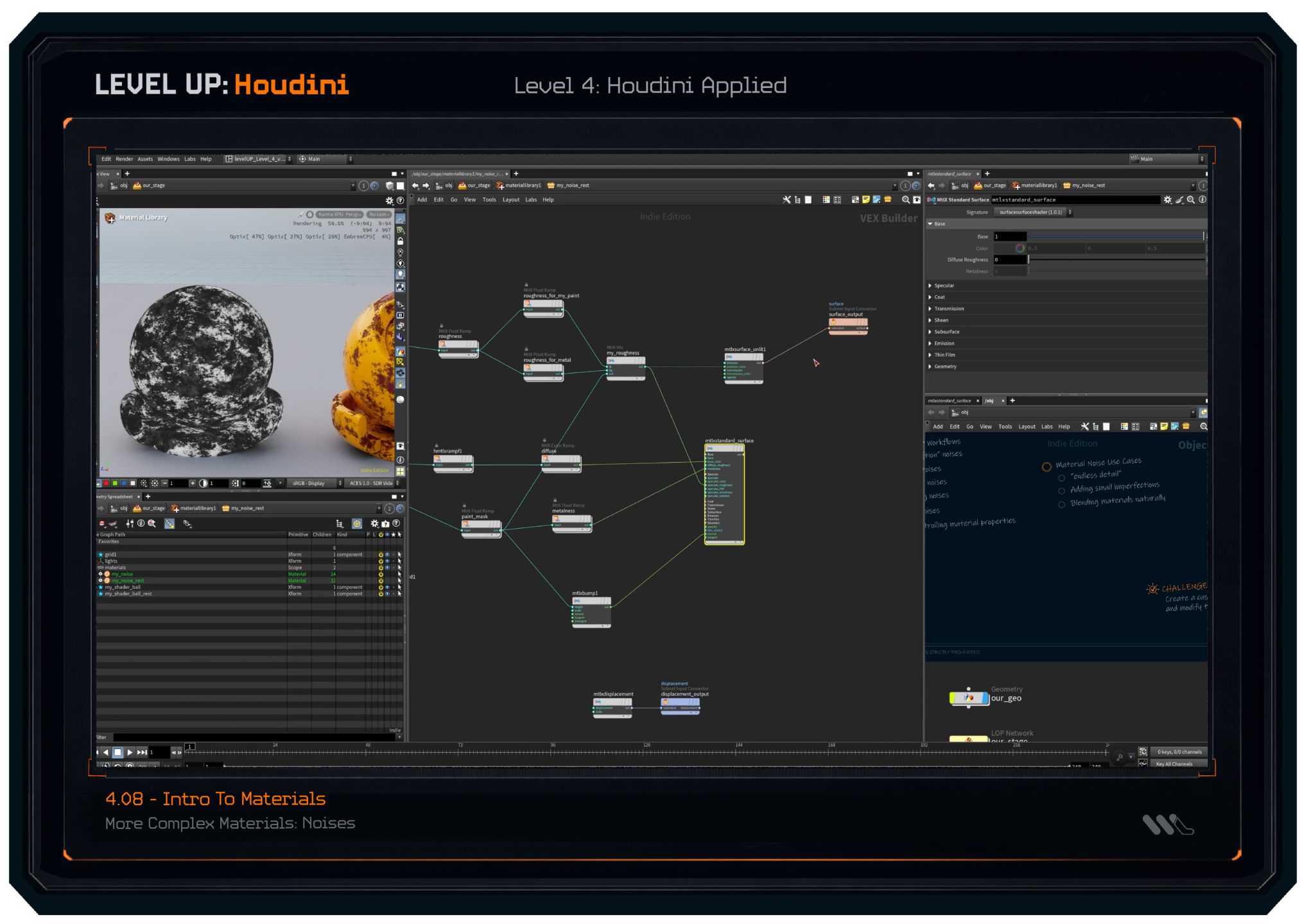
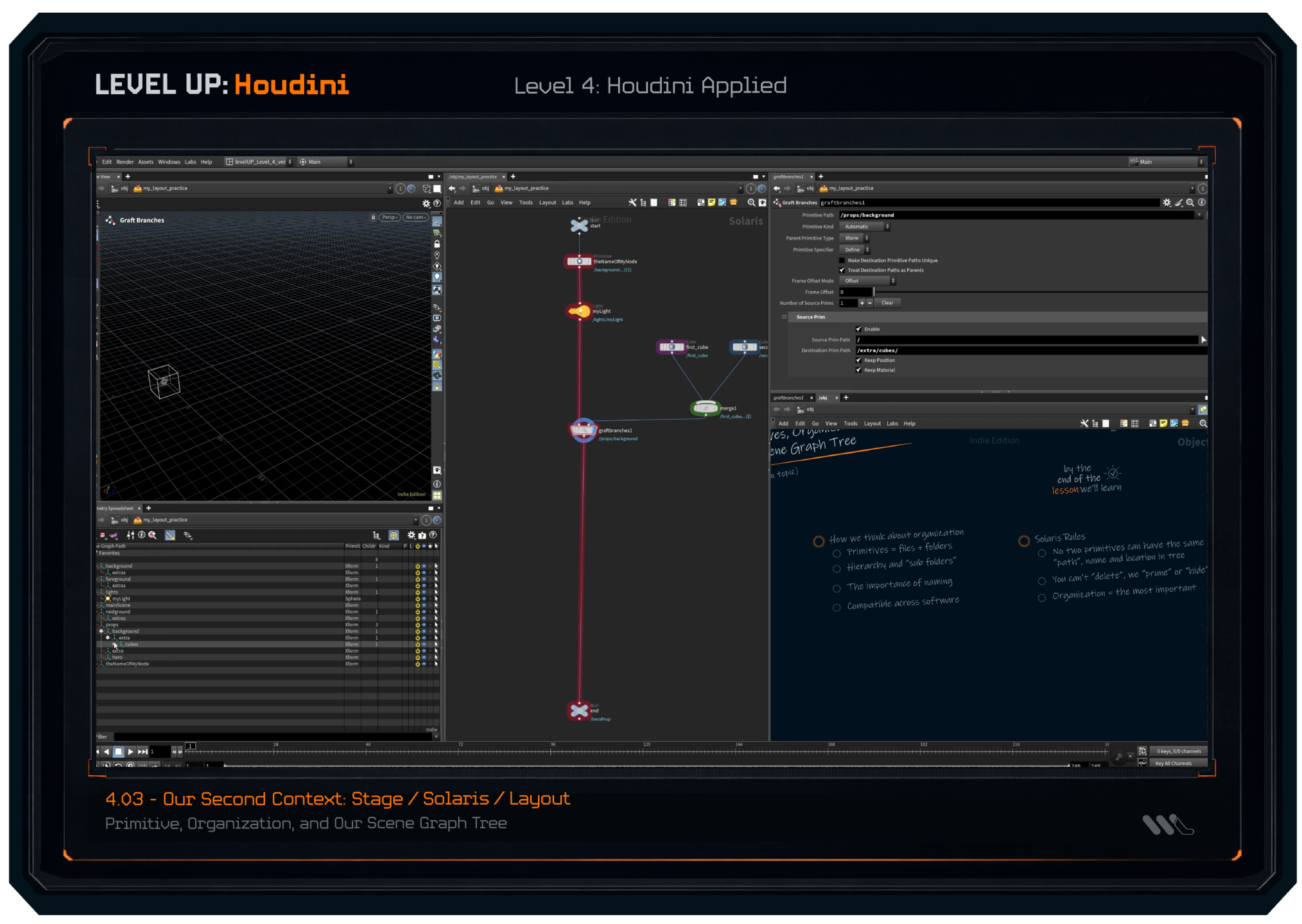
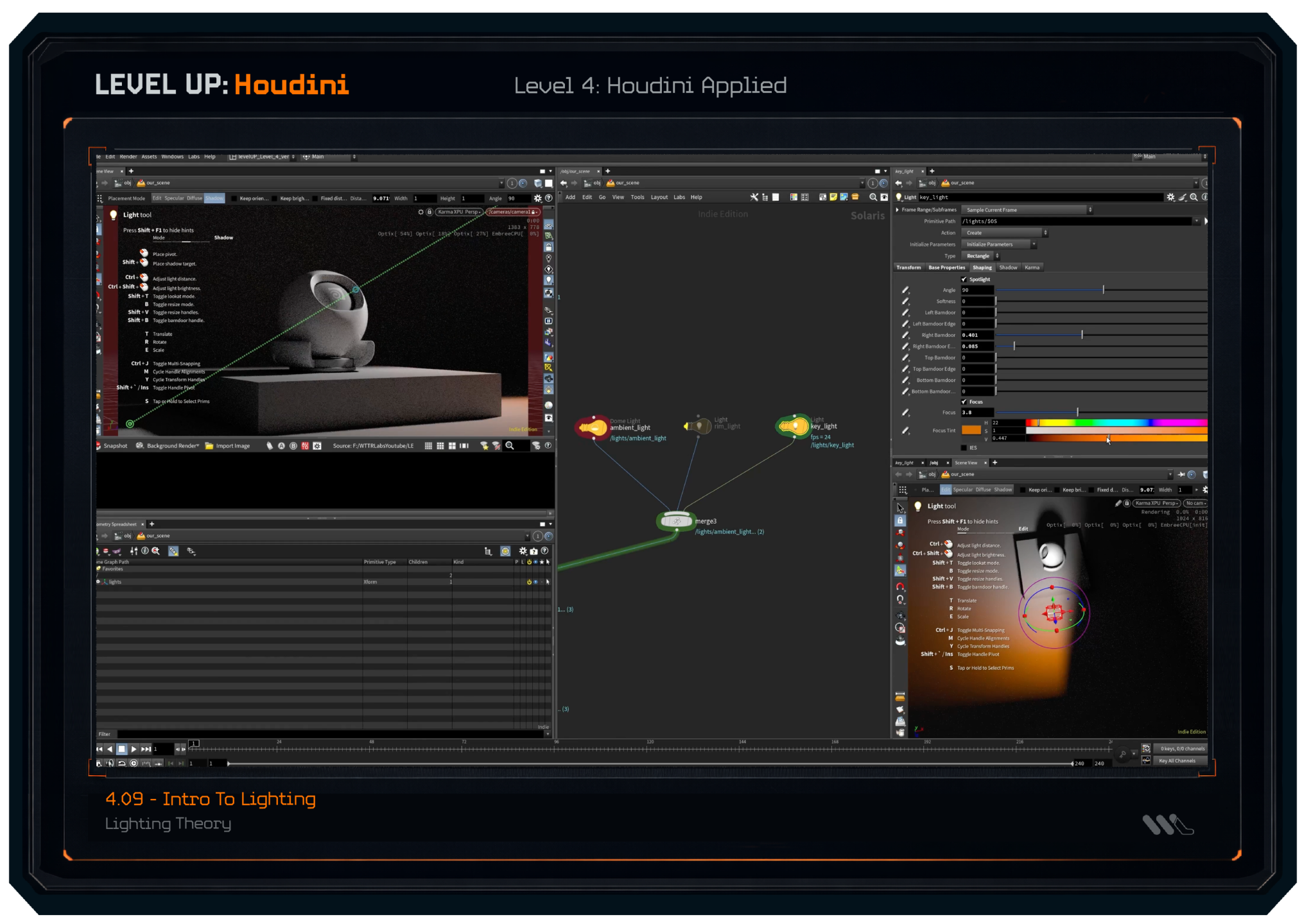
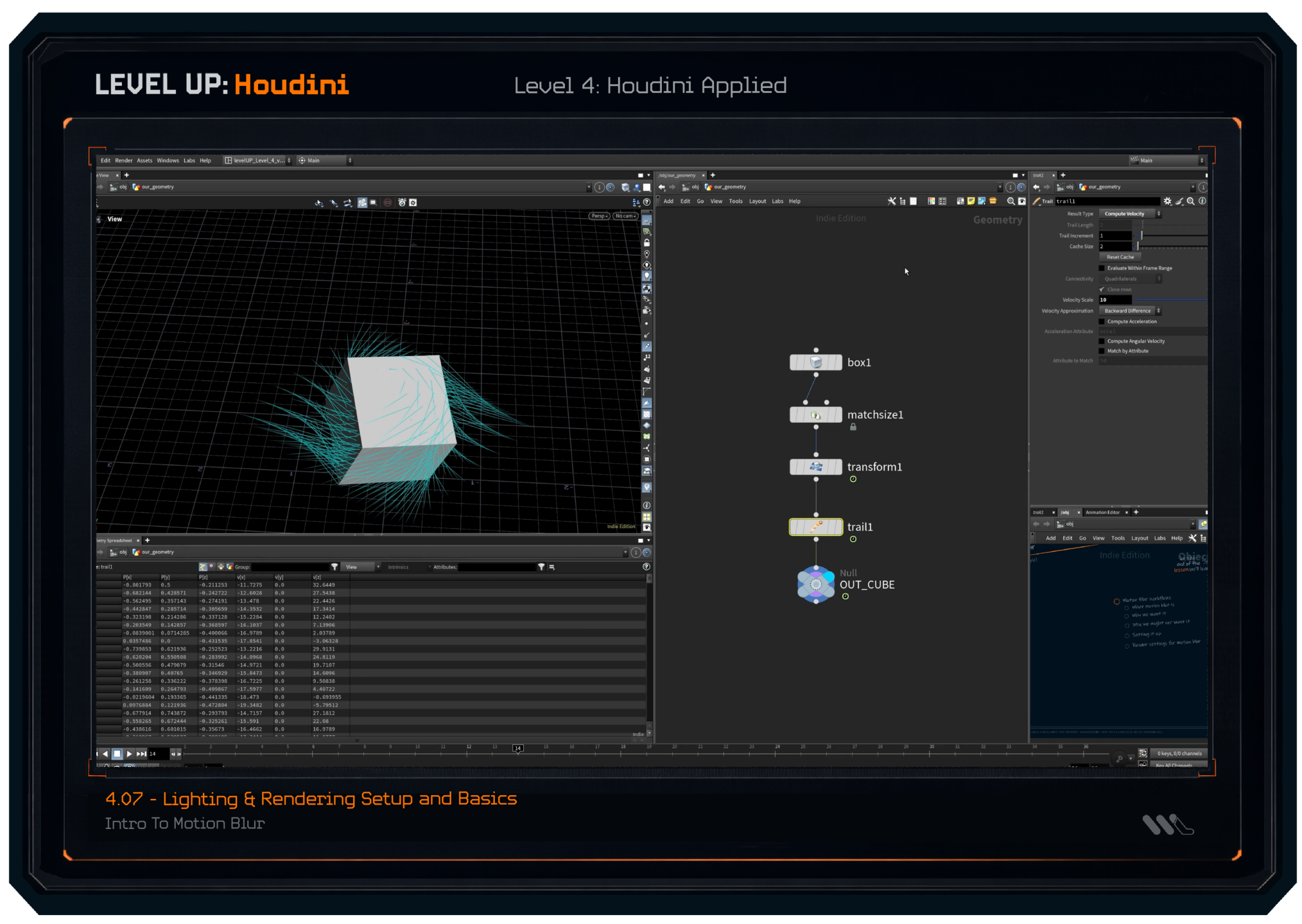
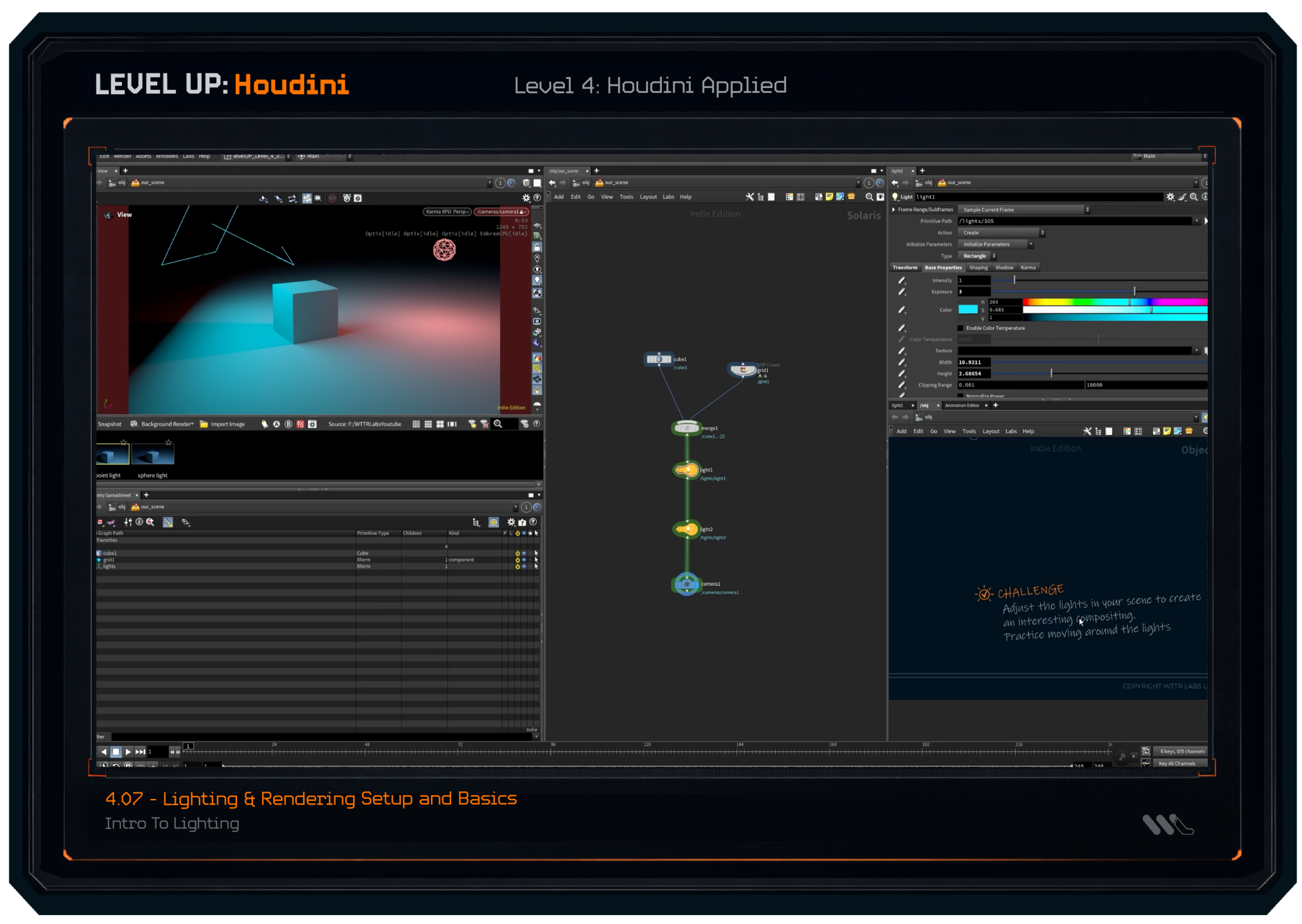
LEVEL 4: Houdini Applied
Now we begin to apply everything we've learned about how Houdini operates and how to design and approach our projects. We learn the implementation for our big goals we set up in previous levels.
(some lesson screenshots featured below)
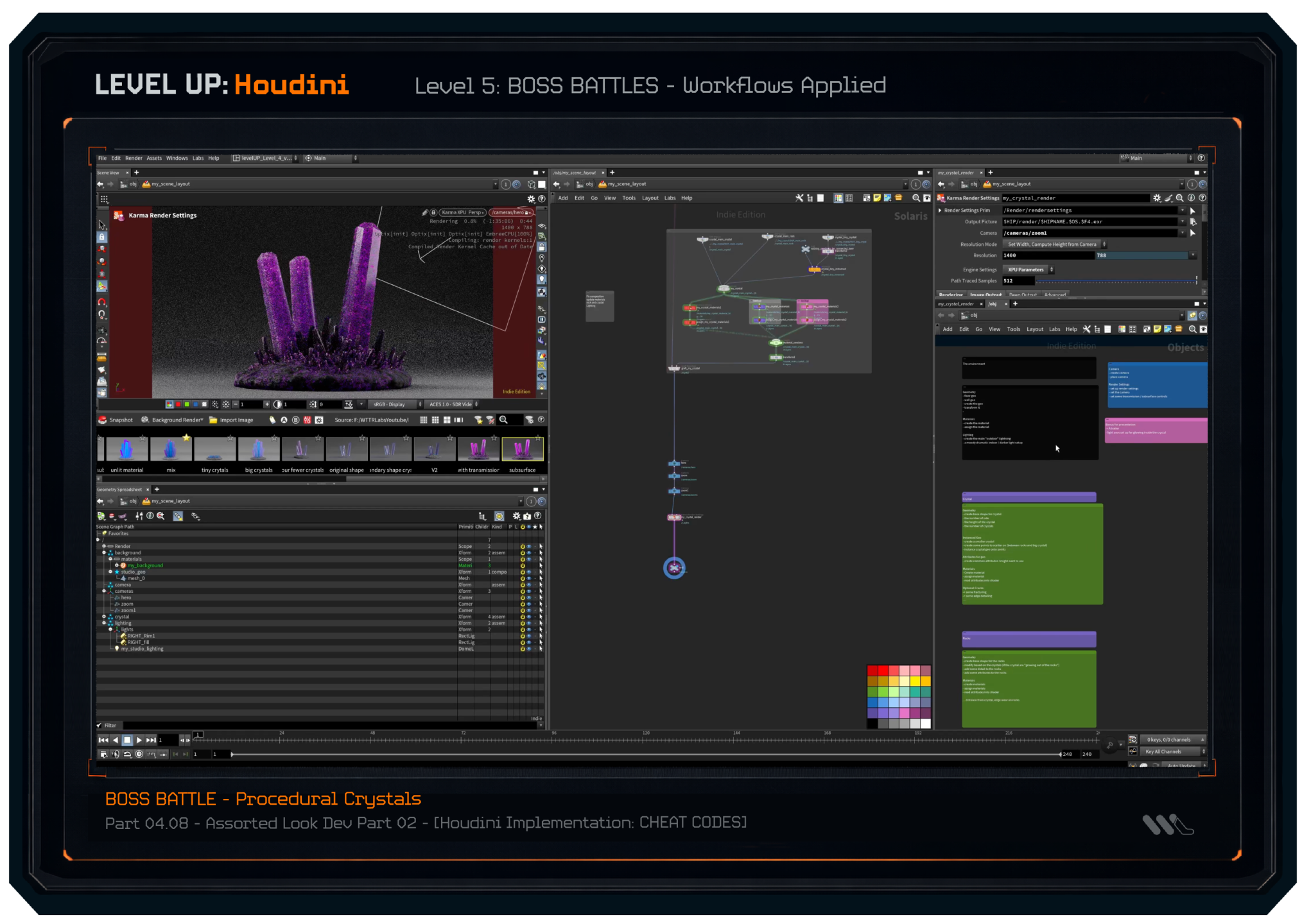
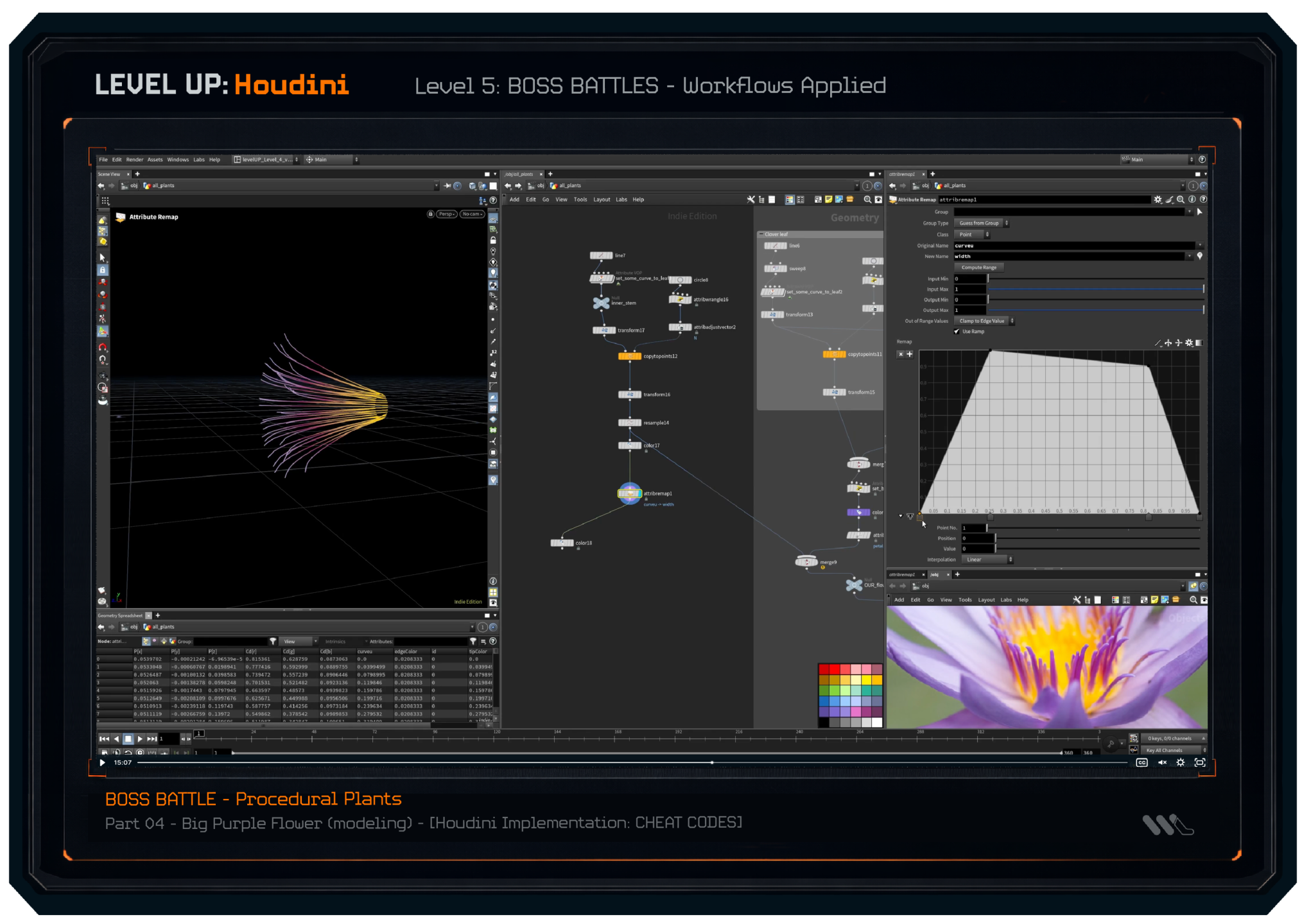
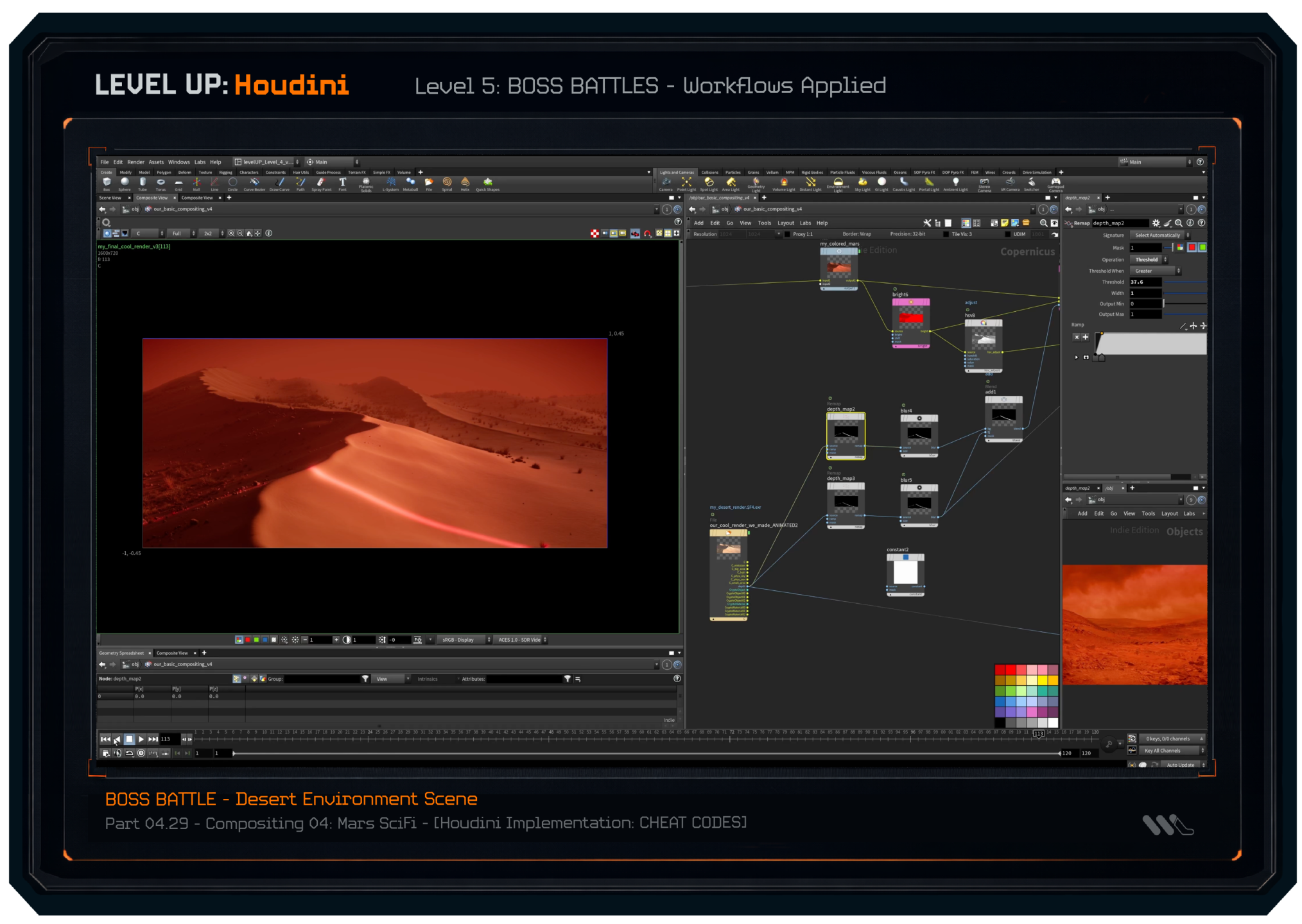
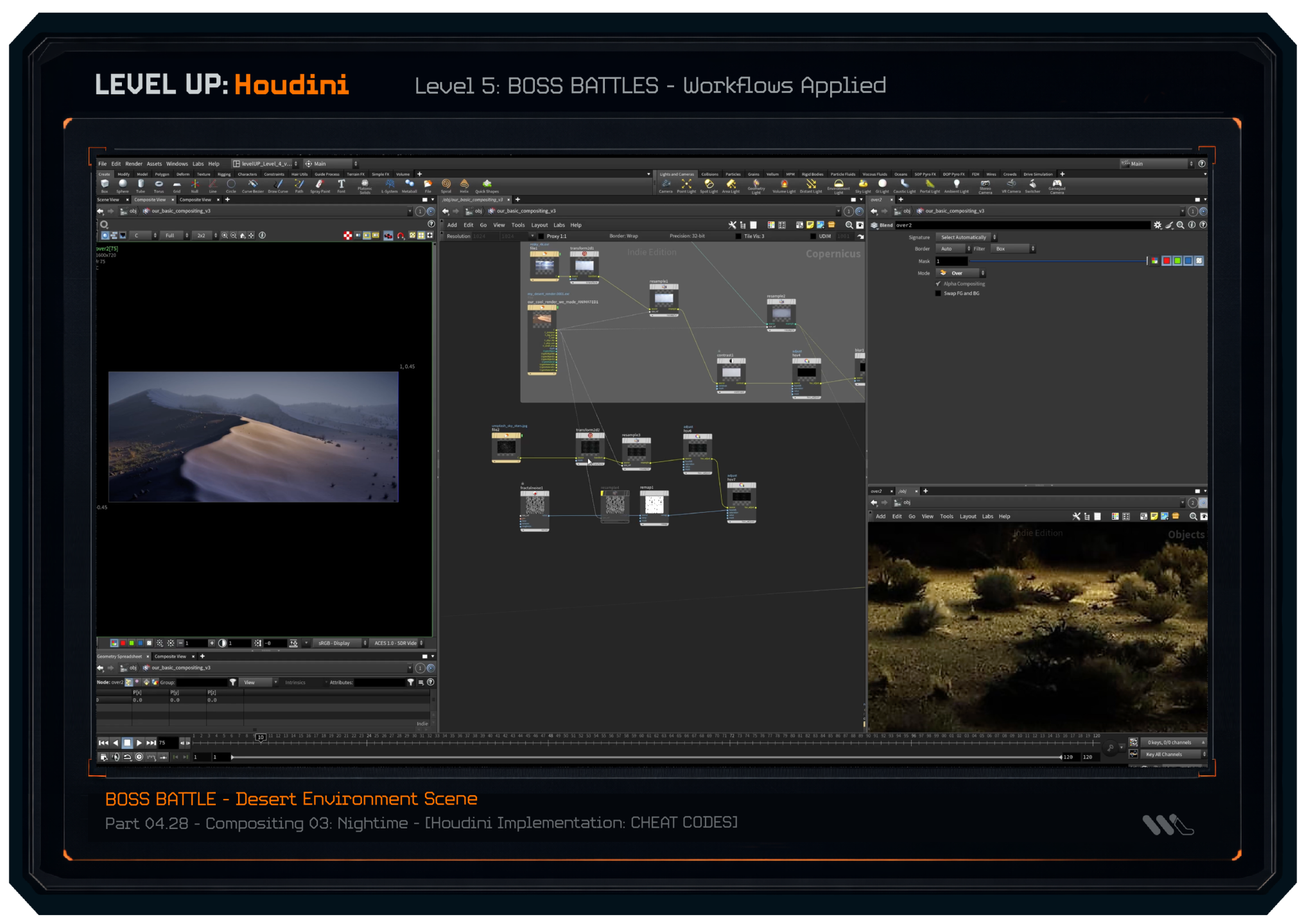
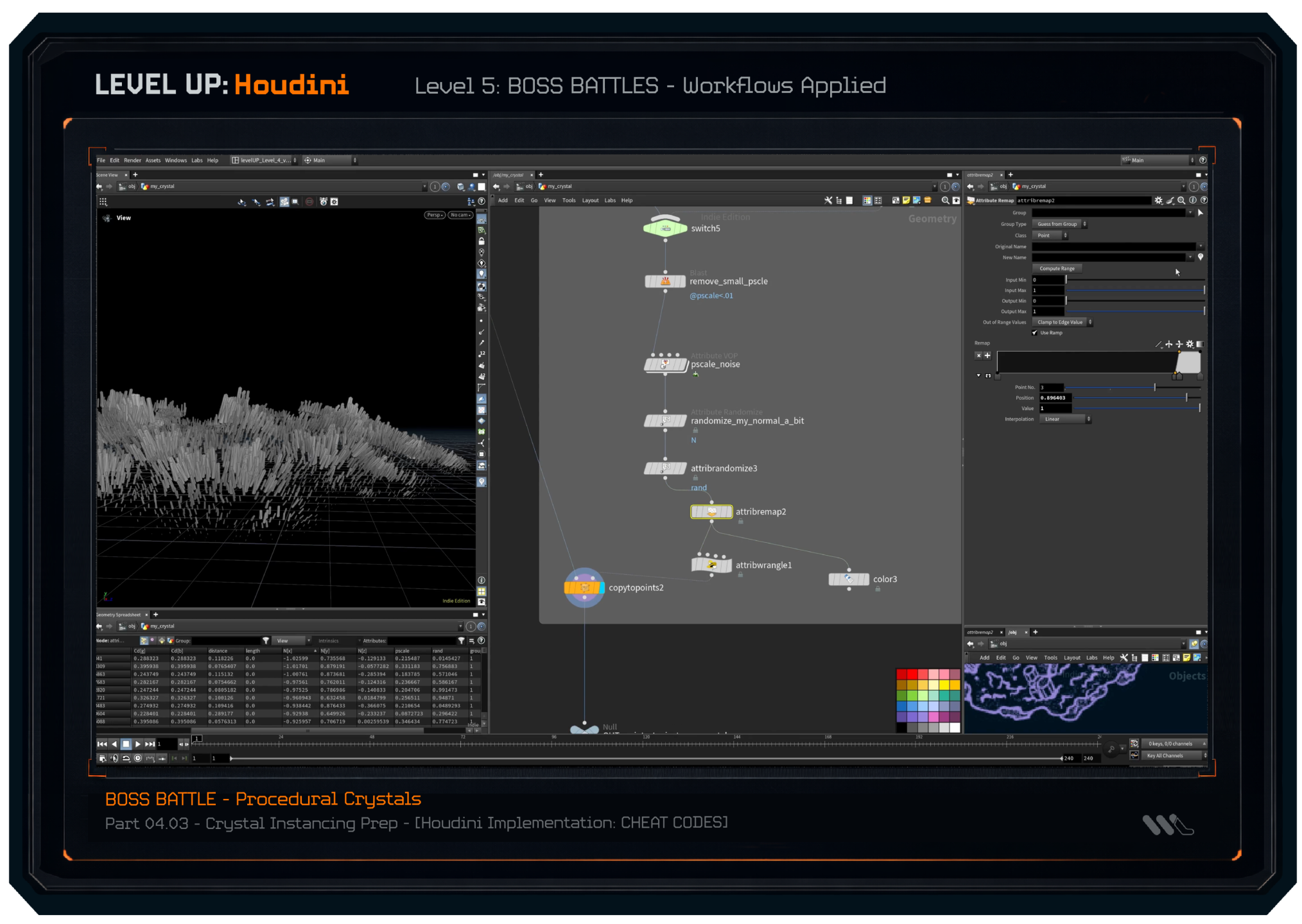
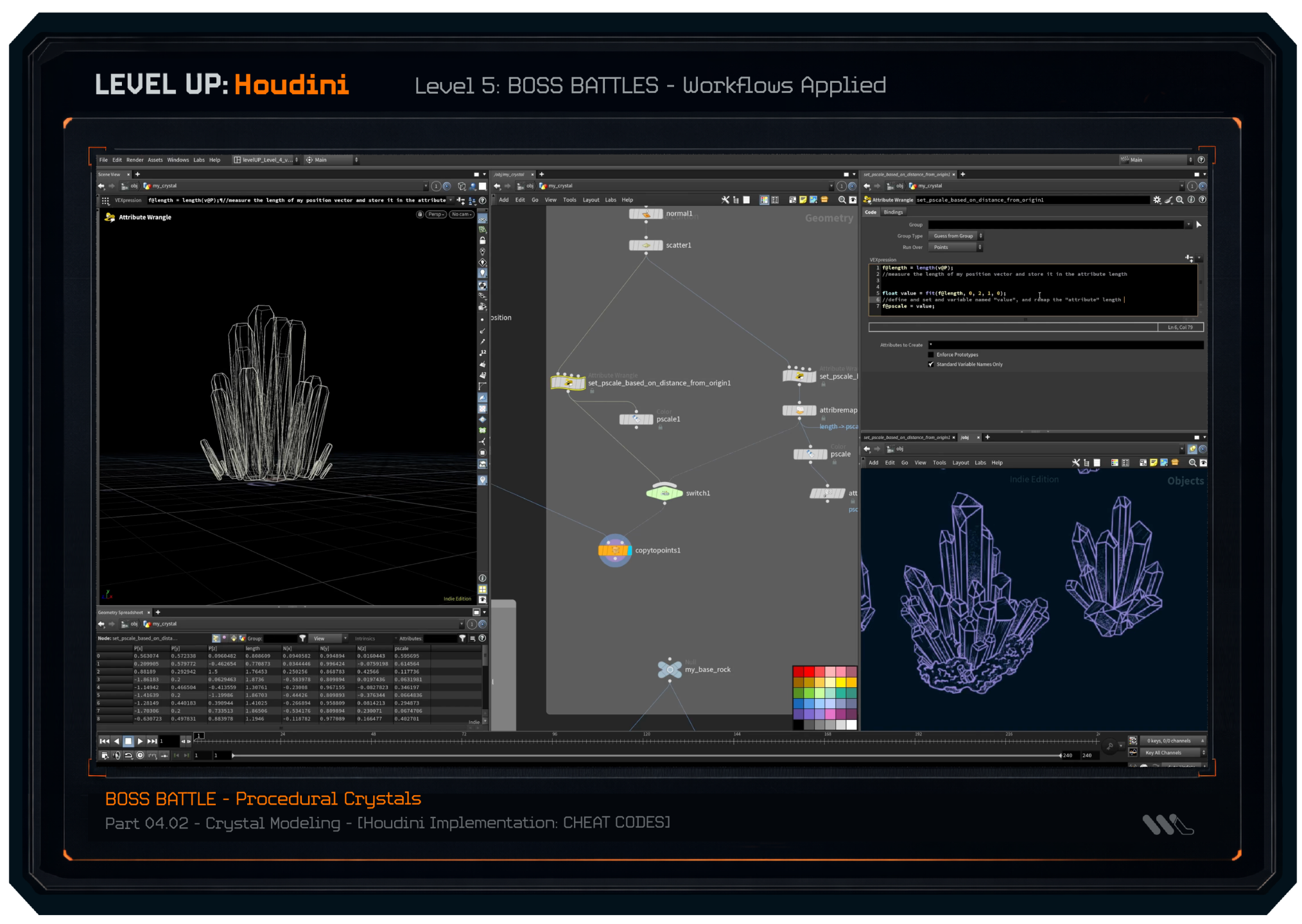
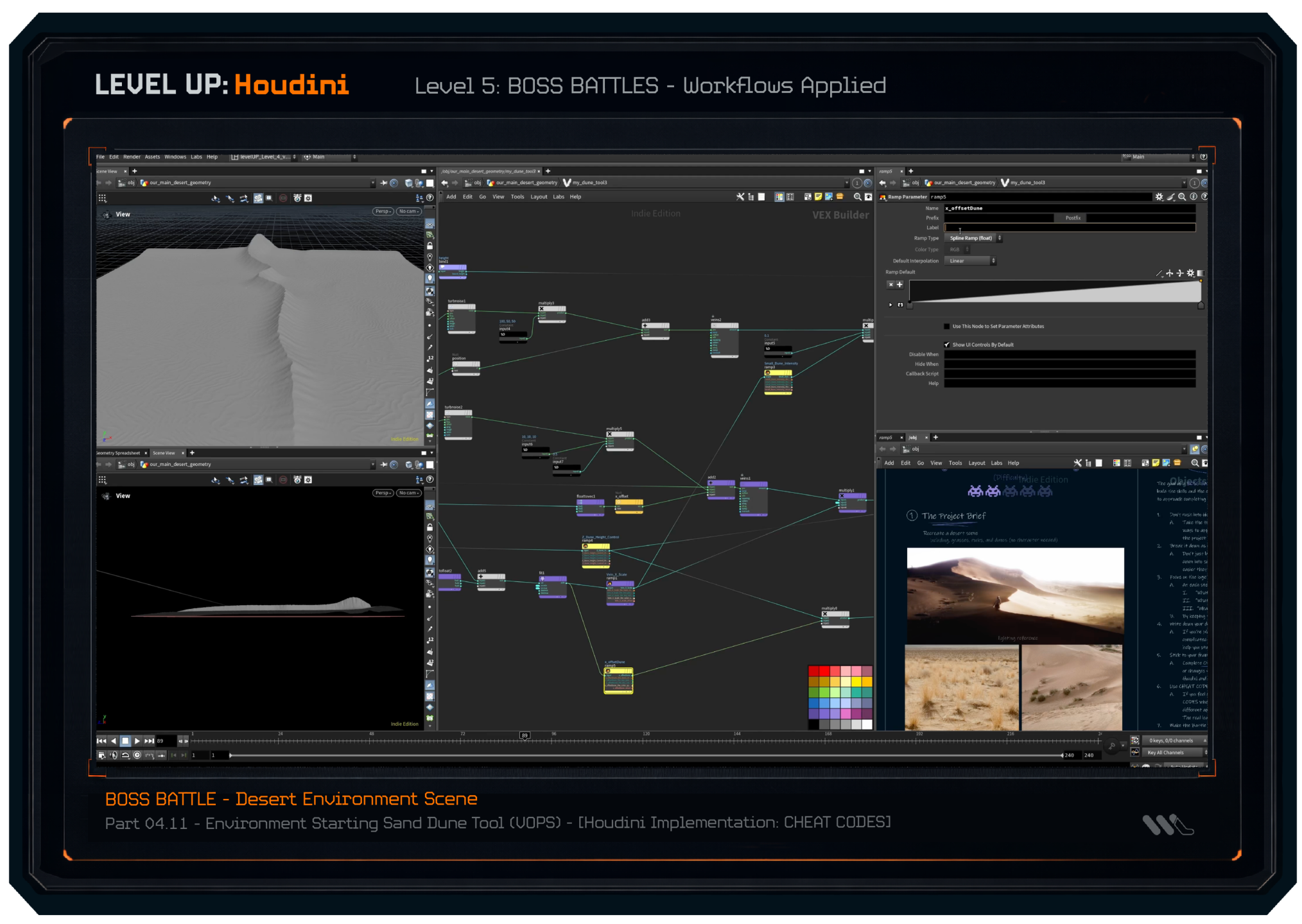
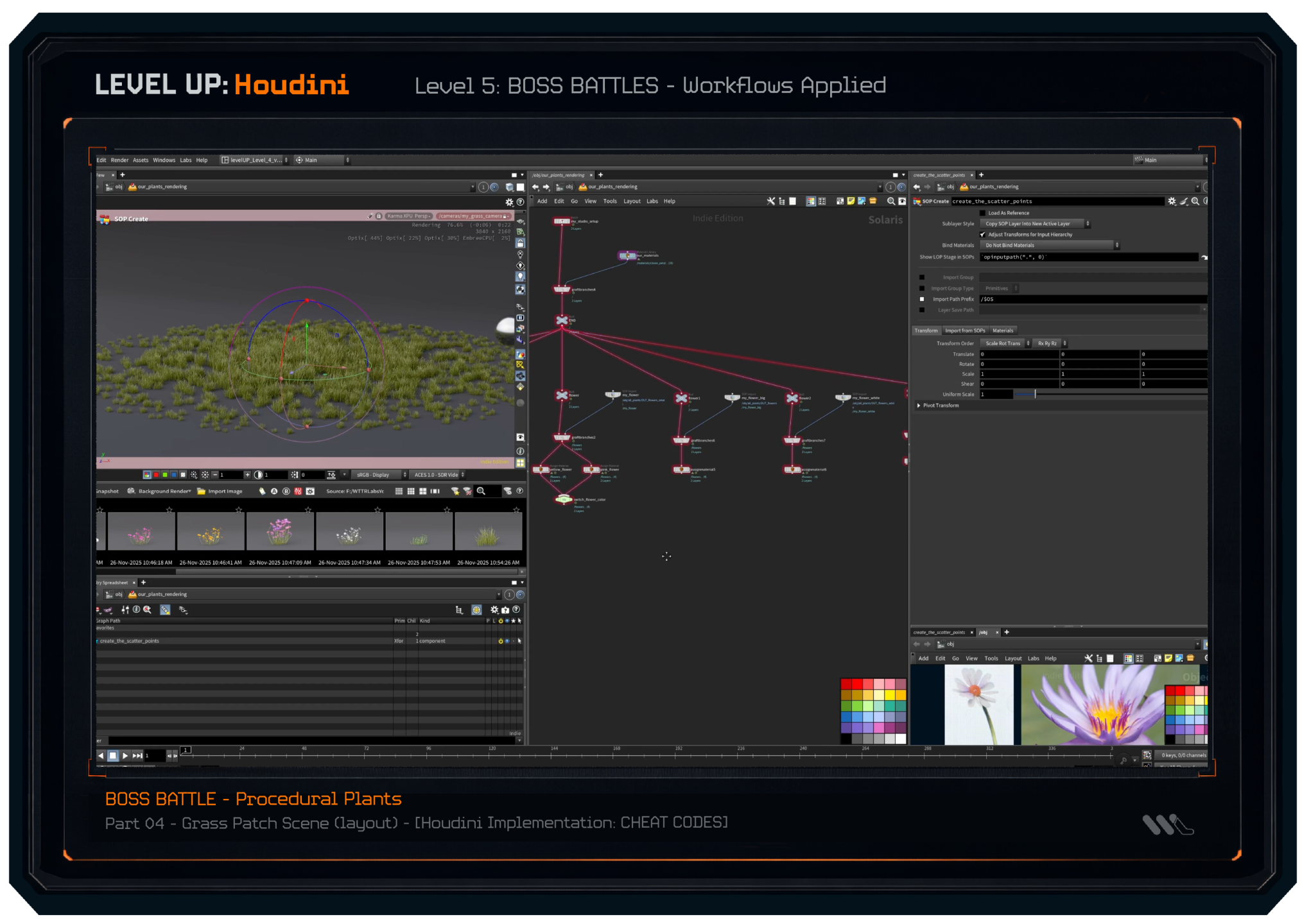
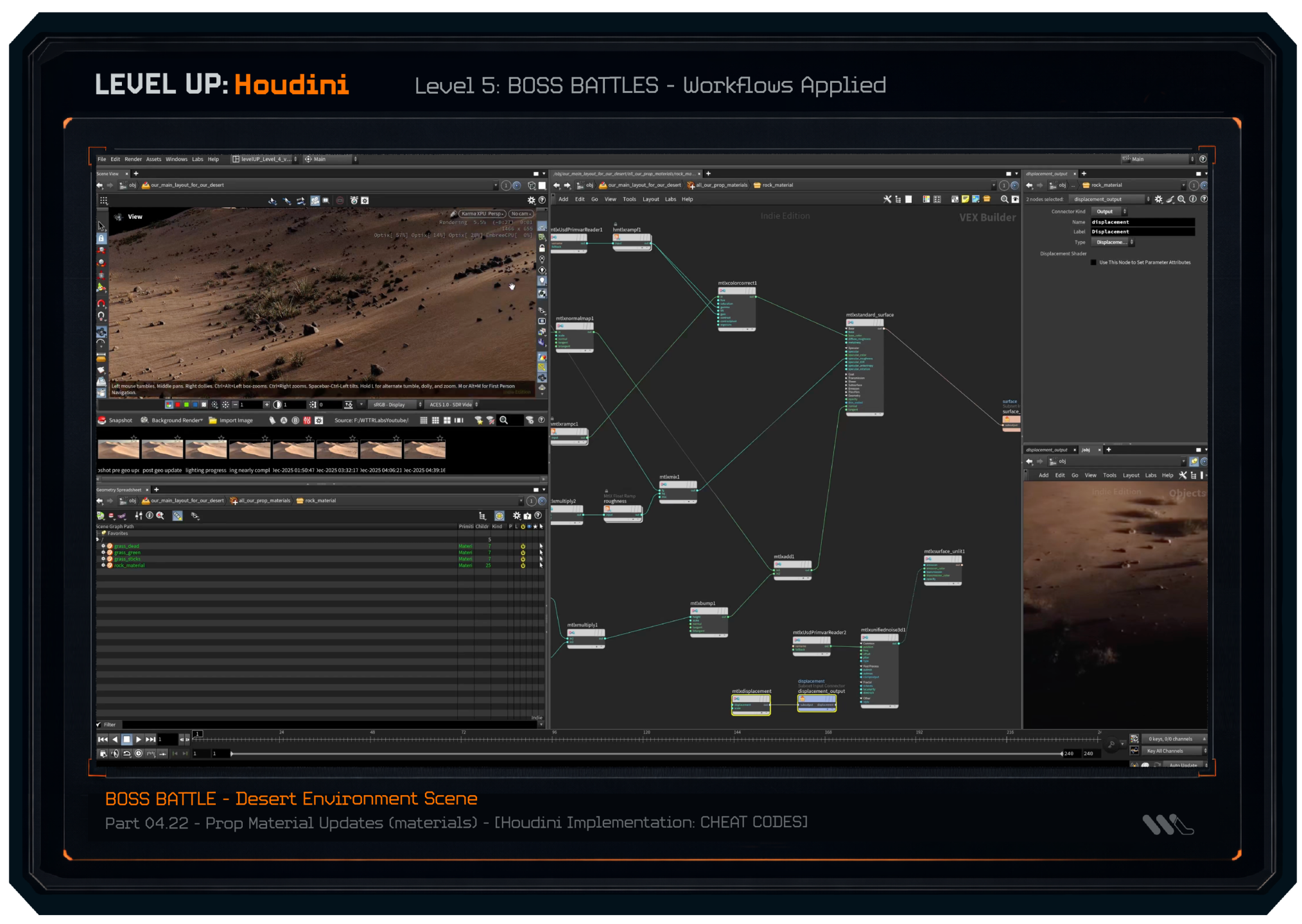
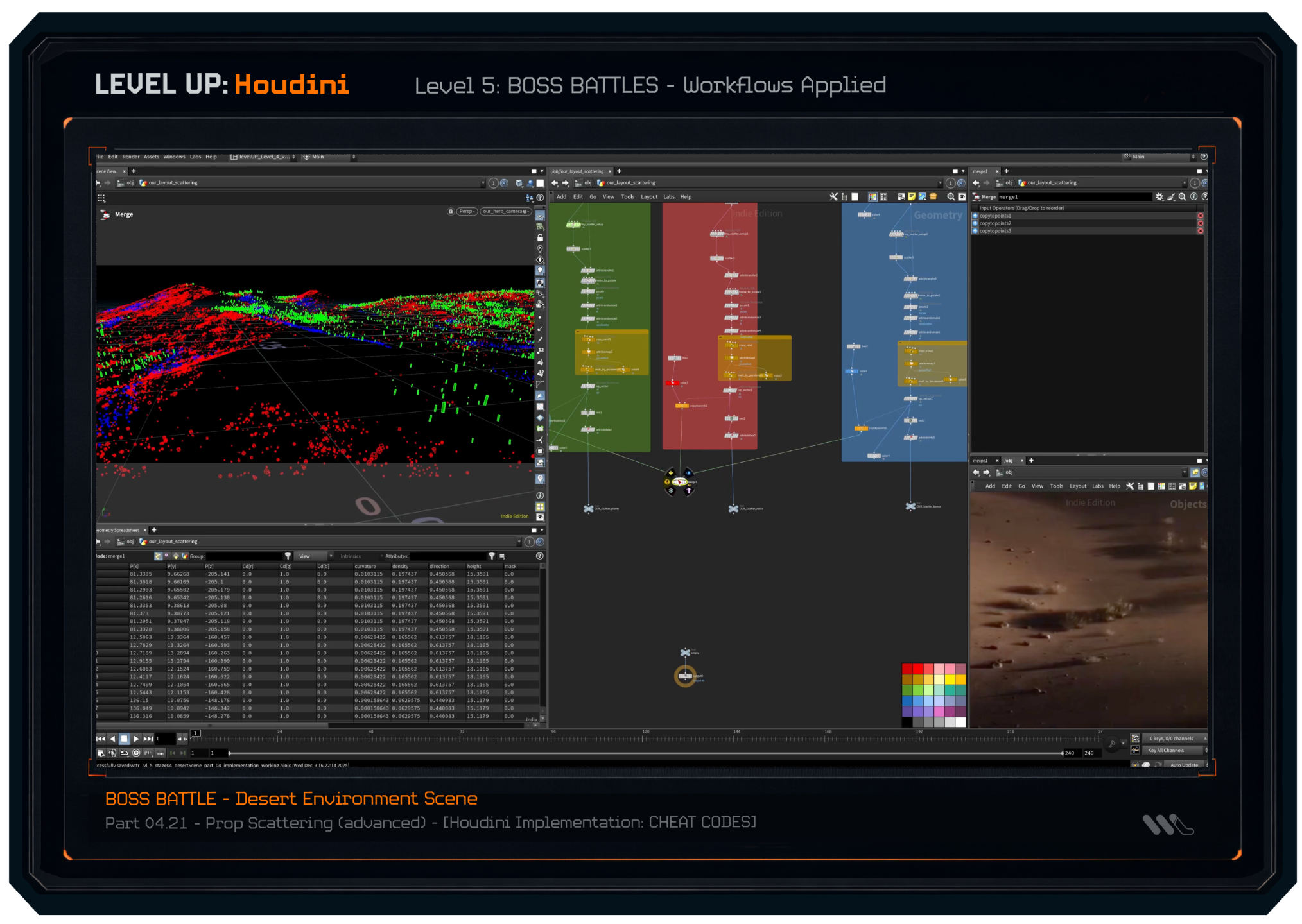
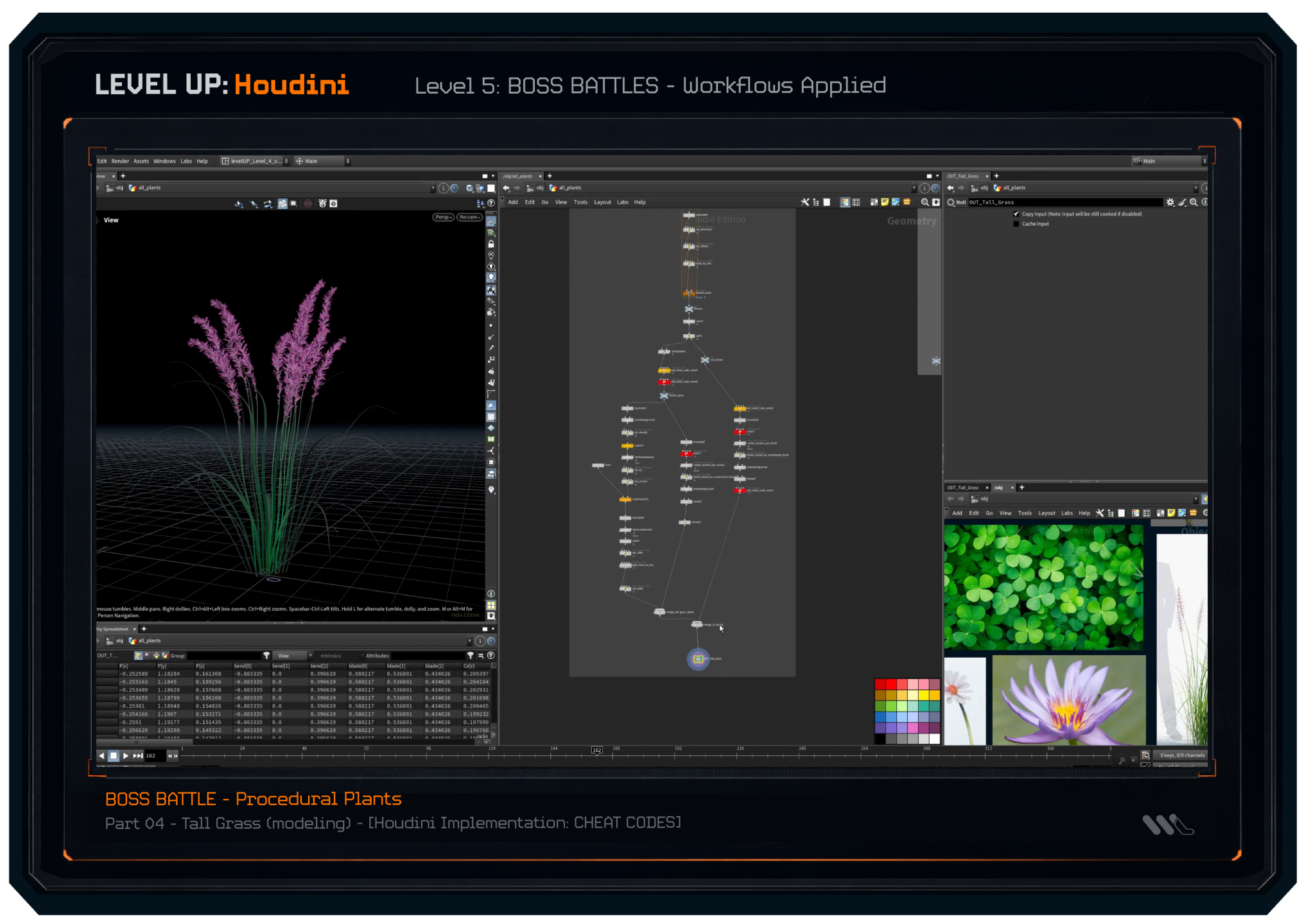
LEVEL 5: Boss Battles - Workflows Applied
(A free Boss Battle sample project is on YouTube)
In real-world projects, we apply our new technical knowledge to showcase how we can tackle these complex projects from scratch. Each battle you can approach on your own, or watch me walk through each step and stage to create the finished work.
(a few lesson screenshots featured below)
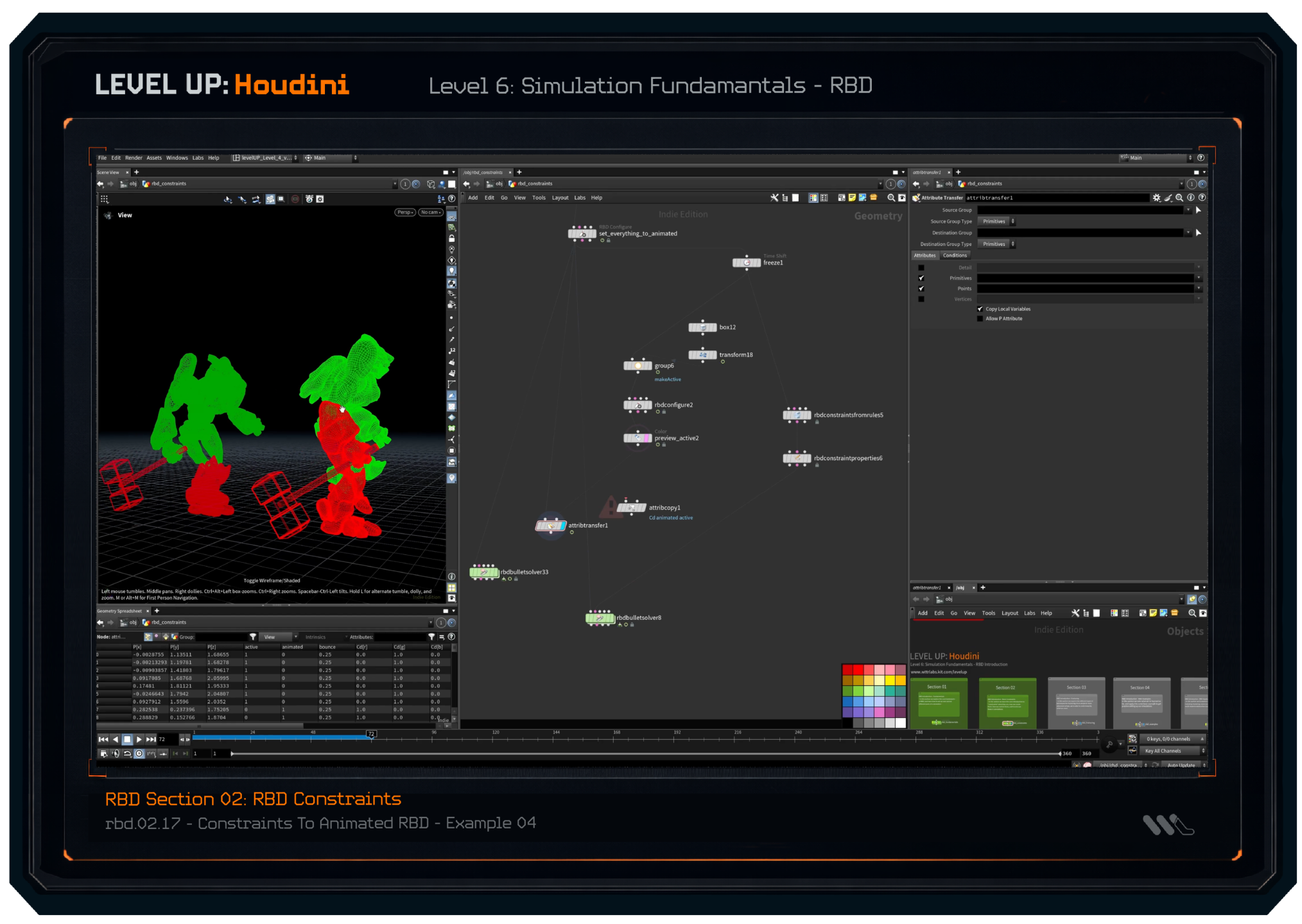
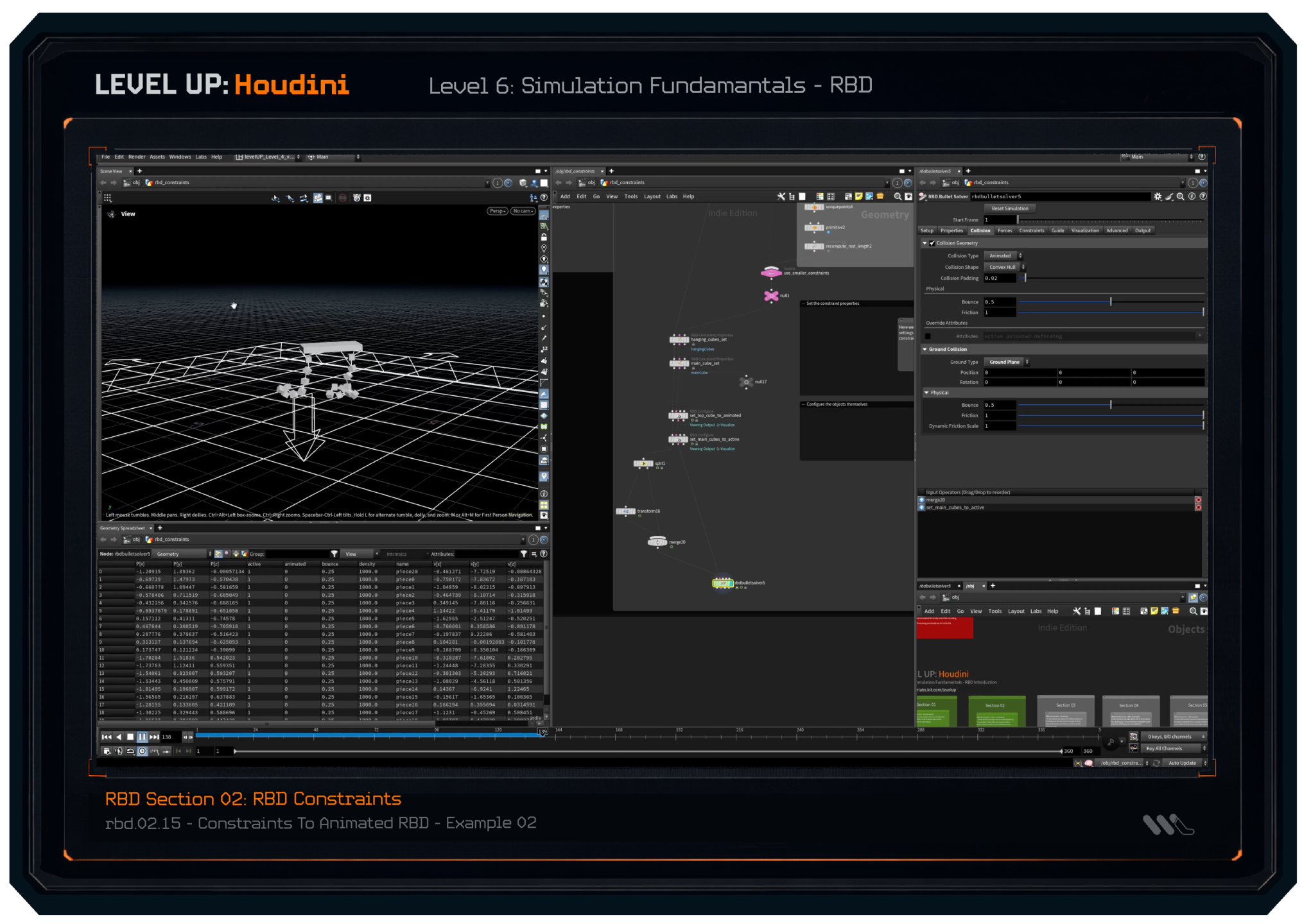
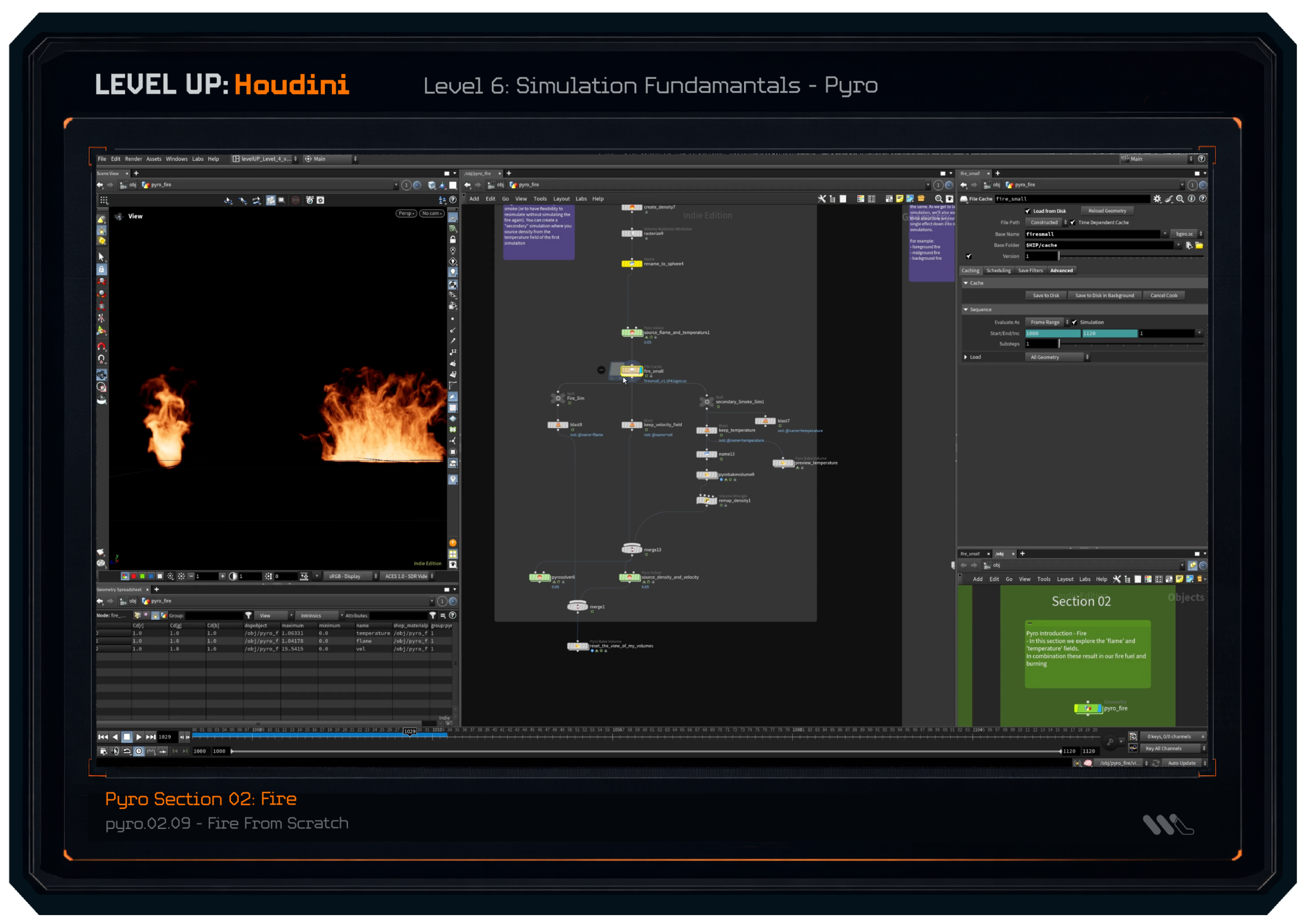
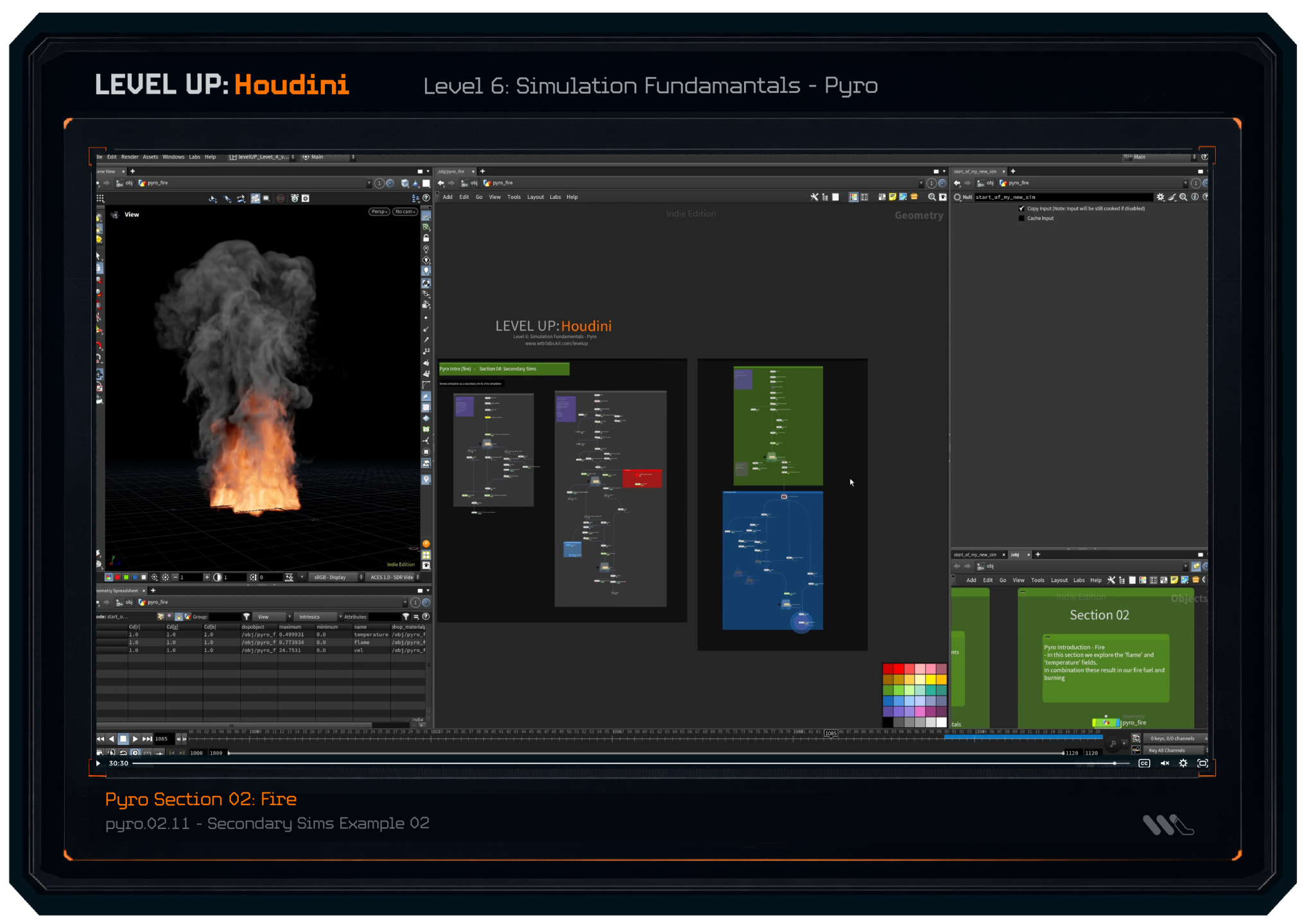
LEVEL 6: Simulation Fundamentals
(A free RBD sample lesson is on YouTube)
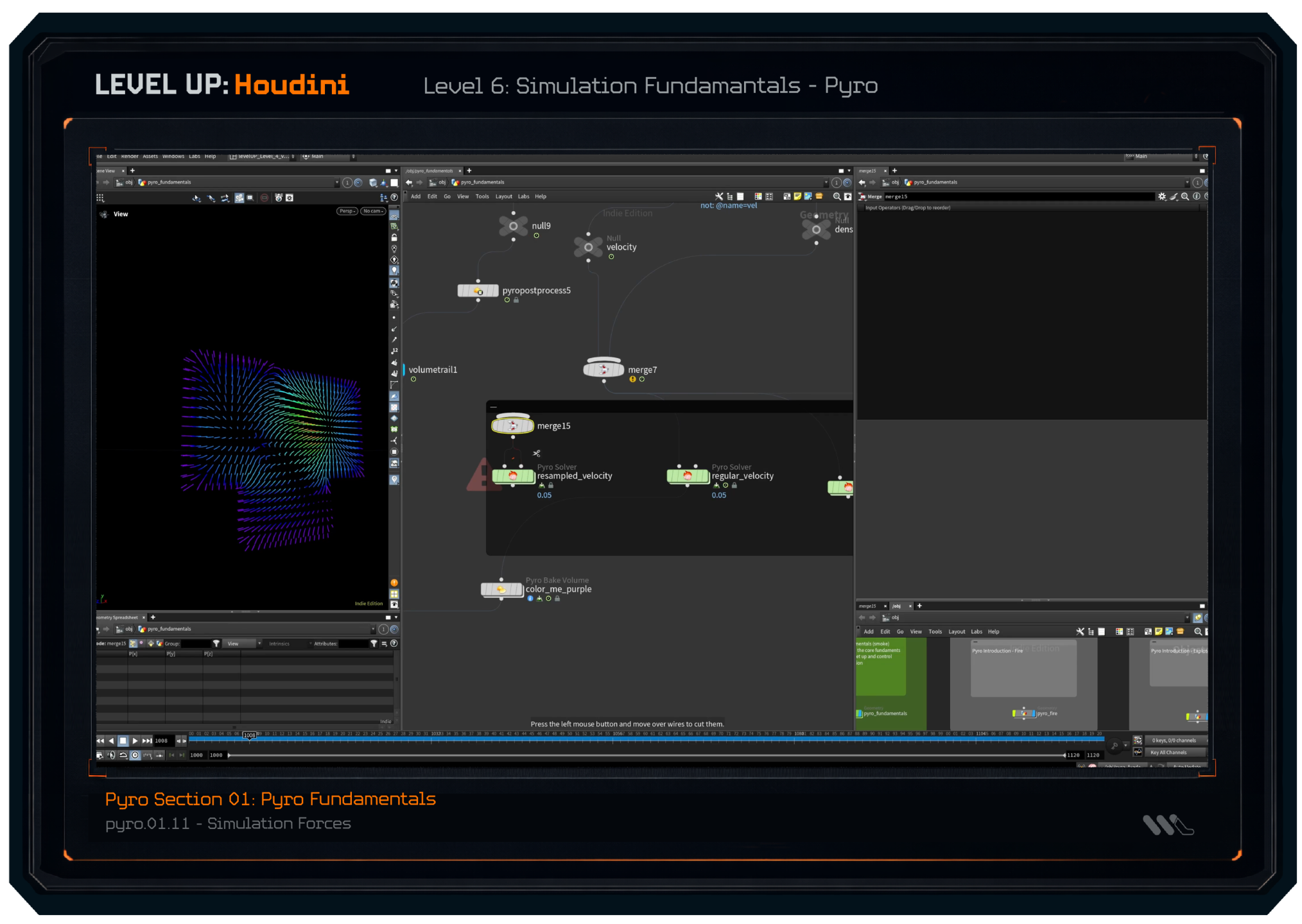
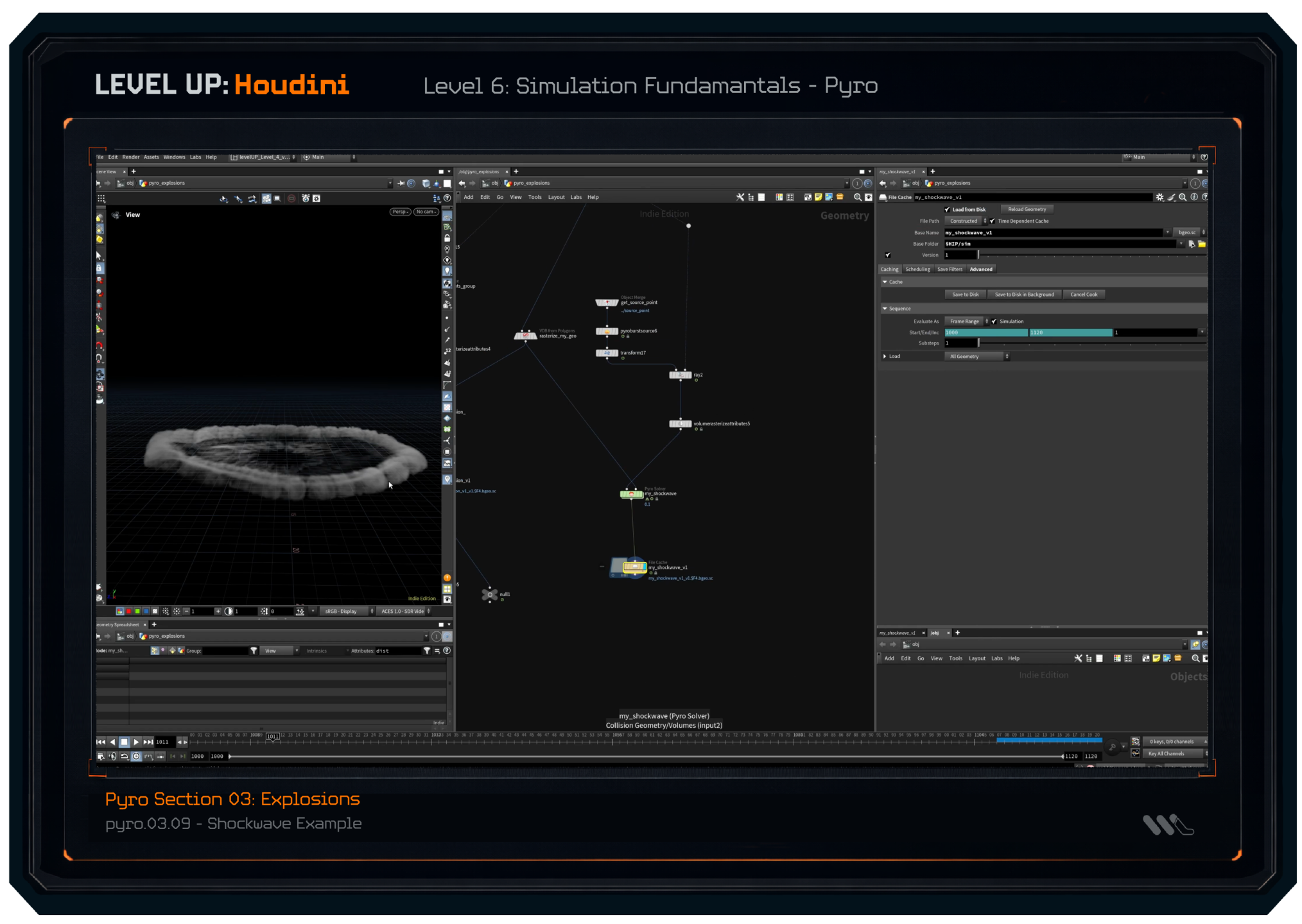
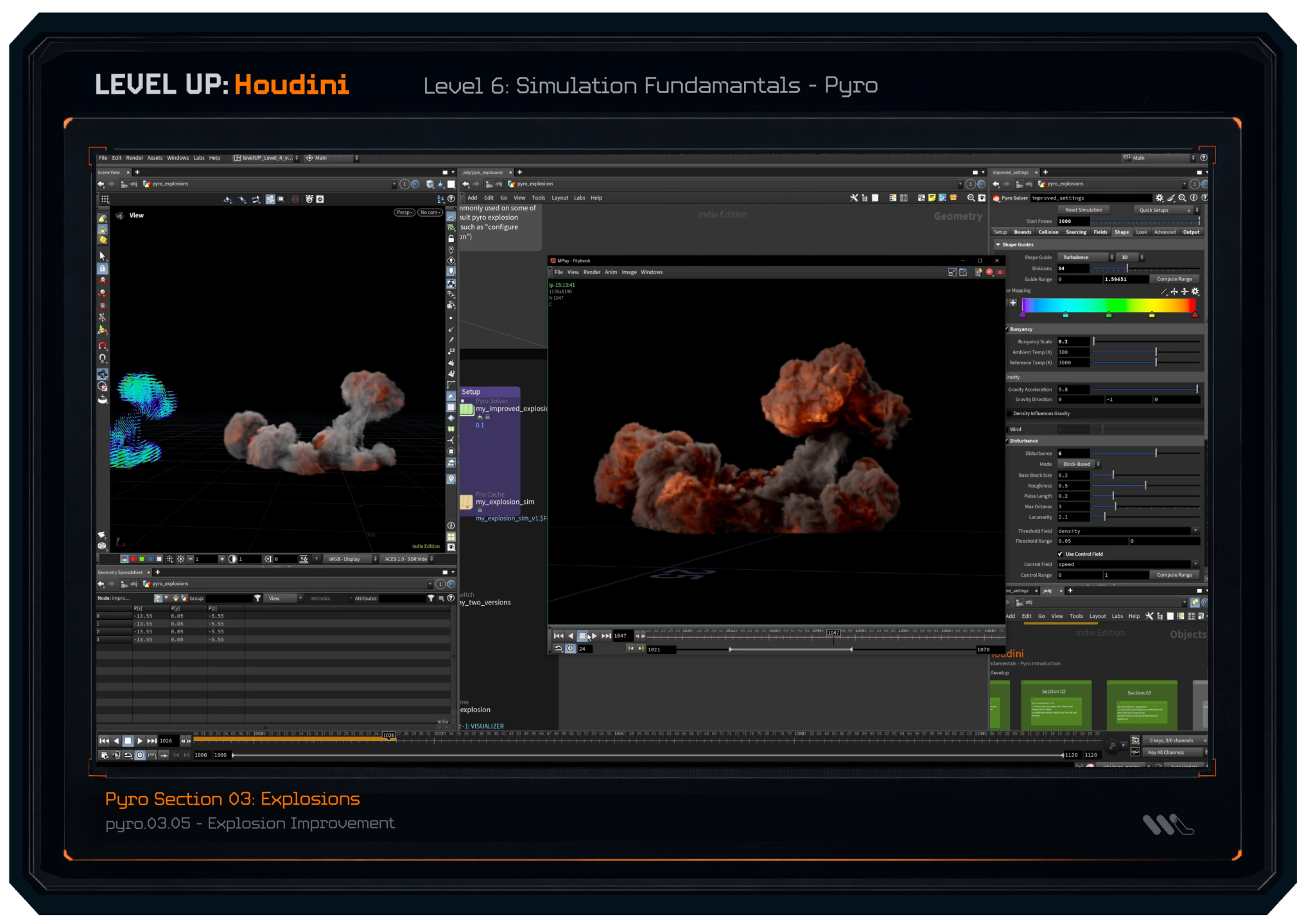
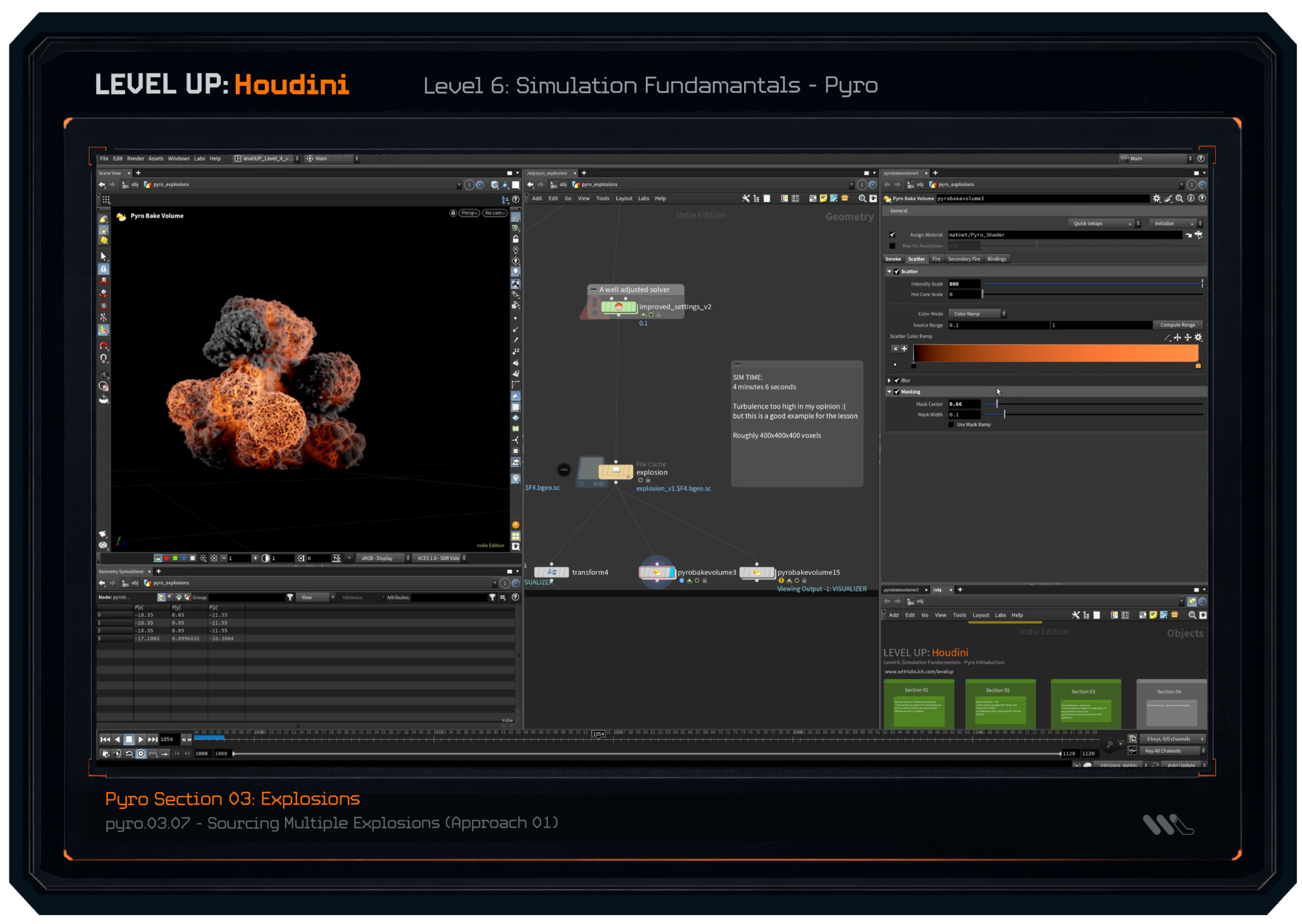
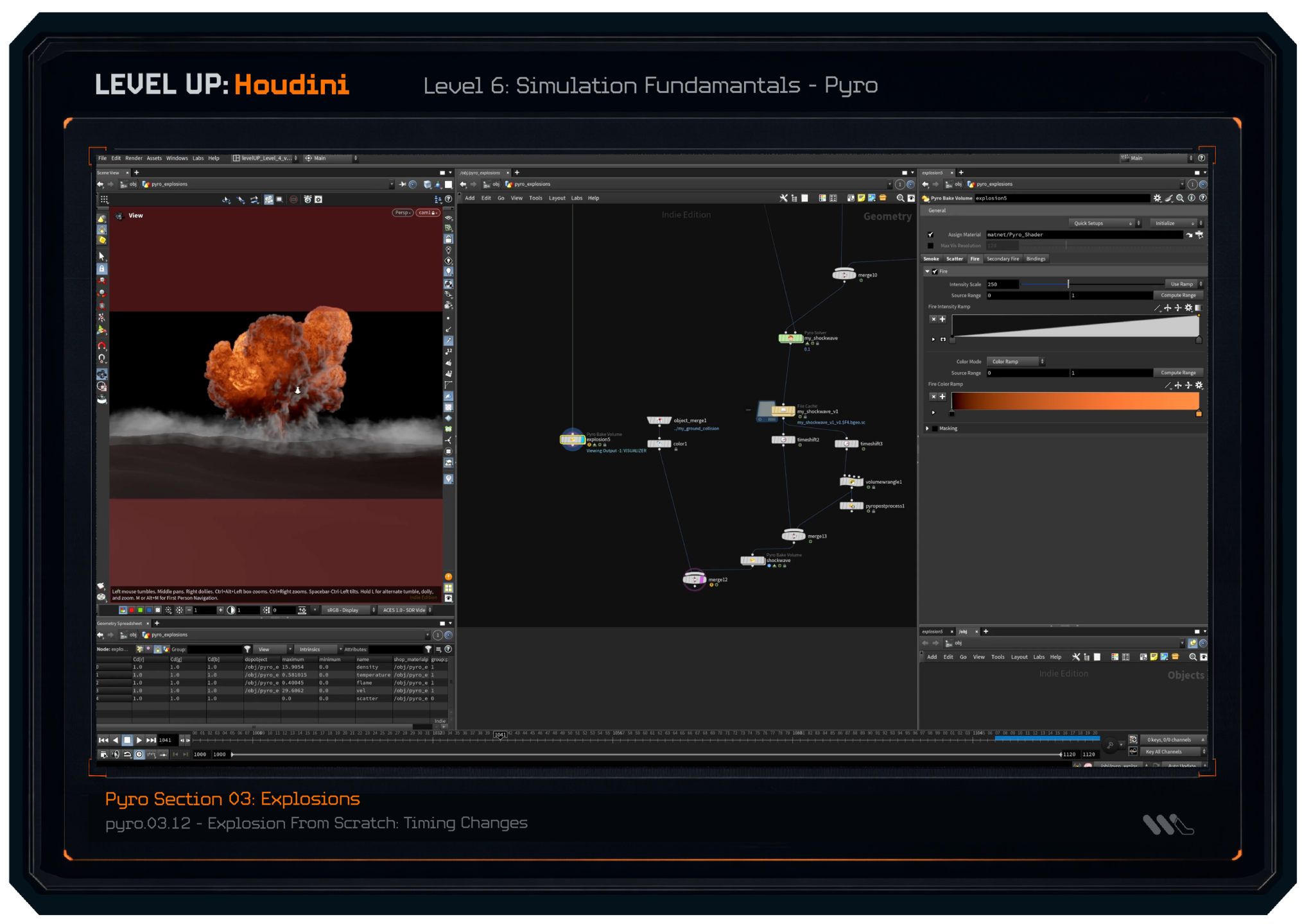
Now that we know how real projects are completed, we'll expand our Houdini knowledge into the "fun parts" of Houdini. We'll get a FULL understanding of how simulations work in Houdini, and in depth lessons covering how to actually create shots using solvers such as Pyro, RBD, and more.
(a few lesson screenshots featured below)
MY PROMISE.
LEVEL UP: HOUDINI
BUT WHAT IF THIS WON'T WORK FOR ME?
- You reading this now
Fair question. Look, I get it.
Investing in a program like this does carry some risk.
You might be asking yourself now...
What if I don't learn anything?
What if this doesn't help me understand Houdini?
What if this doesn't help me apply any of it to my own projects?
What if this is like the other workshops I paid for, where I was left confused and overwhelmed?
What if I'm just not cut out for Houdini?
I understand these thoughts and doubts, because for years I asked myself those exact same questions every time I tried to learn Houdini.
Every time I bought a new workshop, I hoped it would be *the one*.
But it never was.
That's why I built LEVEL UP: Houdini differently - so you don't have to guess or doubt if this is something you're cut out for.
And to prove how confident I am, I'll take the risk off your shoulders.
When you join, you'll be covered by the "Understand Or It's On Me" 30-Day Guarantee. Here's how it works.
If within 30 days of joining, you don't feel
- Clearer on how Houdini actually works under the hood
- More confident using Houdini
- Genuinely excited to keep working and learning
Then I don't think I deserve your money.
Just let me know within 30 days of joining, and I'll give you a full refund.
No hoops to jump through, no proof required of you having to try.
No questions asked.
- William
IS LEVEL UP RIGHT FOR YOU?
This program isn't for everyone.
That's by design.
Level Up is built for and works for a specific type of artist.
Read both columns, and decide based on where you are right now.

This is for you if...
- You've been learning Houdini for a while (tutorials, workshops, YouTube) and you still can't work confidently on your own ideas.
-
You want to design and finish your own shots and full projects, from your idea to the final render, without needing any tutorials to get there.
-
You want the kind of Houdini foundation that makes freelancing possible, maybe not today, but when you decide you're ready.
-
You can follow along when someone shows you what to do, but the moment you open a blank scene on your own, everything stops.
-
You're willing to start from the ground up, even if you've used Houdini before, because you know the gaps in your foundation are the real problem.

This is NOT for you if...
-
You're looking for a quick shortcut or instant results. Level Up is a structured program, it works for the artists who show up and do the work.
-
You just want someone to give you the nodes to copy for a specific effect. There are plenty of workshops for that, this isn't one of them.
-
You want a dedicated FX specialization course, pure Pyro, pure RBD, nothing else. (We do cover simulations in depth, but as part of a complete generalist workflow)
-
You're not willing to think. The Thinking-First Approach™ means you'll be reasoning through setups, not just following them. If that sounds exhausting rather than exciting, this probably isn't the right fit.
-
You want to stay comfortable, watching tutorials indefinitely without committing to building something of your own.
A FINAL NOTE
I built this program so you don't have to spend years figuring that out the way I did.
- William Hendrickson
Founding Artist, WTTR Labs + WTTR Studios
YOUR INVESTMENT
Everything you need.
Nothing you don't.
Every piece of Level Up exists for one reason - to get you working independently in Houdini and building a career from it.
The Complete Level Up Curriculum - all 7 levels [$1,997]
78+ hours of thinking-first Houdini training. From concept foundations through procedural systems, applied workflows, simulations, and full cinematic freelance projects.
A *big-name school* workshop covering one shot type can cost between $500–$900. Level Up covers the full generalist pipeline across 7 levels - plus the thinking these other schools skip.
Boss Battles: Real World Projects [$597+]
Complex, challenge-based projects you can approach independently, or watch me (Will!) work through step by step. The gap between "I followed along" and "I built this myself."
Industry mentorship or project feedback from a senior Houdini artist costs $150–$300 per session. Boss Battles give you guided project experience across multiple shot types.
Houdini: VAULT - Completed Project Files [$497]
Every completed Boss Battle project, broken apart node-by-node. Study the decisions, borrow the structure, use it as a reference for your own work. [Houdini Indie files only]
Access to full Houdini project files for study isn't something you can find easily, most studios treat these as proprietary. This is the closest thing you can get to working alongside a professional.
Lifetime Access + all future levels [$997]
Every lesson added in the future, is yours at no extra cost. Buy once, keep everything. The program grows with you.
Most platforms charge per course or require an ongoing subscription. Level Up is a one-time investment, future price increases don't affect you.
The Studio Squad™ - the freelance layer [$997]
The business and mindset skills that turn a Houdini artist into a working freelancer. Positioning, pricing, clients, and the professional approach that makes it sustainable.
A standalone freelance business course for creative professionals typically runs $2,000- $4,000. The Studio Squad™ is included now - and will eventually be sold separately.
Q&A support with Will [priceless]
Get unstuck when you need it. Ask questions, get specific answers, and have the curriculum adapt to what students are actually struggling with. This is not a watch-and-forget course.
You get direct access to me, a working Houdini freelancer with clients including ESPN, The PGA Tour, Puma, and WHOOP - available to answer your specific questions throughout the program.
The Complete Level Up Curriculum [$1,997]
Boss Battles [$597+]
Houdini: VAULT [$497]
Lifetime Access [$997]
The Studio Squad™ [$997]
Q&A support [included]
Total value $4,585
One-time investment of $1,497
or 3 payments of $519
backed by the "Understand or it's on me" 30-day guarantee. No questions asked.
⚠️ Price increases as the program grows ⚠️
Every new level, Boss Battle, and update raises the price permanently, but everyone already enrolled keeps full access at no extra cost. The price you pay today is the lowest it will ever be.
Frequently Asked Questions
LEVEL UP: HOUDINI
- Do I need any prior Houdini knowledge?
- No, this program starts at the absolute basics. We cover everything from scratch, and if you're new to Houdini or 3D there will be plenty of help to get you started. But the program is also designed so intermediate and more advanced artists can use the same foundations to fix gaps, eliminate bad habits, and master the problem-solving skills they might have missed out on before.
- No, this program starts at the absolute basics. We cover everything from scratch, and if you're new to Houdini or 3D there will be plenty of help to get you started. But the program is also designed so intermediate and more advanced artists can use the same foundations to fix gaps, eliminate bad habits, and master the problem-solving skills they might have missed out on before.
- Is this too basic for intermediate or experienced artists?
- Not at all. In fact this program teaches most of the missing skills that artists can go years without learning. Many intermediate artists know how to follow tutorials, but might struggle with...
- Planning shots from scratch
- Debugging broken networks
- Understanding what Houdini is actually doing
- Design clean, modular, reusable setups
- Structuring projects and scenes so they don't break with complexity
- Breaking down references into actionable steps to implement
- LEVEL UP: Houdini doesn't just teach the implementation, but it teaches the thinking and the problem solving that advanced artists need to rely on daily. If you want deeper mastery, clean workflows, and confident understanding in how to build your own ideas. Then this is for you.
- Not at all. In fact this program teaches most of the missing skills that artists can go years without learning. Many intermediate artists know how to follow tutorials, but might struggle with...
- Is there a payment plan option?
- Yes, you can pay in 3 monthly installments.
- What if I've already taken other Houdini courses or workshops?
- LEVEL UP: Houdini isn't a traditional workshop. Instead of 12 weeks of endless screen recorded tutorials teaching you how to complete a single shot. We learn the foundational skills that will empower you to design your own shots.
- This program is designed to teach you how to approach your own ideas, and plan them out, to be implemented on your own. In short - it teaches you how to think so you won't need another workshop. You'll just have the skills to complete the shots on your own.
- If you've ever taken a workshop form Rebelway, Double Jump, or other big name workshop schools and still struggle to put your own ideas into practice. This program will fill the missing gaps that those big workshops often skip over teaching.
- What if I know how to make small shots, but just have trouble with bigger projects?
- This is exactly what LEVEL UP: Houdini will help solve. Inside the program you learn how to
- Break down and "read" a reference image or shot
- Define your big picture goals
- Break down the shot into big ideas
- Plan workflows based on your exact shot
- Structure your scene / shot in a way that lets you stay organized
- Solve your problems in the right order
- Scale your scenes while keeping them in control
- Design the steps and workflows yourself
- Implement them all in Houdini to bring the shot to life
- Many experienced or advanced artists know lots about Houdini. But they are often learning smaller parts to different systems all in isolation. LEVEL UP: Houdini teaches you how to assemble those parts into a full, clean, and cohesive understanding of how Houdini works. So you can design any shot you want.
- This is exactly what LEVEL UP: Houdini will help solve. Inside the program you learn how to
- How is this different from tutorials or workshops from Rebelway or Double Jump?
- Tutorials and workshops teach you how to complete a specific shot. Often times with longer single workshops, you spend weeks copying nodes, following instructor's step-by-step, and memorizing someone else's logic instead of learning how to design your own. By the end of the workshop you have a cool project, but the step you did are often so complex you have trouble translating those into your own ideas.
- LEVEL UP: Houdini is different, instead of a long workshops where you focus on one project. We start from the basics and teach you the understanding of Houdini, the problem solving, and the frameworks you'll need to complete these bigger shots on your own. You learn the why behind every decision that's made, and you gain the skills to build your own ideas, not just complete someone else's project.
- What if I get stuck?
- You have full access to Q&A support where I can answer your questions and guide you through problems. The curriculum even evolves and adapts based on students questions and experience - so as more questions come up, I design and record new lessons to help students with what they are struggling with.
- This is a not a "watch and forget" linear course. It's a guided program designed for a full Houdini transformation, by the end of the program you'll be shocked at how much you've learned and how simple new projects now feel.
- What do I get after the course is over?
- After you complete the program, you'll get continued access to all additional lessons and levels added (at no extra charge). This program will be expanding in future months, and as more lessons are added you keep access to all of them.
- Is this right for me if my goal is freelance work?
- Absolutely! I've been a full time freelancer my full 3D career, and this program is the distilled result of everything I've learned about using Houdini. Inside this program you learn the most important parts of being a freelance 3D artist. Those key skills, aren't just creating cool renders but they are...
- Being able to design and break down projects and shots on your own
- Being able to solve problems on your own
- Delivering full end-to-end shots (initial idea to final pixels) without hand-holding
- Building clean and reusable setups and templates that can be reused across shots, projects and clients
- Building fast setups (that still work)
- Knowing how to deliver and complete projects
- LEVEL UP: Houdini gives you all these skills and more. It's the program I wish I had when I started my 3D journey so it's the exact reason why I built if for you.
- Absolutely! I've been a full time freelancer my full 3D career, and this program is the distilled result of everything I've learned about using Houdini. Inside this program you learn the most important parts of being a freelance 3D artist. Those key skills, aren't just creating cool renders but they are...
- What's the format of the lessons?
- All lessons are recorded ahead of time and are not delivered live. This allows you to watch and progress as your own pace, and watch lessons as many times as needed.
- English is not my native language - do you offer subtitles?
- Yes! All lessons and videos have English subtitles available (these subtitles will work correctly with a subtitle translator).
- How does the "Understand or It's On Me" Guarantee work?
- The guarantee is just a 30 day, no questions asked, get your money back guarantee.
- So if at any point during the first 30 days (starting from when you purchased the course) you don't feel like it was worth the $$$ you spent. Then let me know and I'll issue you a FULL Refund.
- There's no "requirements" for having to complete a certain number of lessons, or submit any homework assignments. So you can request a refund for any reason ...even if you just decide you don't like me, or the way I teach :(
